How do I delete my Pumble account?
1 min read
Milos Milosavljevic
As a regular user, you can’t delete your Pumble account on your own. However, you can send a request to your workspace owner to have your account deleted. Here’s how you can do this:
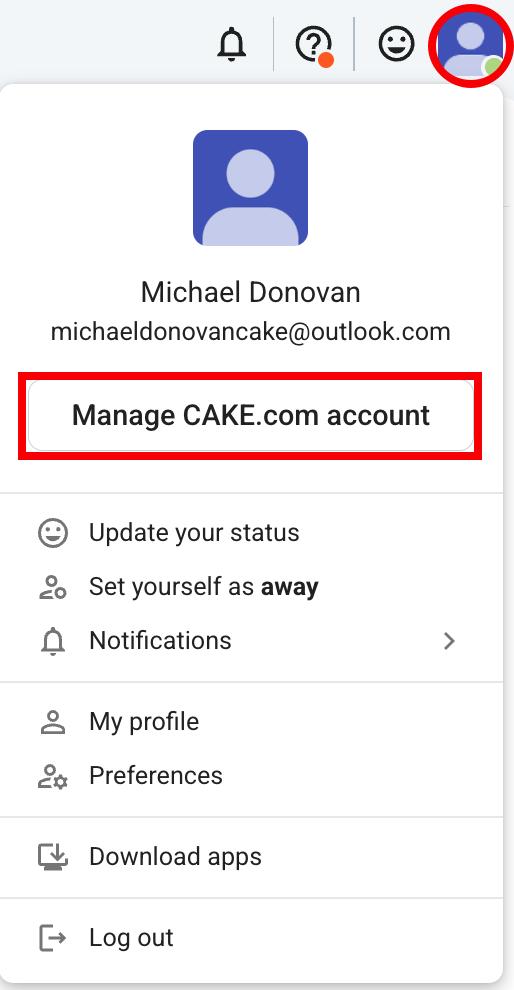
- Click on your profile picture in the upper right corner
- Click on Manage CAKE.com account
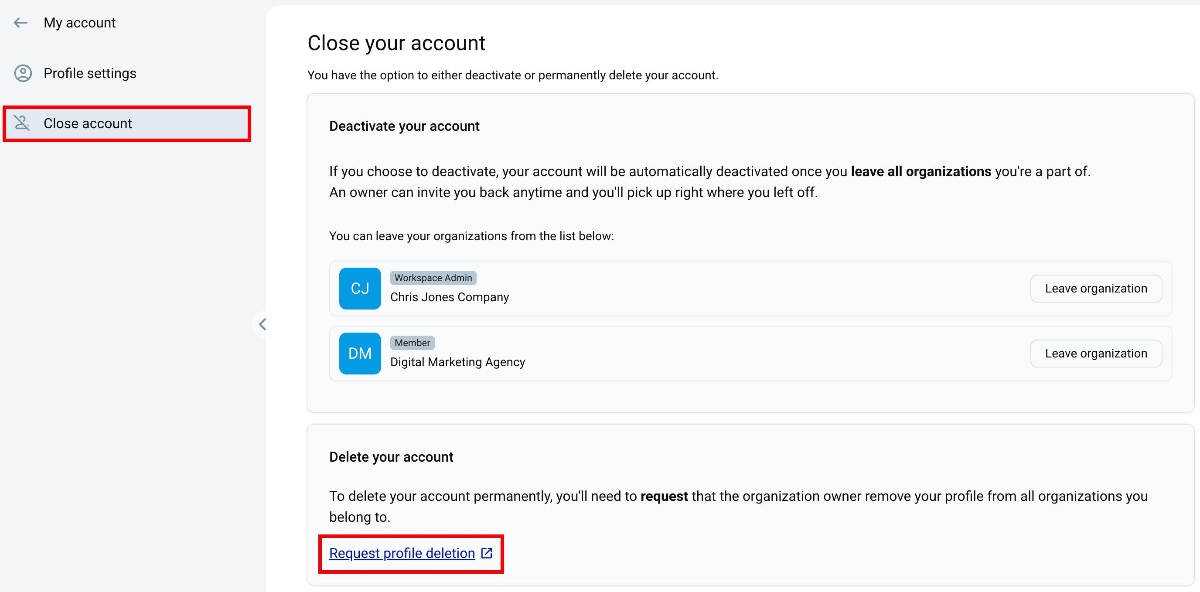
- Select the Close Account tab in the left sidebar
- Click on Request profile deletion
- Fill out the Request profile deletion form
- Click on Submit request to complete the action
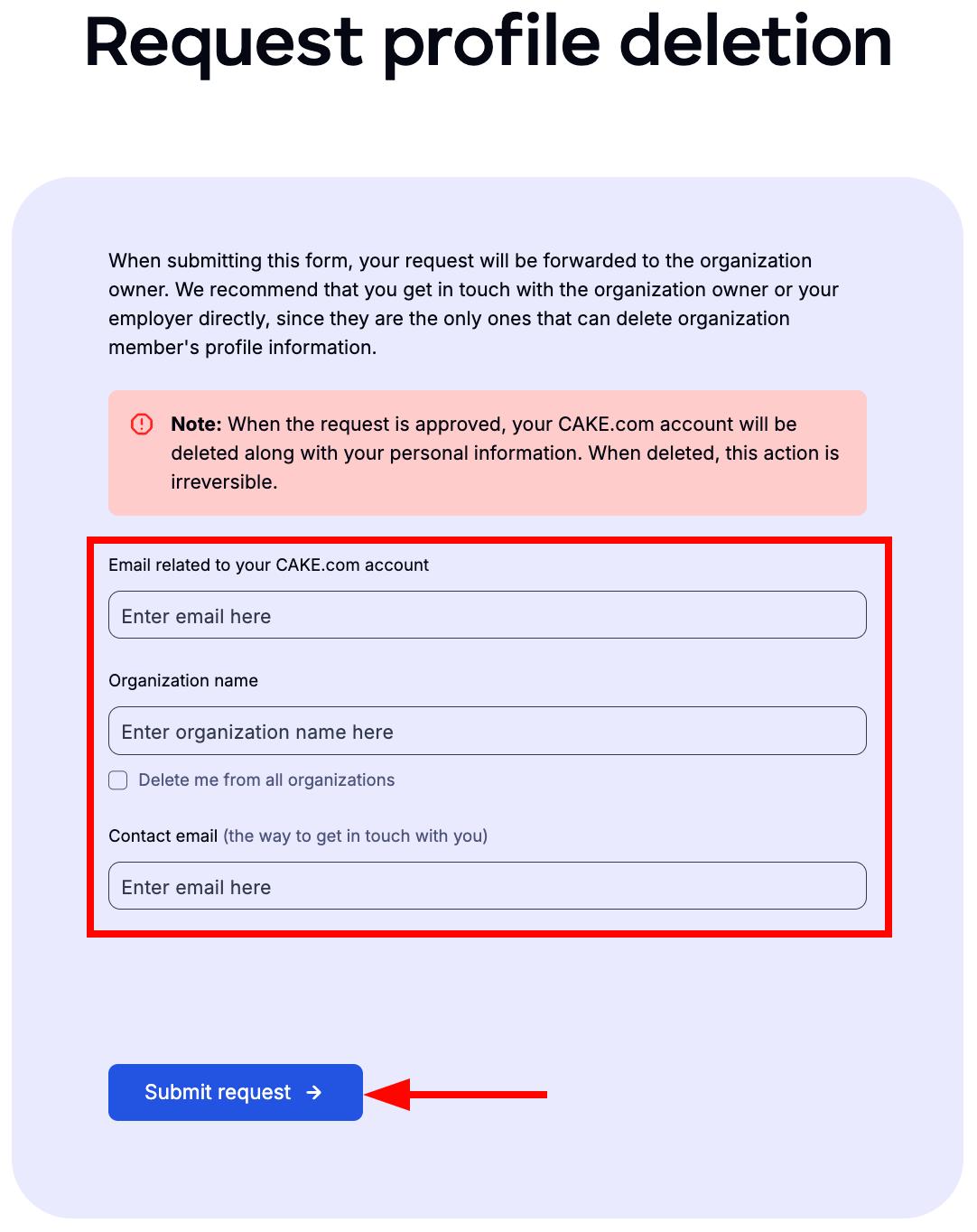
Once you submit the request, the workspace owner will receive a notification and can delete your account.
If you are a workspace admin, you can request profile deletion the same way a regular user would. However, if you are a workspace owner, you must transfer ownership to another user before requesting profile deletion.
Was this article helpful?
Thank you! If you’d like a member of our support team to respond to you, please drop us a note at support@pumble.com