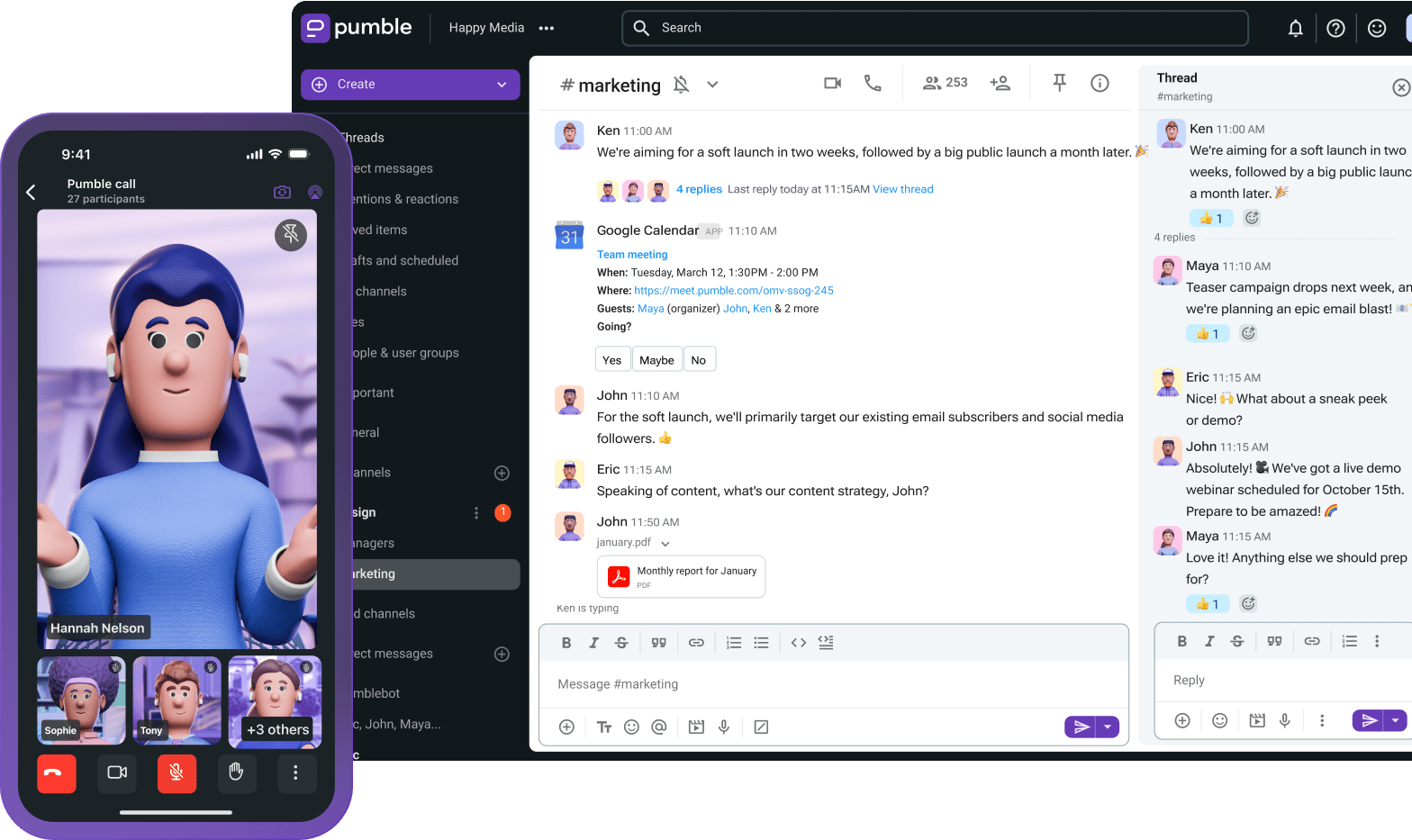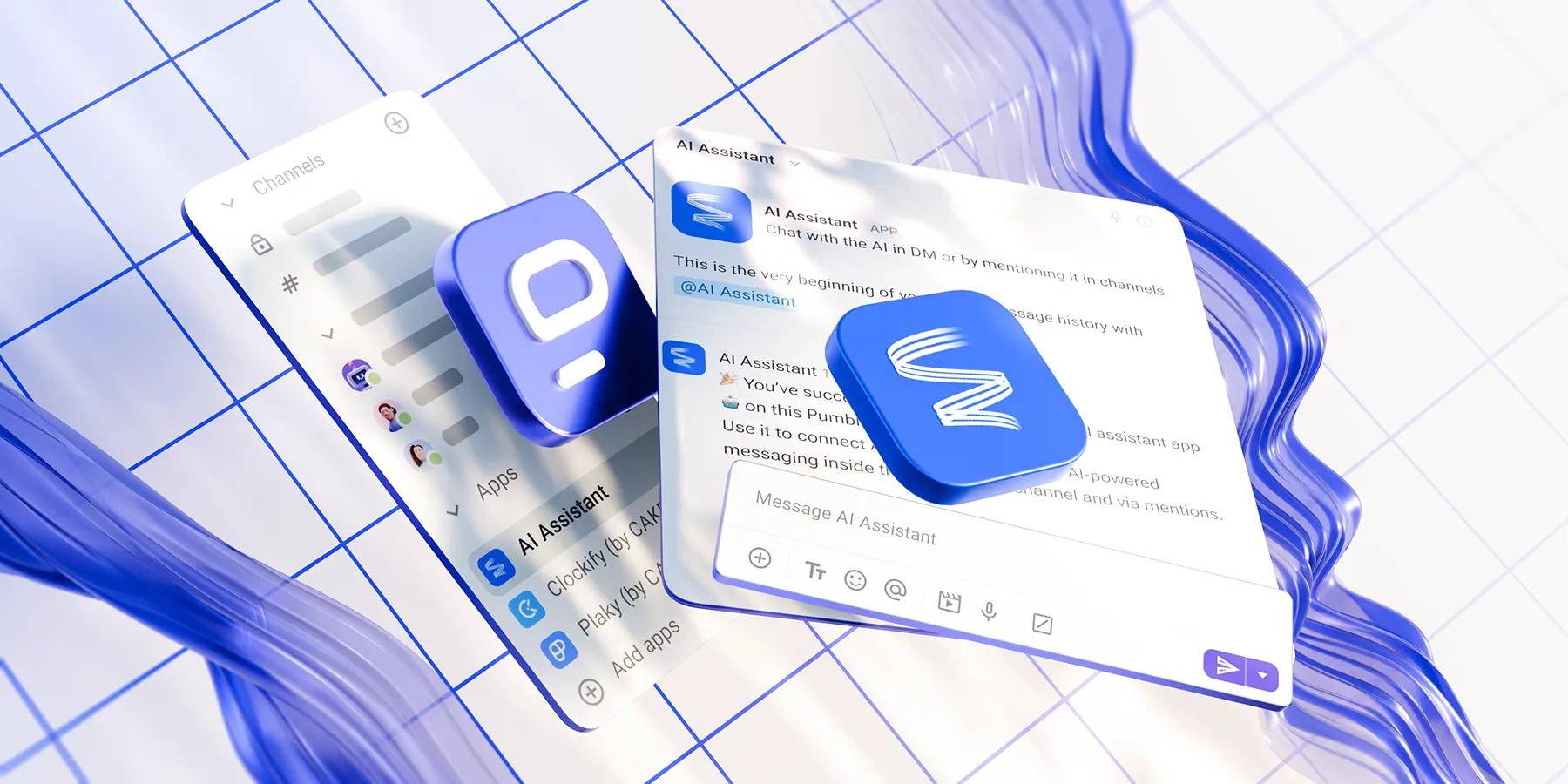
Having a knowledge base isn’t enough to help teams boost productivity. Scrolling, copying, pasting, app switching — all these seemingly harmless actions contribute to major efficiency loss.
That’s why many teams have decided to connect AI agents to their team chat apps and operate from a fully AI-ready collaboration platform.
Here’s how you can do the same, using the Pumble MCP server to drastically improve your team chat knowledge retrieval.
- Pairing your team communication app with AI opens up new avenues for collaboration, which is exactly what the Pumble MCP server delivers.
- Pumble’s MCP server is ideal for sales, engineering, and marketing teams looking to automate routine, time-consuming tasks.
- Manage and update permissions to retain absolute control over what AI agents can access within your workspace.
How fragmented tools hinder unified workflows
Without a fully equipped digital HQ, small pockets of disjointed information can turn into a documentation gap.
The first issue is that not all communication apps offer an unlimited searchable history. Unless you’re in the position to financially leap over a paywall, you’re left with access to only a fraction of your team’s files and messages.
Get unlimited chat history in Pumble
Next is the volume of internal communication each employee has to juggle. When work is scattered across multiple communication channels, manually searching for information isn’t just a tedious task — it’s a massive productivity drag.
In fact, Grammarly’s report on workplace productivity revealed that 72% of employees find it difficult to focus on purpose-driven work due to feeling overwhelmed by messages and notifications.
That’s why for thousands of teams, Pumble by CAKE.com has become more than a business communication app. Its built-in features — channels, direct messages, threads, and unlimited message history — already provide a solid foundation for seamless team chat knowledge retrieval.
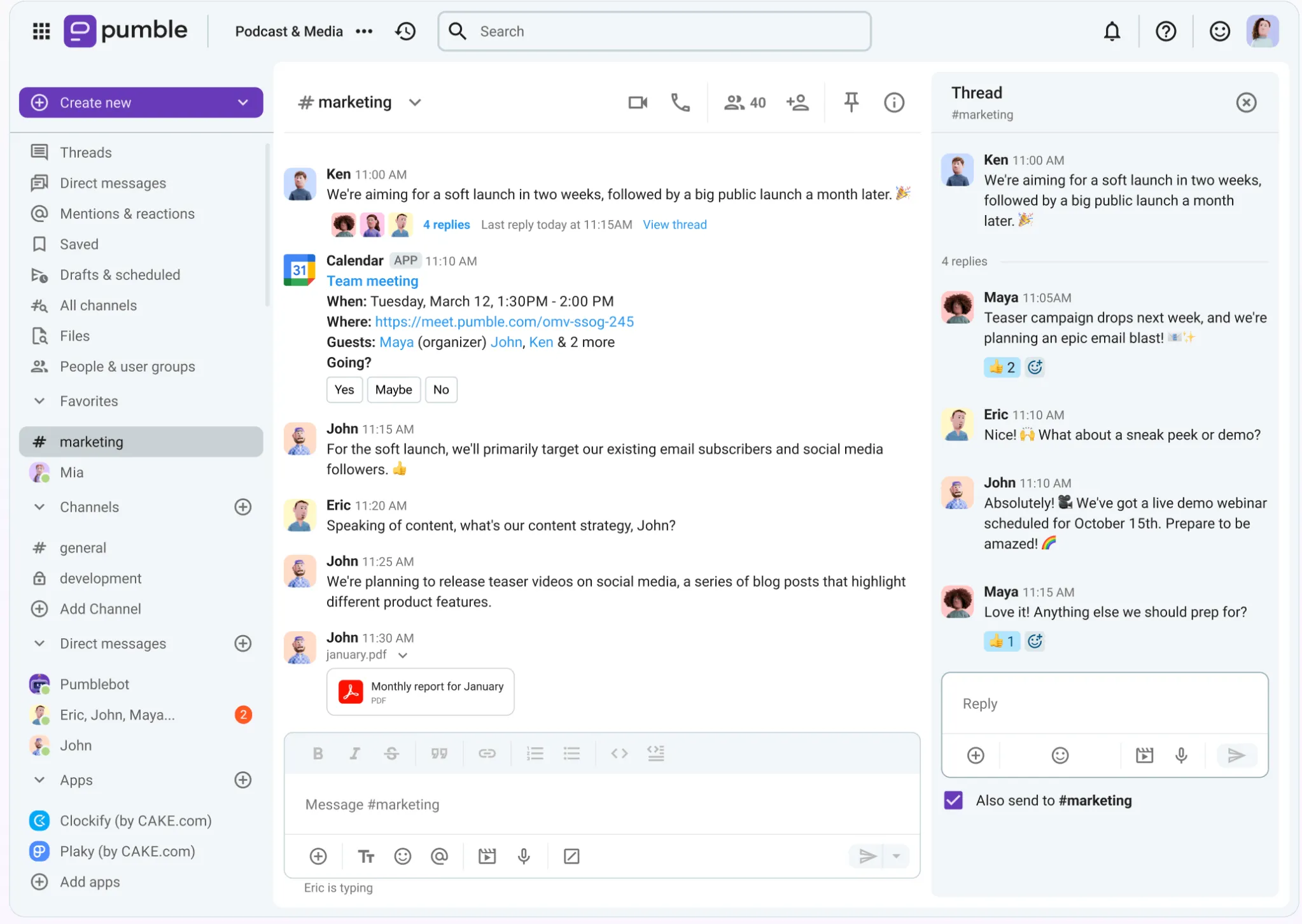
And now, thanks to MCP (Model Context Protocol), business collaboration and AI tools don’t have to remain separate. Team knowledge, client documentation, and important decisions — your AI assistant keeps all data shared through Pumble in the palm of your hand, without the hassle of manual context switching.
Before we get into specific use cases and benefits, let’s have a brief explainer of the Pumble MCP server itself.
What is the Pumble MCP Server?
The Pumble MCP server makes it easier to connect your digital workspace to your AI agent of choice, such as Claude, Gemini, or Codex.
In simple terms, you are essentially plugging your Pumble workspace into an external AI ecosystem, which may encompass some of your other software besides Pumble.
With the distance out of the way, your AI agent becomes a new layer of internal corporate intelligence. It can fill in data gaps by reading, querying, and interpreting insights from Pumble.
You, of course, have full oversight over what data the AI agent can access. This control, paired with the secure API keys, makes your data safety a top priority.
However, if you’re not quite ready to have any information leave your workspace, you might lean more toward Pumble’s AI Assistant. This built-in add-on operates exclusively within Pumble and lends a helping hand during:
- Comunicação
- Research
- Coding
But, if the MCP server is exactly what you’re looking for, here’s how it can help AI work alongside you.
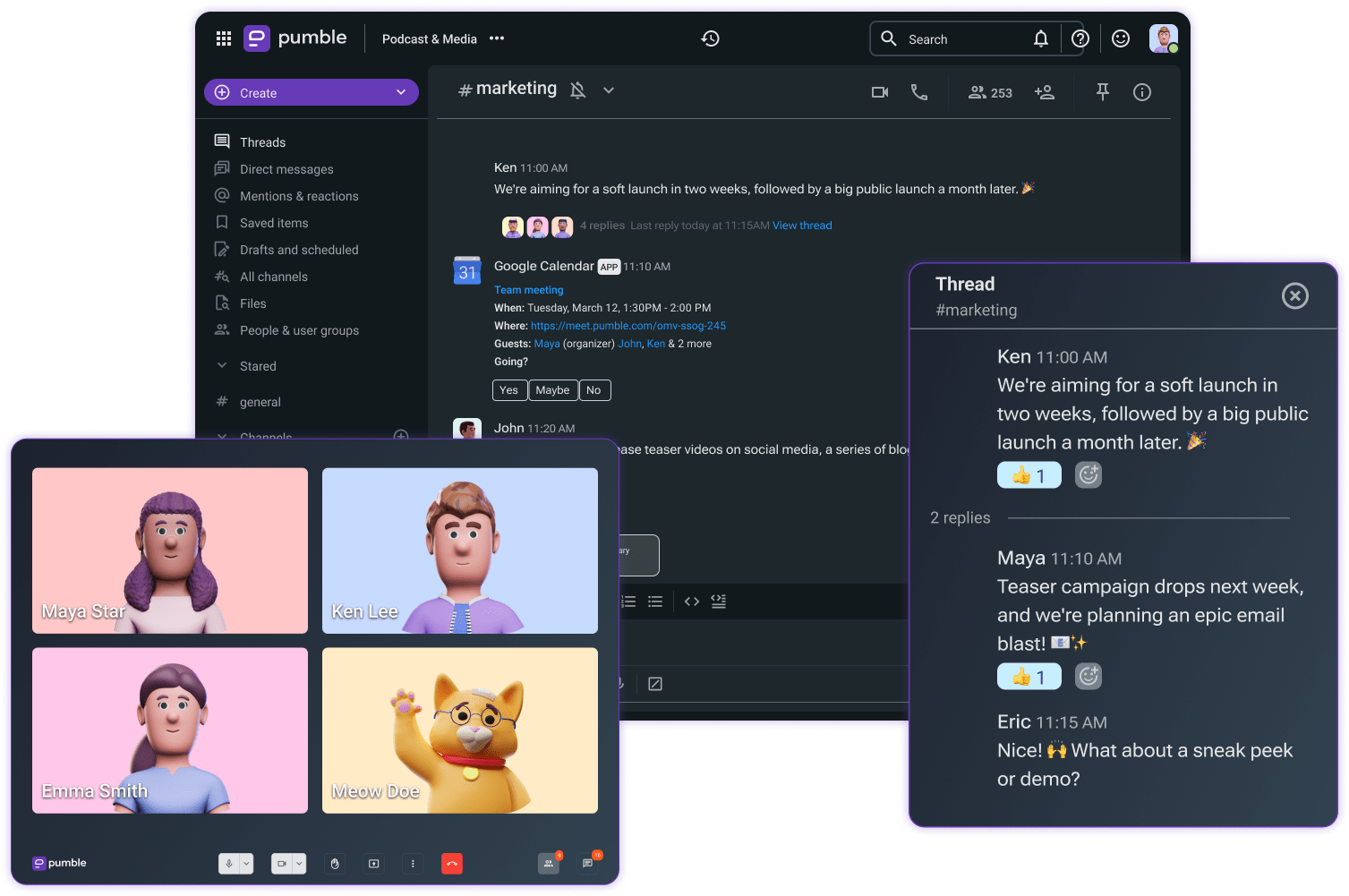
How modern tech teams use AI in Pumble
Teams that run their operations within Pumble can use the MCP server to search, send, edit, and retrieve messages across channels and DMs.
So, what are the concrete benefits of using AI alongside Pumble?
#1 Retrieve knowledge instantly
Once your AI agent is connected to Pumble, it can instantly analyse Pumble’s unlimited searchable history to pull up context and answers the moment you need them.
This speed and cohesion is especially important for software development teams, where hours of manual scrolling can be a major roadblock to shipping code.
Let’s say that a product manager or engineer wants to double-check a team decision made last month. Instead of doing the heavy lifting themselves, they let AI handle it and query their connected agent.
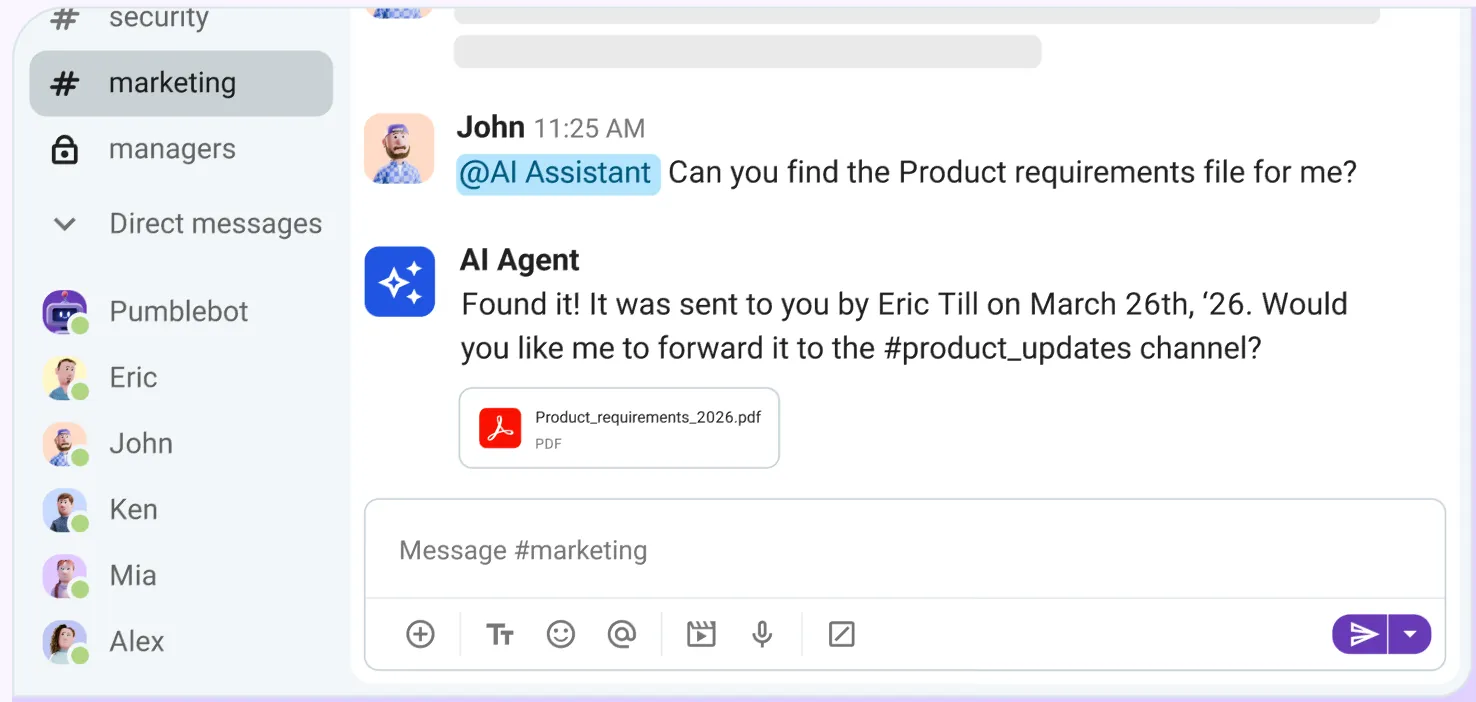
Engineering teams in particular can handle a lot of information via Pumble. Beyond going back and forth in standard text-based direct messages, they often:
- Share code snippets and extended code blocks.
- Receive automated GitHub and GitLab deploy notifications within the Pumble app.
- Rely on the Zendesk integration to track and resolve customer support issues.
By layering AI over this ecosystem, developers can:
- Locate specific strings of code or bug fixes.
- Access technical documentation spread across multiple threads.
- Provide new members with relevant information during the onboarding period.
🎓 PUMBLE PRO TIP
To learn more about how different teams use Pumble by CAKE.com, check out these guides:
Keep data at your fingertips in Pumble
#2 Automate routine admin tasks
AI agents can also bring about a significant productivity uptick by automating day-to-day administrative tasks, such as:
- Creating dedicated channels for new projects automatically
- Scheduling weekly team announcements and sync updates
- Summarizing daily discussion threads to keep remote and asynchronous workers up to speed
You could try to keep up with everything on your own. But if you’re part of a fast-moving team engaged in extensive cross-functional collaboration, why add to your daily cognitive load?
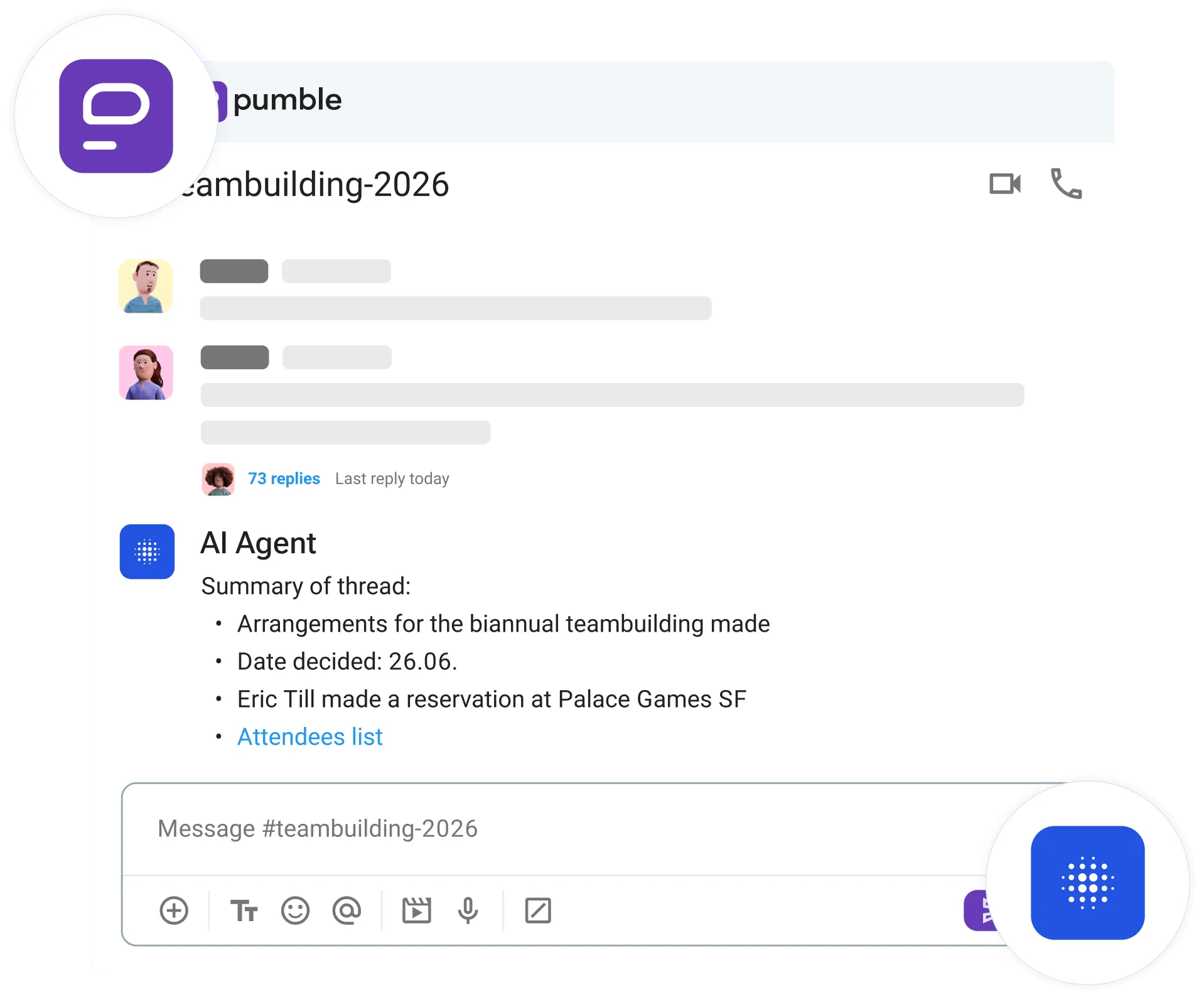
With an AI agent, you can use simple language to trigger complex actions and clear repetitive work off your plate. Depending on the workspace scopes you configure, some of the tools your MCP server can use include:
- add_user_to_channel
- fetch_file
- get_latest_messages
- get_workspace_info
- schedule_message
The difference between the above tools and standard, ready-to-use AI is the depth of the insight. Run-of-the-mill AI responses often remain surface-level because they lack the context of your specific work environment. Once you deploy an agent directly within your workspace, its answers and resulting routine task automations become fully context-aware.
🎓 DICA PROFISSIONAL PUMBLE
Automation goes a long way in freeing up your time for impactful work, but so do collaboration features. To learn more about the collaboration hacks you can use in Pumble by CAKE.com, check out this resource:
Make Pumble your collaboration hub
#3 Maintain context across multiple tools
After integrating your AI agent with Pumble, you can use it to track ongoing discussions regarding feature development, bug fixes, or code changes and automatically map those updates directly into your tech stack (such as GitHub or Jira). Thus, the context loop you’ve established between your most used tools remains intact — zero manual copy-pasting required.
Think of it this way — whenever your team is brainstorming solutions or discussing infrastructure improvements, the AI agent gets a front-row seat. From there, it can reshare that content on your behalf. Using the send_message and reply_to_message functions, the AI grabs the necessary details from past messages and forwards updates into the appropriate thread or channel.
However, that’s not all you can do with AI and Pumble. Like we mentioned, the scope of what you can do with AI alone is limited. Fortunately, MCP is an open standard, you aren’t restricted to just one server. So, why not plug your AI client into multiple servers simultaneously?
For example, when your AI agent becomes the connective tissue between Pumble and Jira, you don’t have to worry about context switching. Because the AI client is tied to both the Pumble MCP server and the Jira MCP server, it can carry out fluid, interconnected actions.
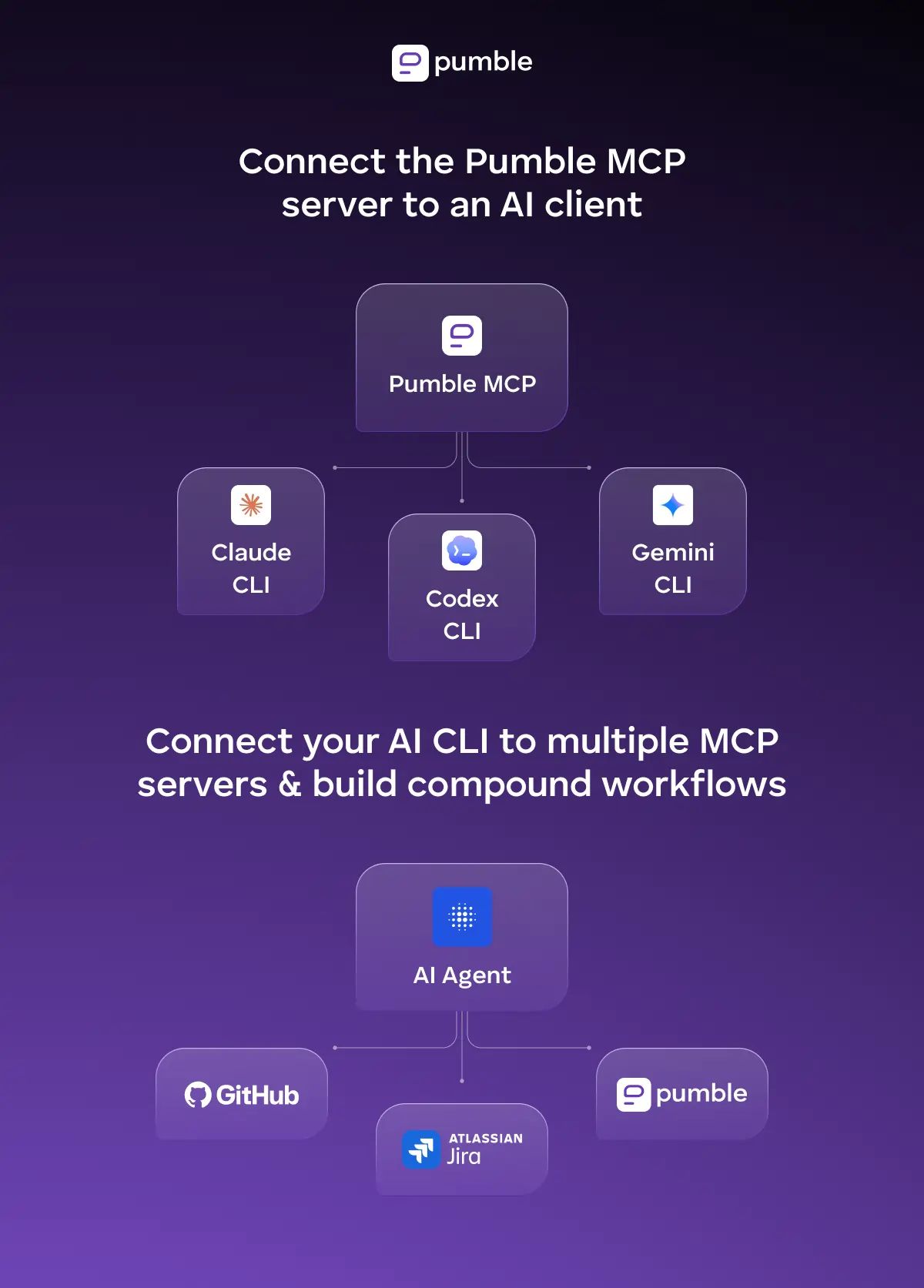
Once the agent recognizes a bug description in a Pumble message, it can carry that information to Jira and create a ticket. Then, it can turn back around and update the originating Pumble channel with the ticket info, leaving minimal room for human error.
The bottom line is that your AI client can become the common thread stitching together your entire tech stack for compound workflows. All that without you having to write a single string of code.
🎓 DICA PROFISSIONAL PUMBLE
The more servers working with your AI client, the larger the LLM context window from which it can pull workspace data. But too many servers operating at the same time could overwork your AI agent and slow its response time. And for apps that are already available as native Pumble integrations, it doesn’t always make sense to go the AI route. To learn more about which add-ons are available and how you can build your own custom integrations via the CAKE.com Marketplace, check out these pages:

Perguntas frequentes
What is a Model Context Protocol (MCP) server for business communication?
An MCP server for business communication helps connect AI agents to team chat apps and other software. It acts as a link between the AI and your communication app, thus allowing the AI agent to complete actions within your digital workspace and handle your internal communication data.
How do I connect an AI agent to my team chat app?
To connect an AI agent to Pumble by CAKE.com via an MCP server, you first need to create a custom app from your Workspace settings. This way, you’ll generate your app key alongside your specific user and bot tokens. The final step involves using developer tools to connect the AI client (such as Claude or Gemini) to the MCP server endpoint. You can check out our help page for step-by-step instructions.
How does the Pumble MCP server make the AI agents in Pumble different from other AI tools?
Most business software has pivoted to adopt AI directly into its feature set. However, what makes Pumble stand out is its role as an archive of corporate knowledge. Over time, customers and employees amass enormous amounts of data. Expecting teams to sift through this unlimited searchable history alone means conversations often stick to a surface level. With the help of the Pumble MCP server, though, the exact information you need is brought to the forefront right when you need it.
How can engineering teams use AI to automate daily chat workflows?
Engineering teams can use AI for routine task automation (i.e., replying to messages and scheduling messages) and keeping up with notifications (i.e., searching through messages, reviewing the latest messages, and scanning workspace information).
Build an AI-ready collaboration platform — choose Pumble
Sadly, many hard-working teams get swept up in time-consuming processes. Workdays get longer, yet there’s never enough time to analyse critical information. As a result, progress, efficiency, and innovation take a backseat.
Why stay on a sinking ship when peak productivity is within reach? Pumble is already equipped with features that promote fuss-free collaboration. By using the MCP server to add AI to the mix, your capabilities expand even further.
Don’t wait for tedious work to slow you down. Try Pumble today and turn even the smallest task into impactful work!
Como avaliamos esta publicação: Nossos escritores e editores monitoram as postagens e as atualizam quando novas informações ficam disponíveis, para mantê-las atualizadas e relevantes.