
Make the most of Pumble’s AI Assistant

Get the answers to all your questions without leaving Pumble.

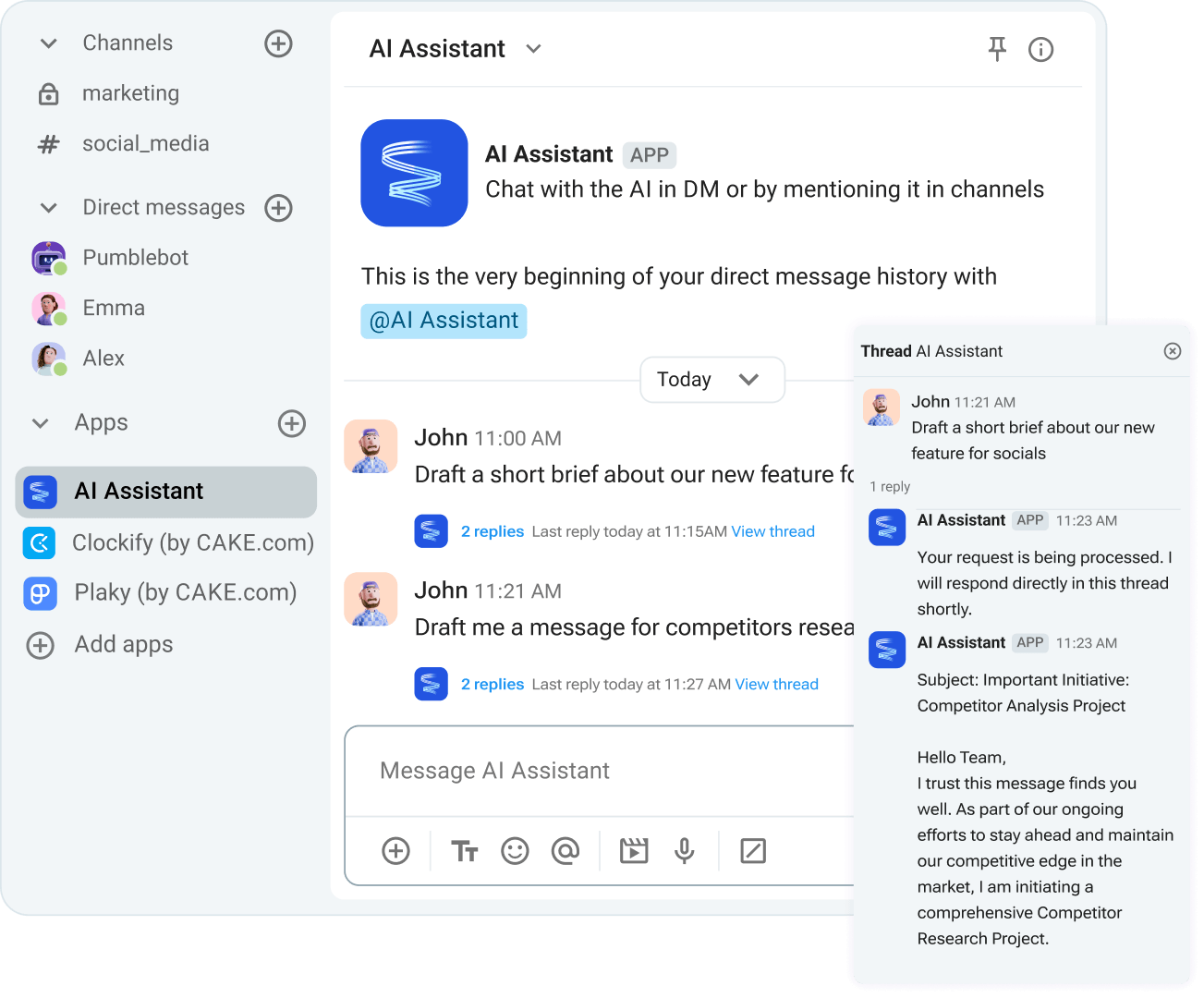
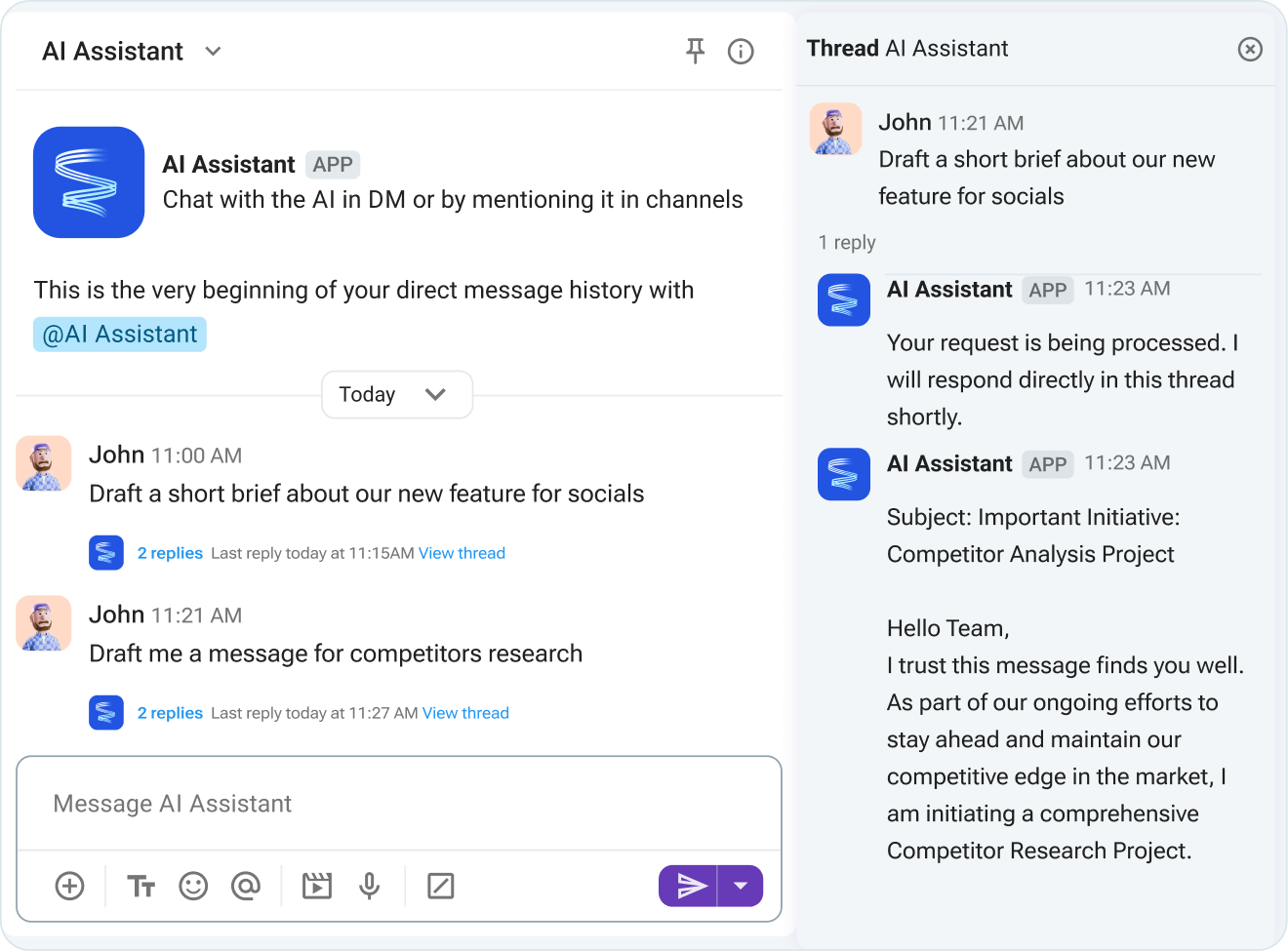
Reduce context switching

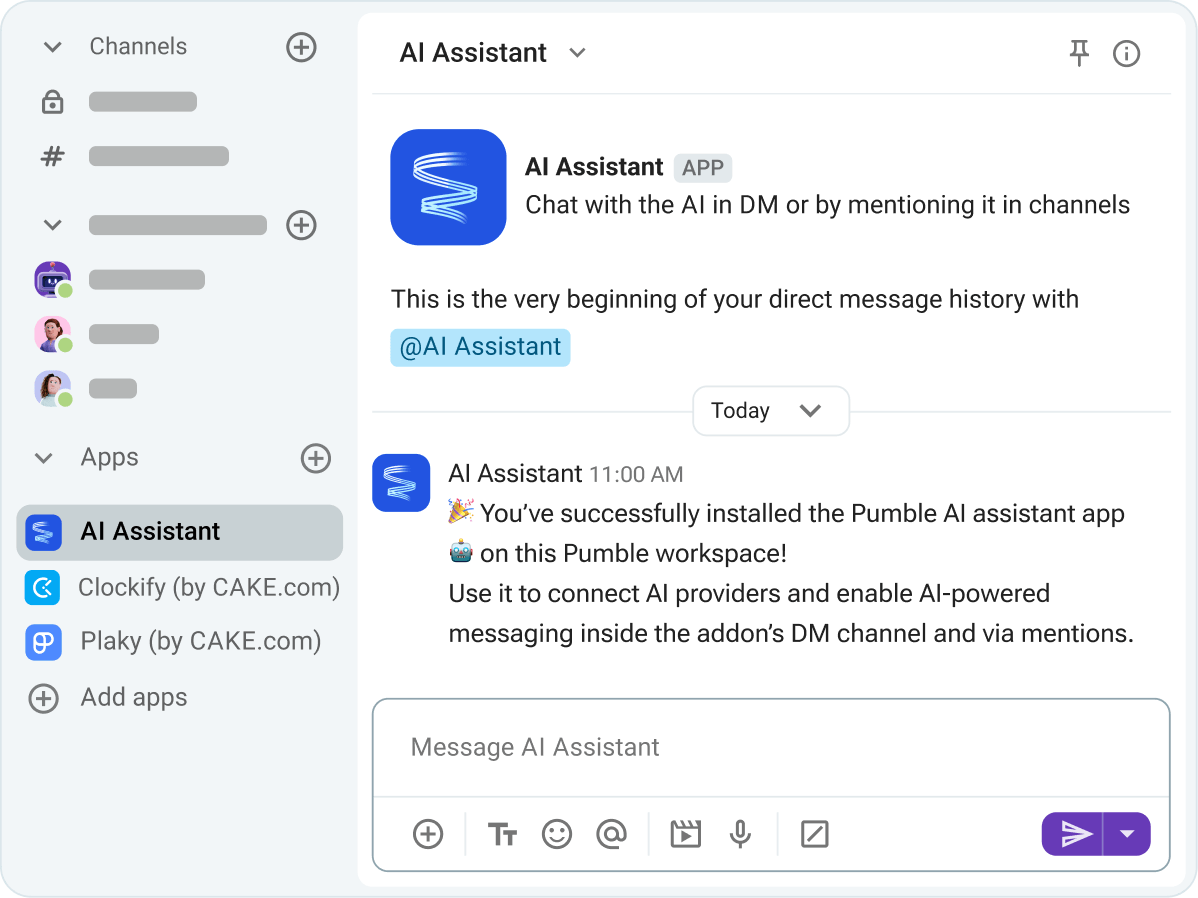
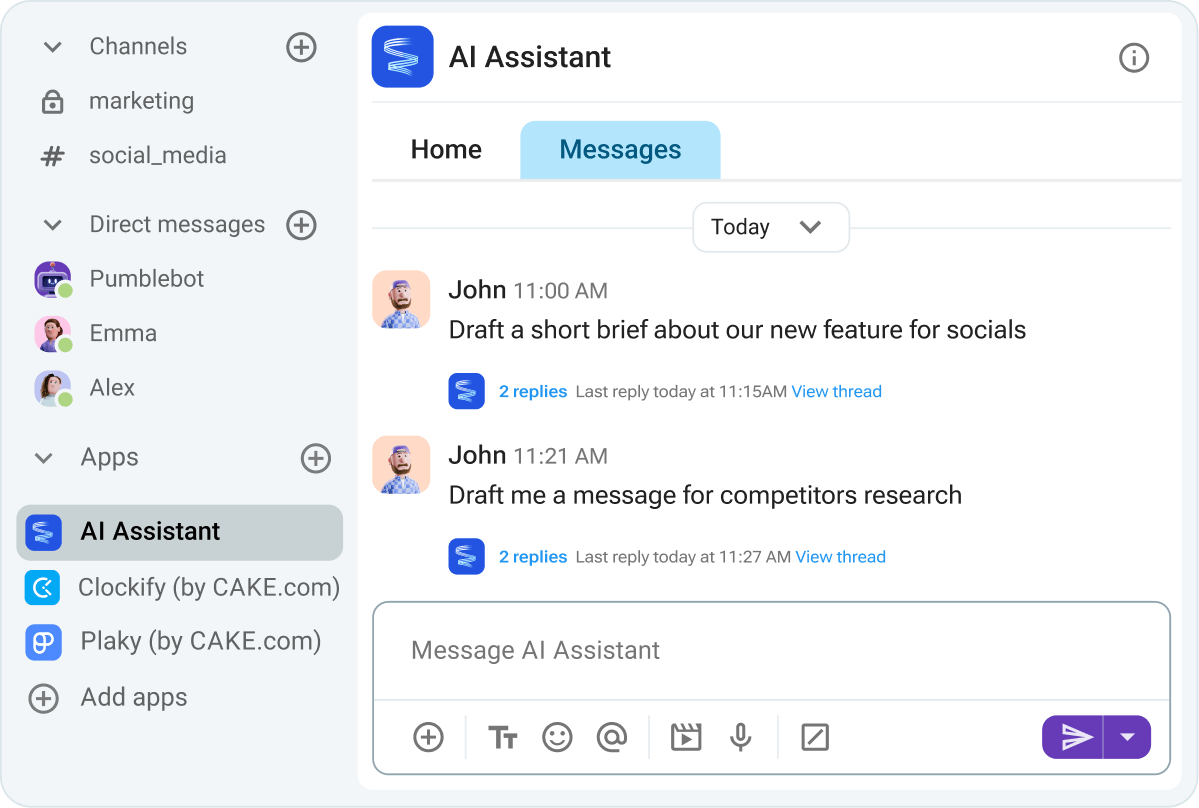
Stay focused on your tasks without switching tabs. Have your AI Assistant help with research, coding, and communication. 

Reduce context switching with AI assistant

Collaborate securely

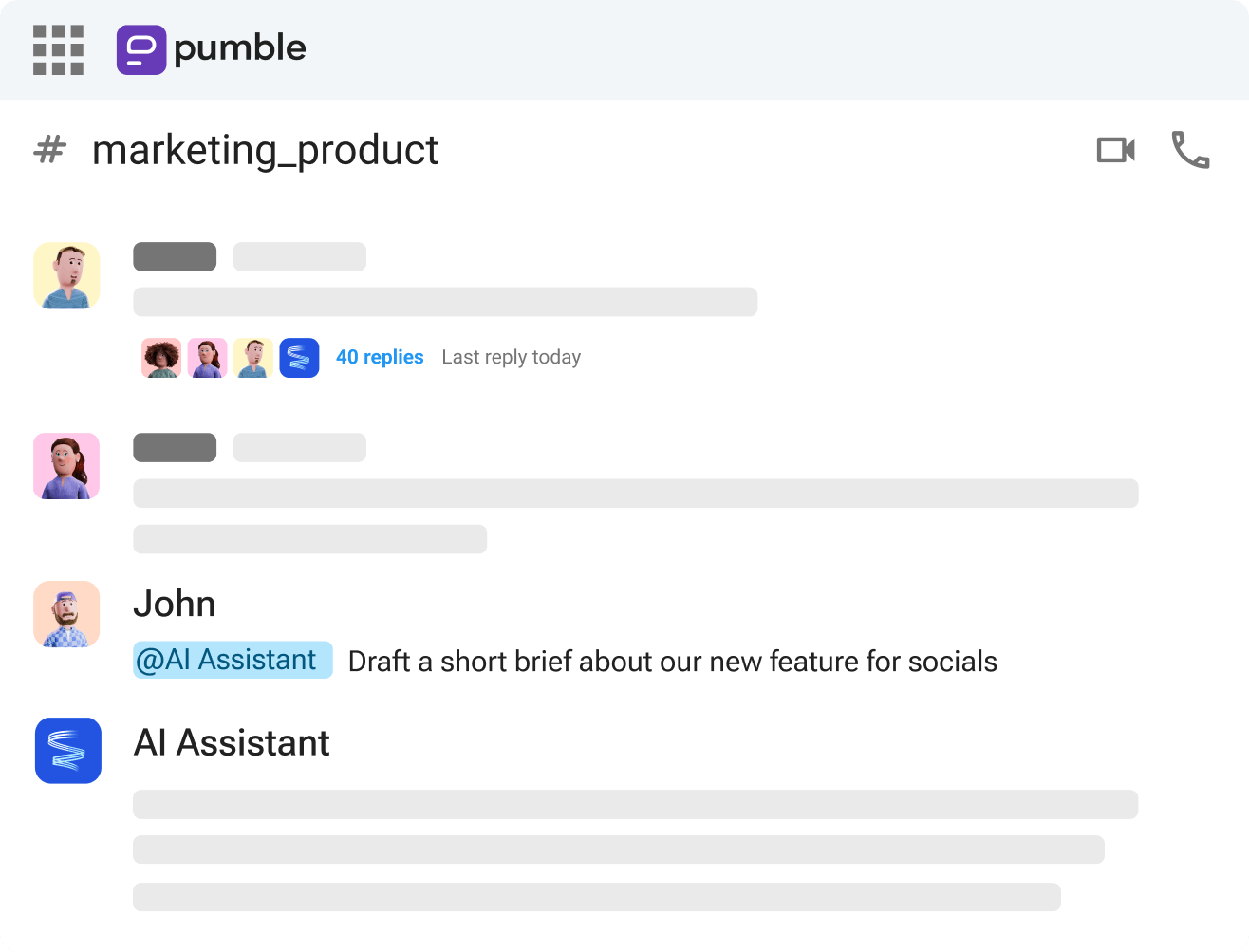
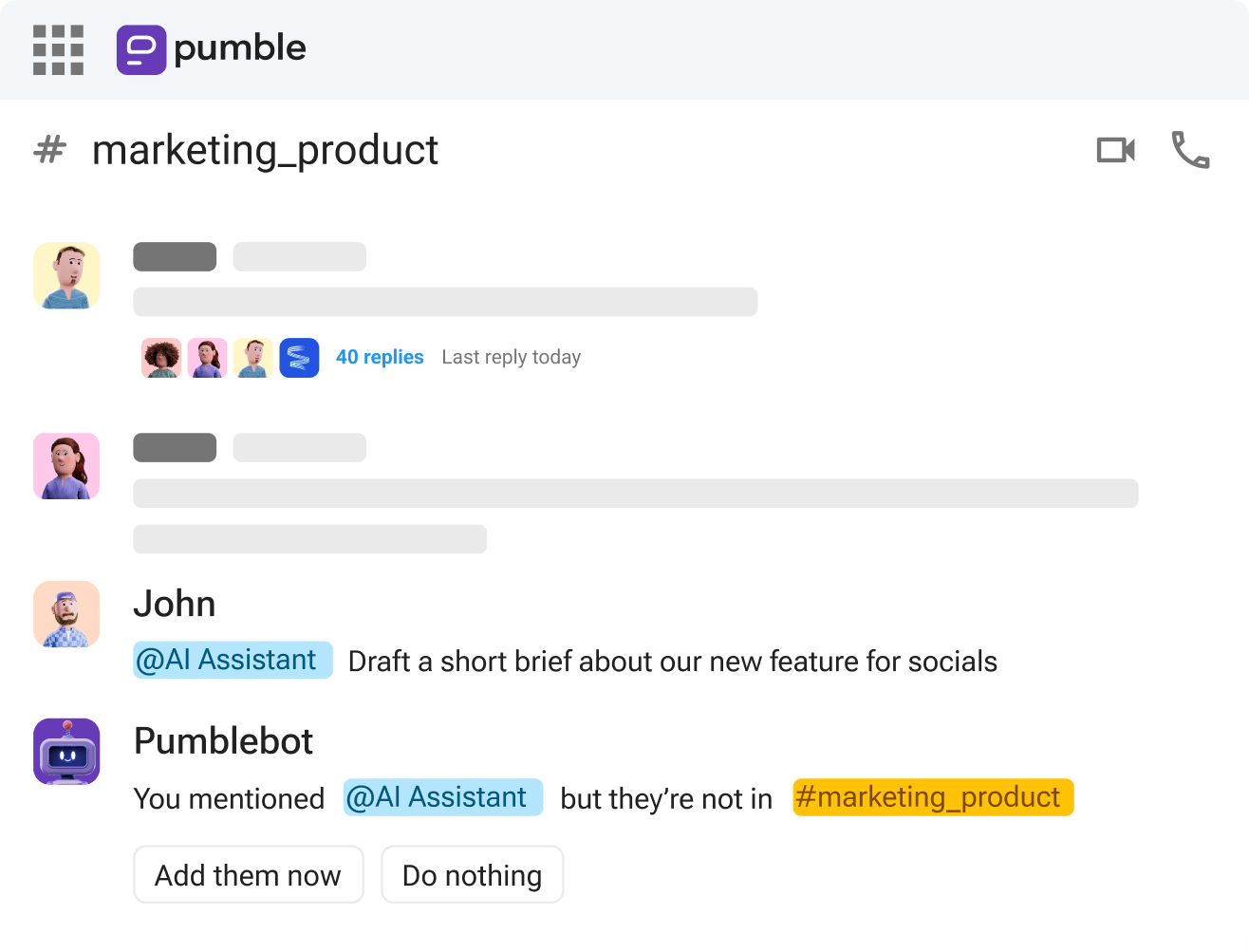
Mention the AI Assistant to bring it into channel discussions. It will only read the messages it’s mentioned in, keeping your communication context-safe.

Mention the AI Assistant to bring it into channel discussions.

Choose your AI providers

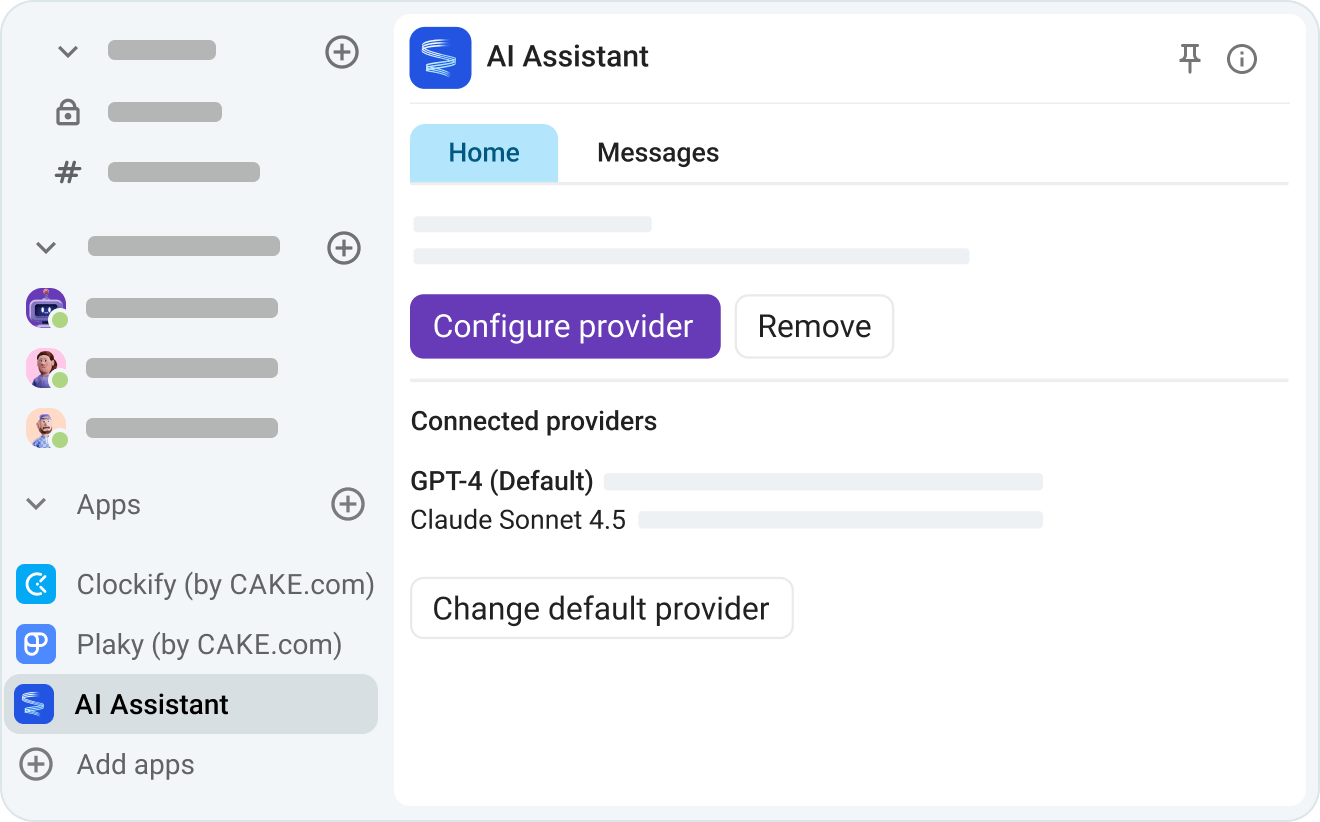
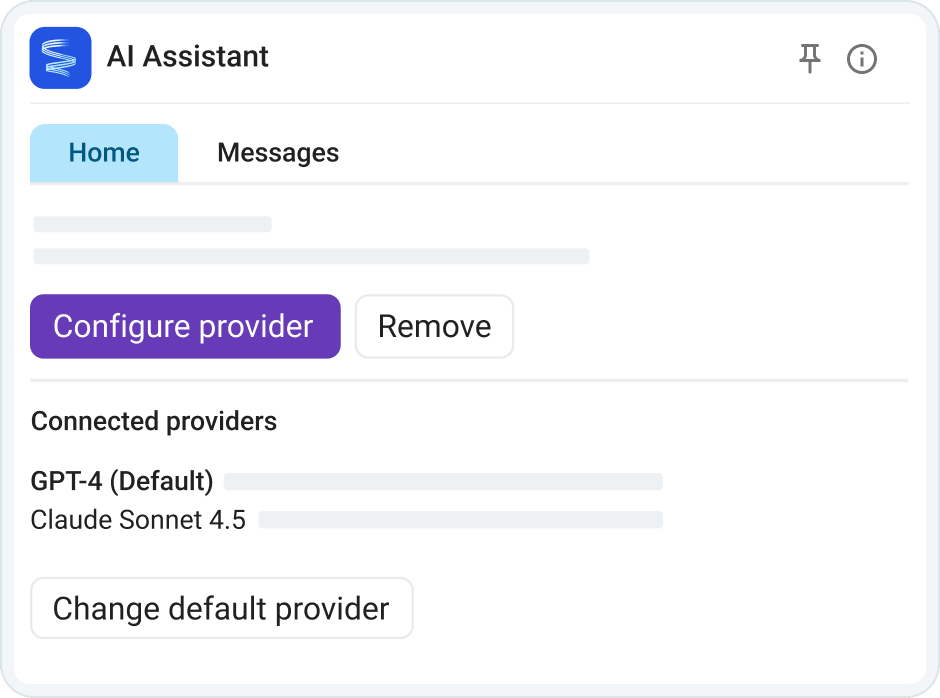
Choose which AI tool your team has access to and let individual members select their preferred providers.

Choose your AI providers

How to connect AI Assistant on Pumble

STEP 1

Create a Pumble account

To start communication with your team, the first thing you need to do is create an account.

Create Pumble account
STEP 2

Set up the AI Assistant app

Install the AI Assistant app in your workspace and connect it to your preferred AI providers via an API key.

Install the AI Assistant app
STEP 3

Select a default provider as a user

If an admin approves multiple AI providers, all workspace members will be able to choose their default provider before interacting with the AI Assistant.

Select a default provider
STEP 4

Invite AI Assistant to relevant channels

To have the AI Assistant participate in group conversations, make it a member of any relevant channels.

Invite AI Assistant to relevant channels
STEP 5

Start using Pumble’s AI Assistant

Use DMs for private queries and channel mentions to start public discussions with AI Assistant.

Start using AI Assistant

Explore Pumble integrations

GitHub

Get notified about GitHub changes in Pumble.

GitHub

RSS Feed

Automatically syndicate site content.

RSS Feed

Zapier

Connect Pumble to more than 3000 apps.

Zapier

Create Your Own Integrations

card icon

Custom Add-ons

Extend Pumble’s capabilities with your favorite third party add-ons, without ever leaving Pumble.

CAKE.com Marketplace

Try the CAKE.com Suite

Pumble has native integrations with the time tracking app, Clockify, and the project management software, Plaky.

Get started for free
CAKE.com Suite

Frequently Asked Questions

Which AI providers are supported by Pumble’s AI Assistant addon?

Pumble’s AI Assistant currently supports OpenAI’s ChatGPT and Google Gemini. Other providers (Claude (Anthropic), Perplexity, and Grok) will be added later.

Is Pumble’s AI assistant able to answer queries in channels?

The AI Assistant must be added to a channel before it can answer mentions in that channel.

Does Pumble’s AI assistant automatically have access to all channels?

The AI Assistant operates can not passively read all channel messages. It will only read the messages it’s mentioned in.

What are the technical requirements I need before integrating this addon into my Pumble workspace?

Admins must have a valid API key from the chosen AI provider when connecting different tools to the AI Assistant.

Start chatting with
your team

• Unlimited users  
• Unlimited chat history  
• Free forever

Create FREE Account