
Configure apps
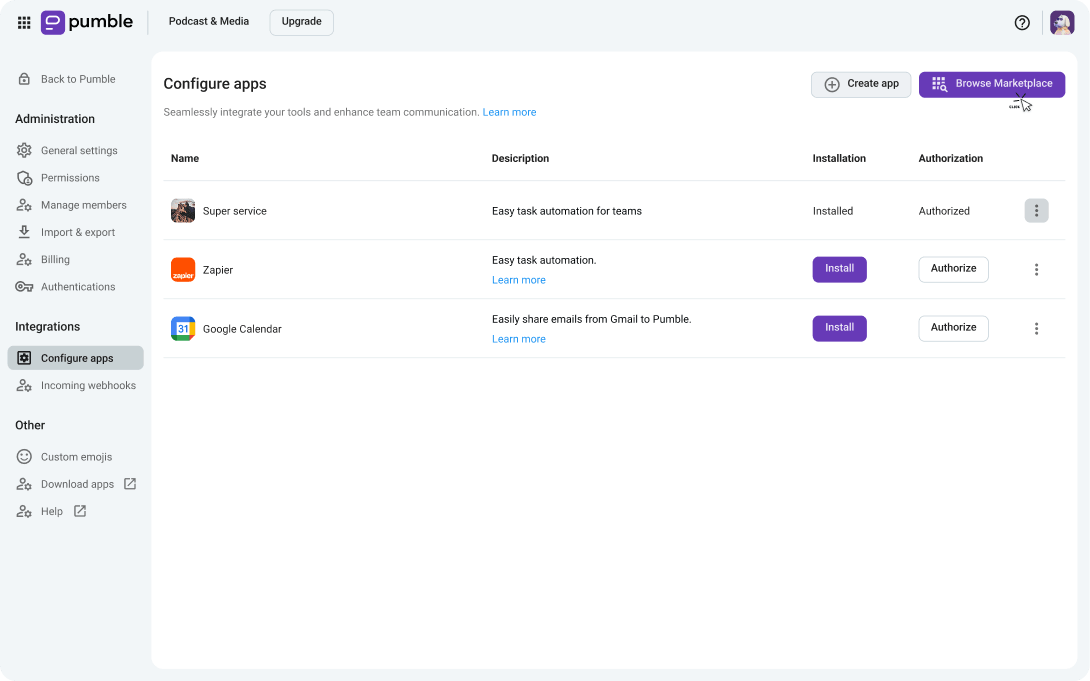
Go to your Pumble workspace settings to set up apps and integrations.
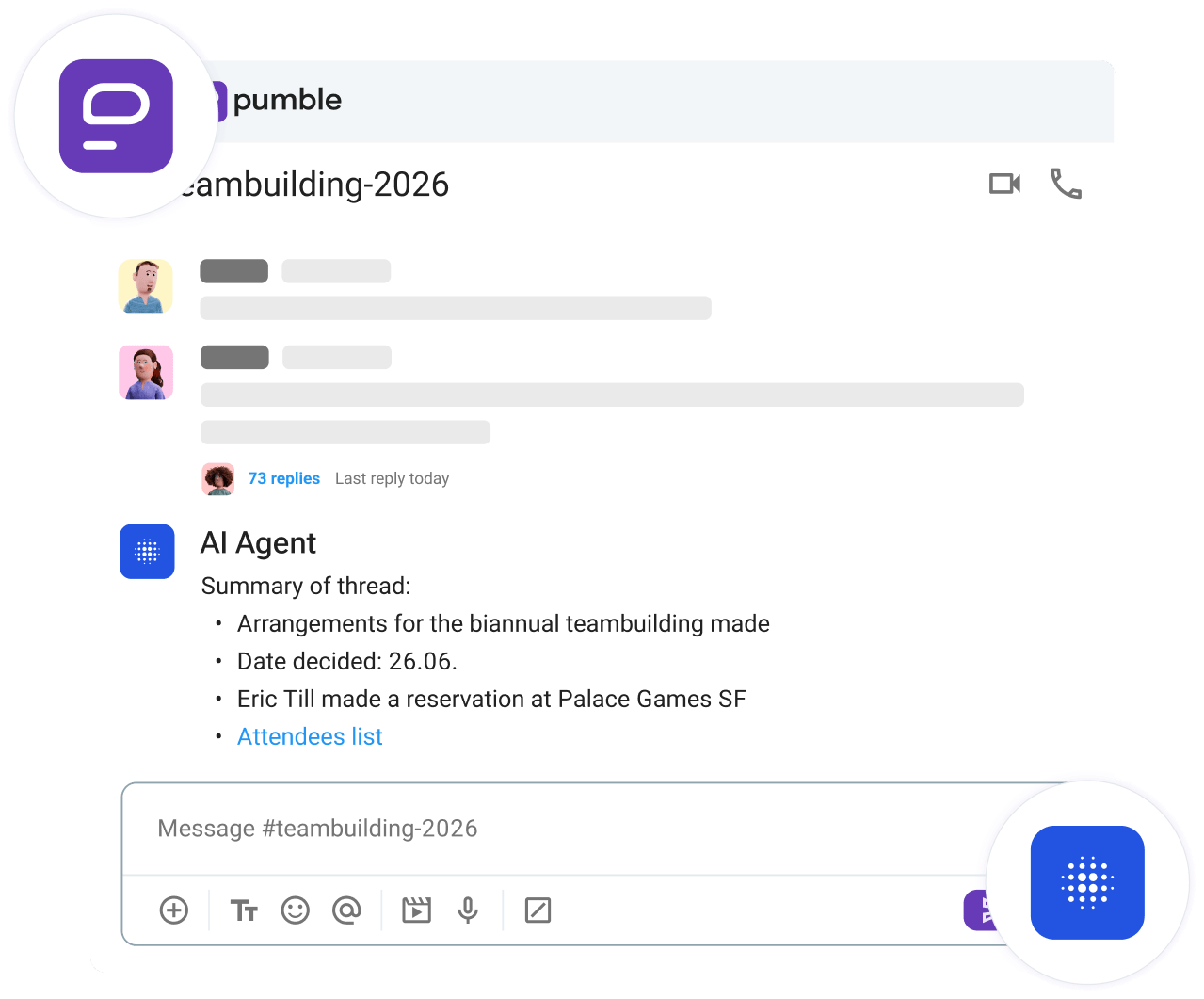
Bring your AI agent into your Pumble workspace and streamline collaboration, stay in the loop, and get an efficient way to interact with your workspace.
Set up your MCP
Share information to multiple channels with ease. Escape the pain of sending dozens of messages yourself.
Catch up with your team in seconds. Eliminate hours lost sifting through past threads and conversations.
Fetch specific files without sifting through chats yourself. Avoid losing important files ever again.
Use channel and user info to recommend the right place to ask questions. Dodge unnecessary back-and-forths.
Go to your Pumble workspace settings to set up apps and integrations.
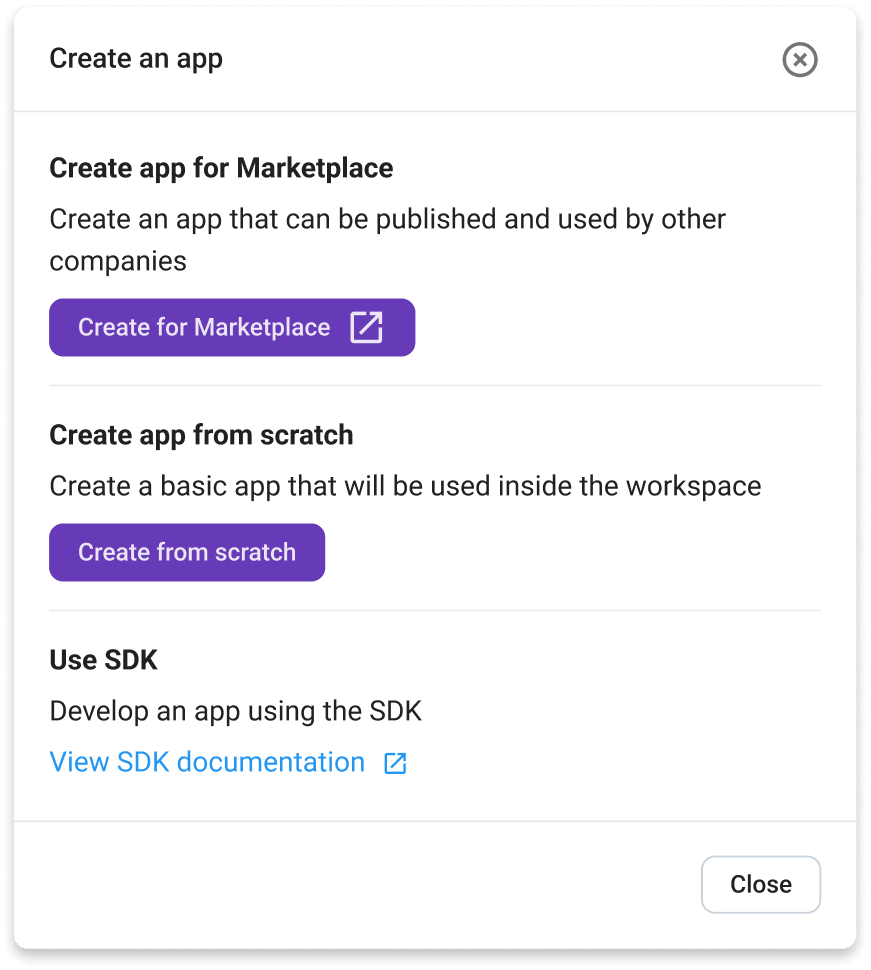
Go to Create app → Create from scratch to set up your AI agent.
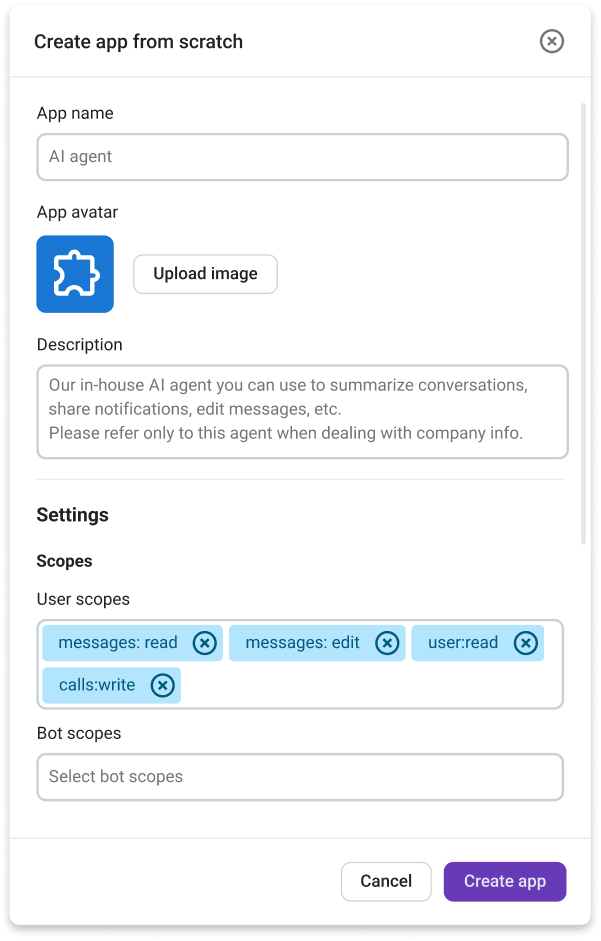
Enter app info and control permissions to limit you AIs access your workspace.
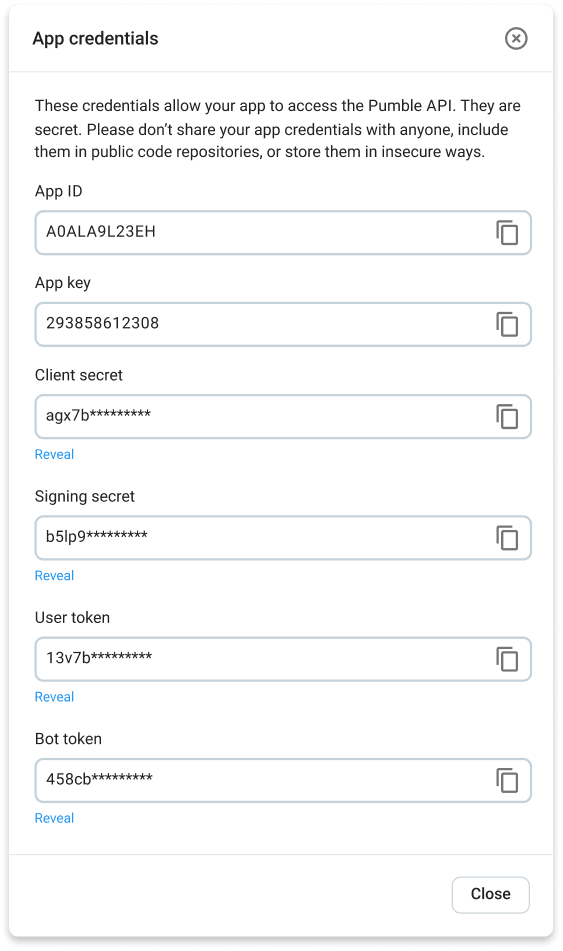
Select Create app to use its app key and Intall app to use the user and bot tokens.
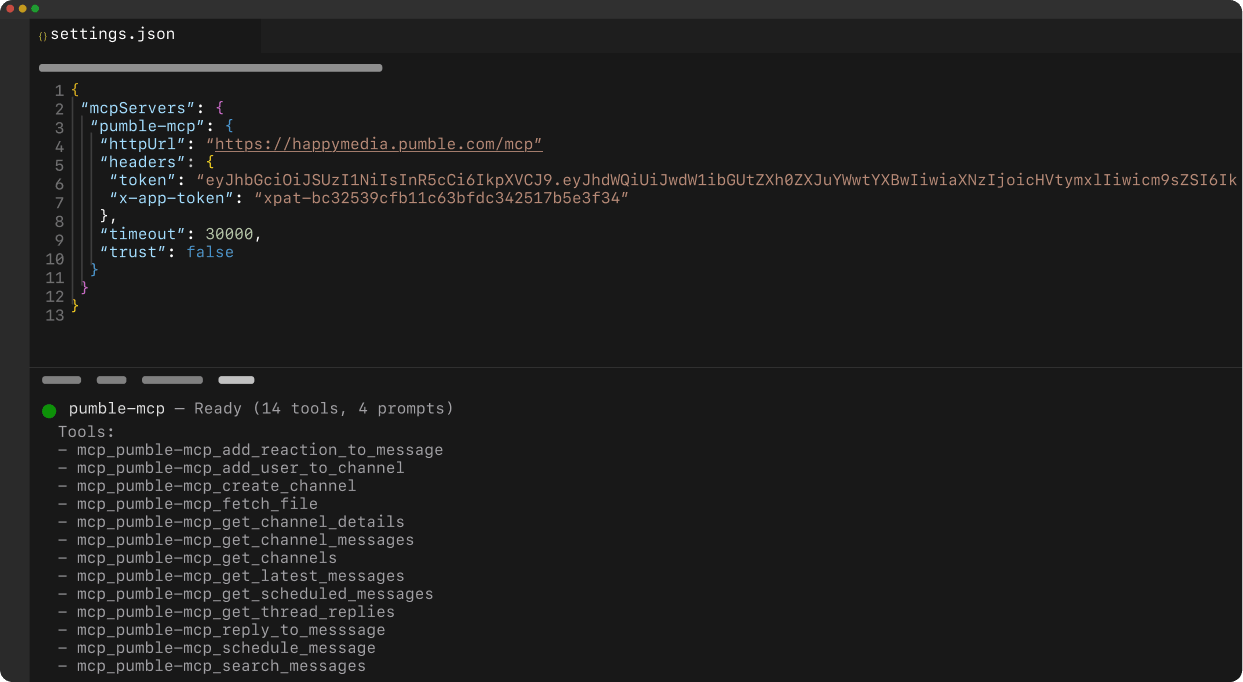
Use developer tools (e.g., your terminal) to connect your AI agent with Pumble.
Full control over your AI connection
Your agent is connected via secure API keys to prevent unauthorized access.
You control what your AI agent can access with different permissions.
Stay in charge — update permissions, delete apps, or add new ones anytime.
• Unlimited users
• Unlimited chat history
• Free forever