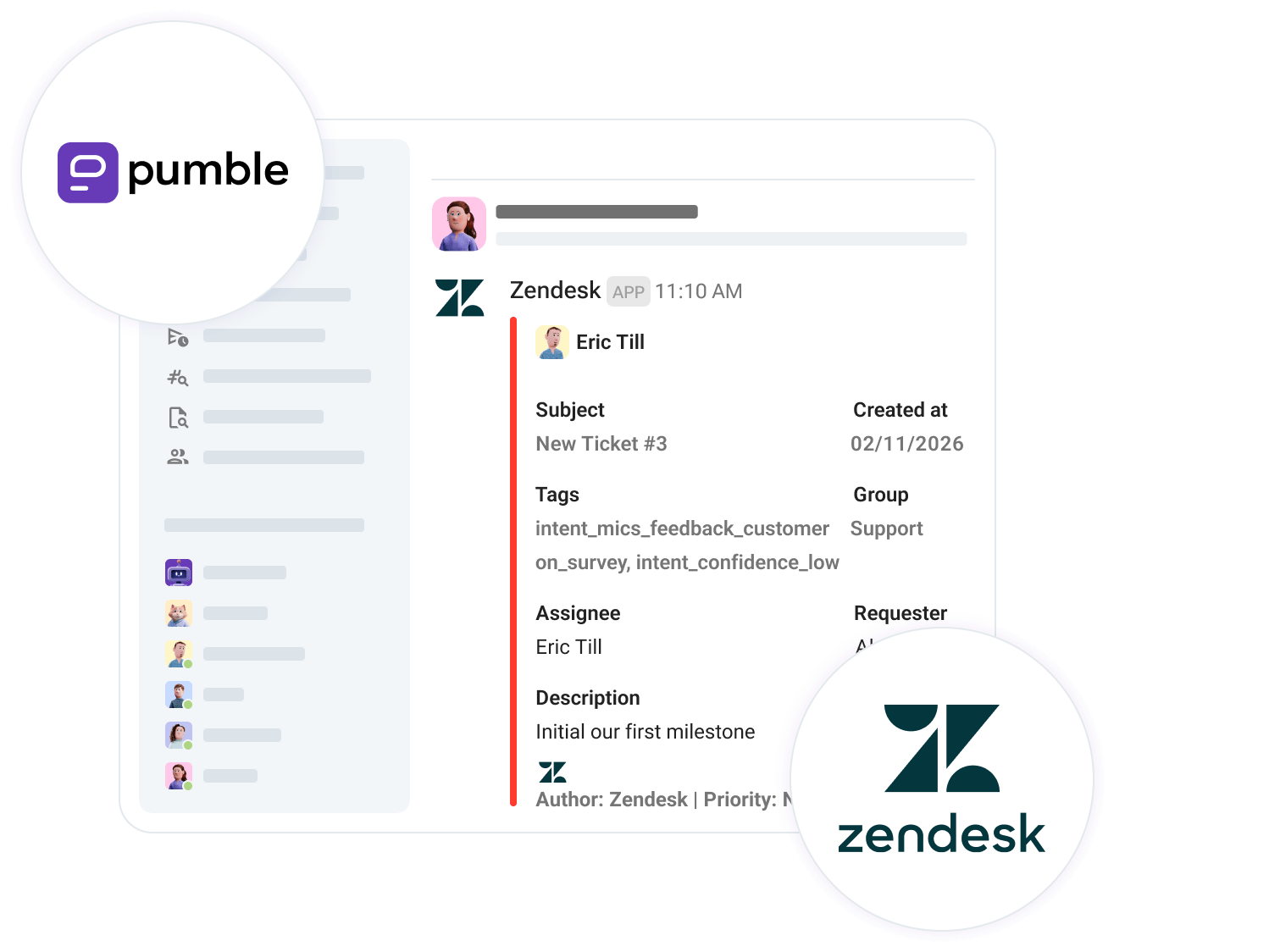

Connect Zendesk and Pumble

Create one place for tickets, teamwork, and fast decisions.

Create tickets from Pumble

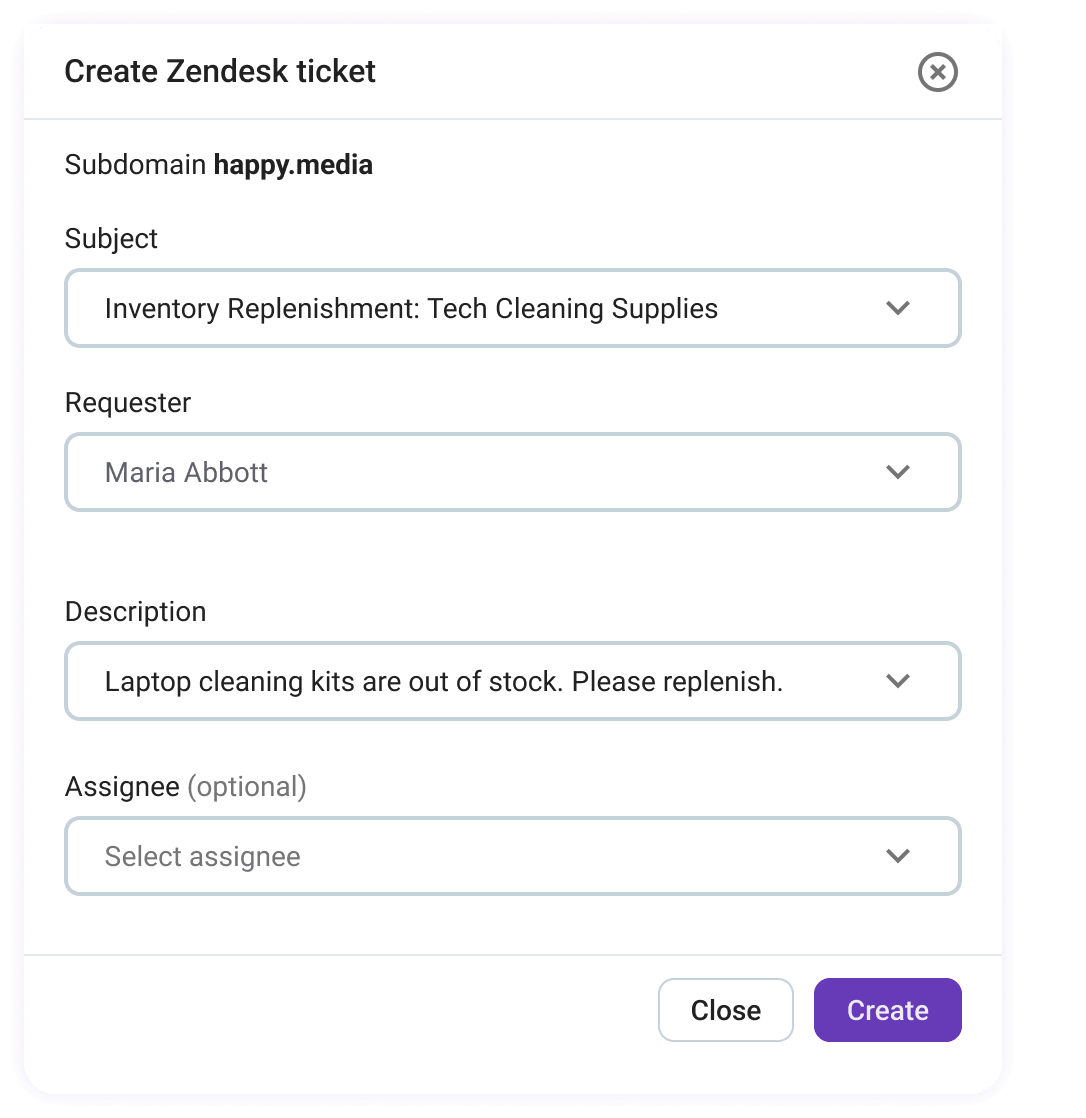
Stop toggling between your helpdesk and team chat. Create Zendesk tickets directly from Pumble using slash commands, and move your Zendesk tickets right where your conversations already happen.

Create Zendesk tickets in Pumble

Collaborate & resolve in Pumble

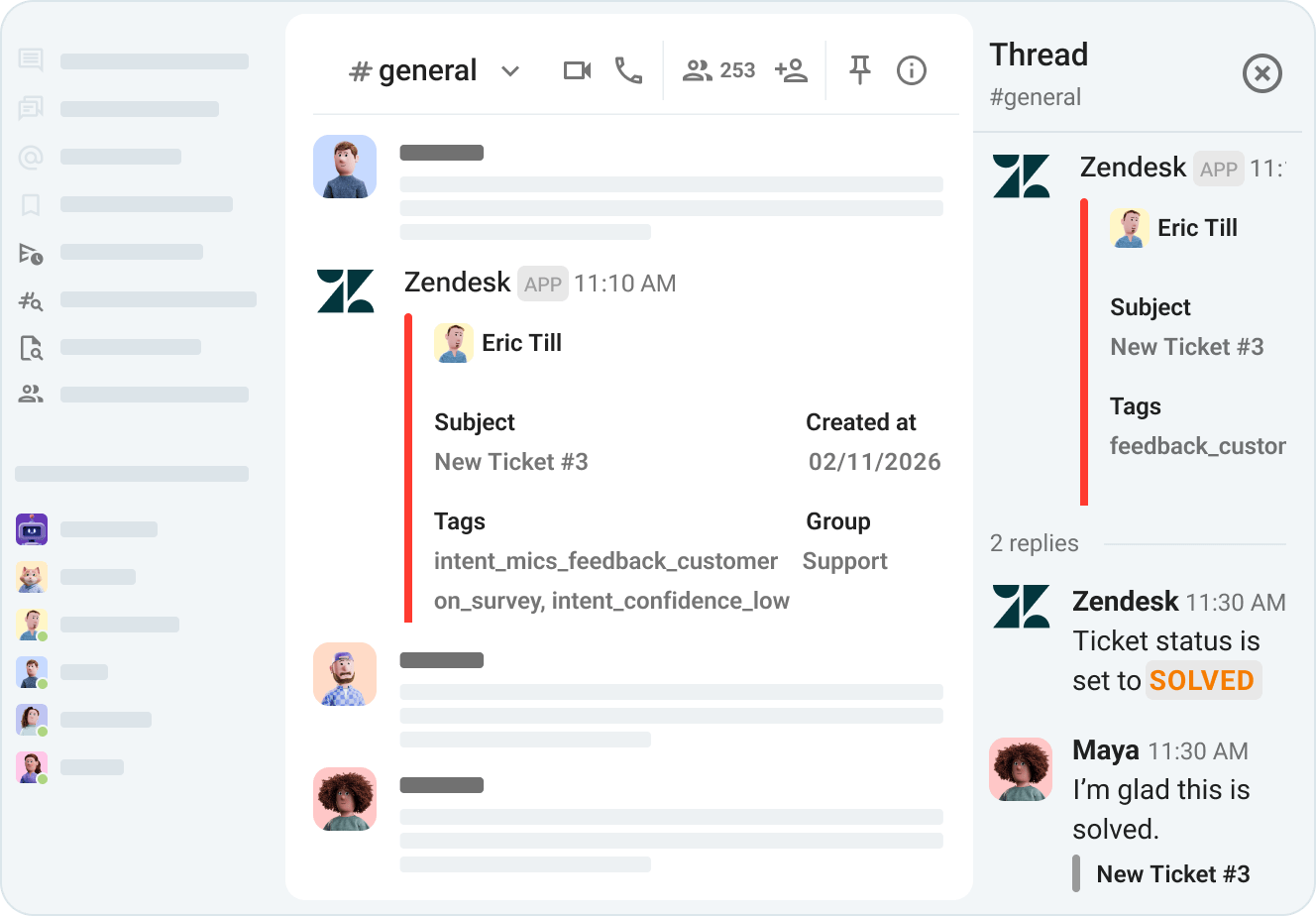
Discuss tickets in threads, loop in relevant teams, and resolve issues together without switching tools.

Discuss tickets in Pumble threads

Achieve faster response times

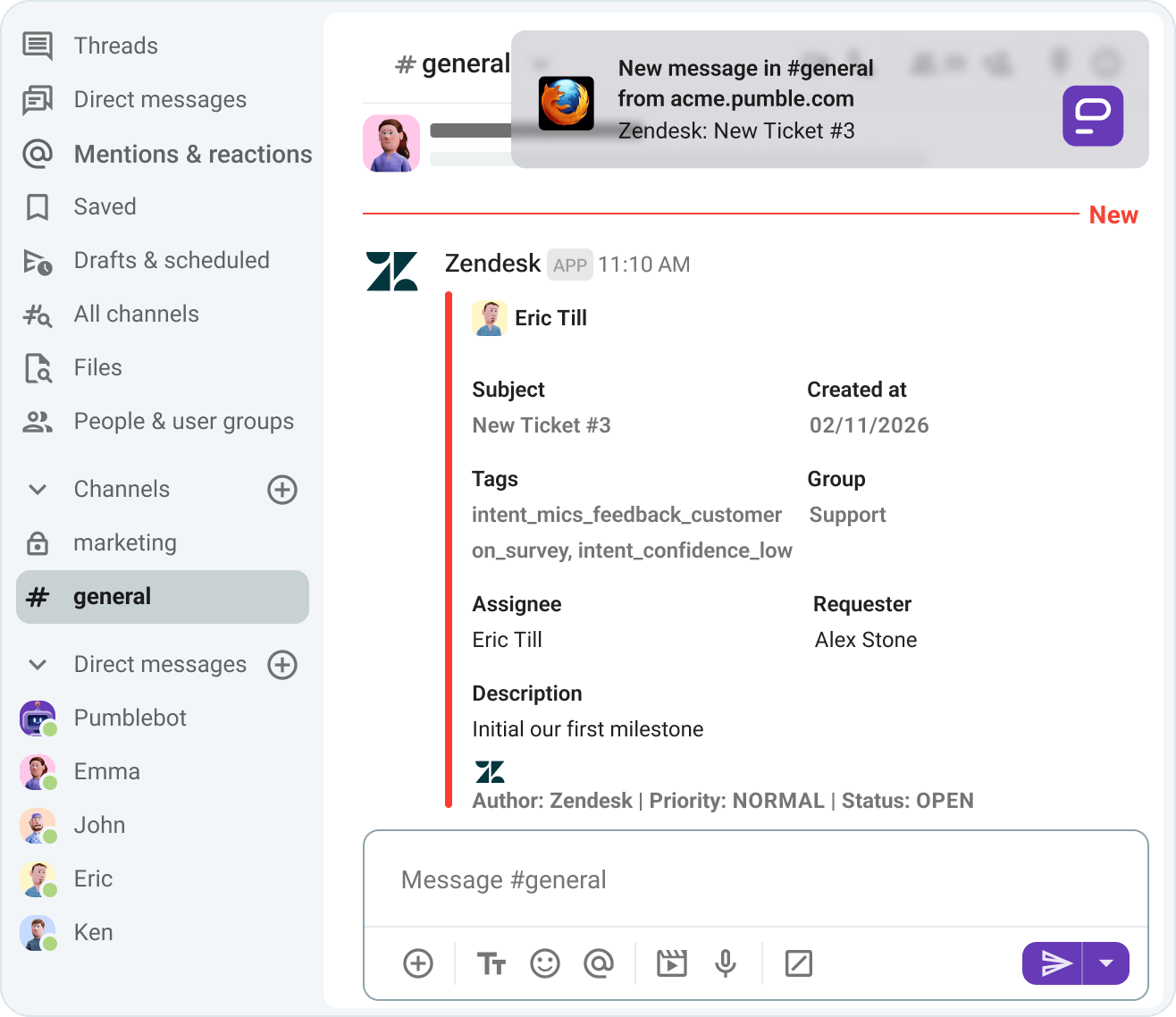
Immediate visibility means immediate action. Stay informed with real-time Pumble notifications on new and updated tickets.

Stay informed with Pumble notifications

How to connect Zendesk and Pumble

STEP 1

Create Pumble & Zendesk accounts

To connect Pumble and Zendesk, you first need to create both accounts.

Create Pumble and Zendesk accounts
STEP 2

Install Zendesk from the Apps section

Go to the Apps section in the Pumble sidebar and choose Zendesk from the list to install the app.

Install the Zendesk app
STEP 3

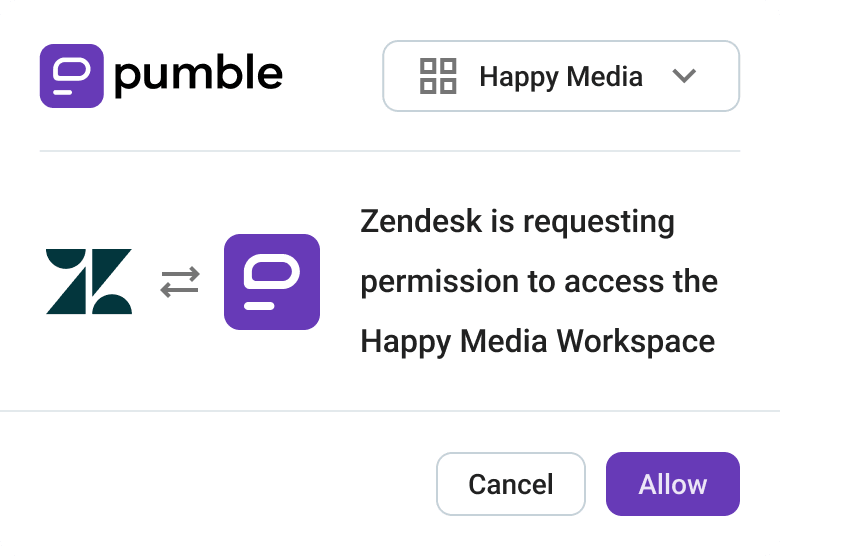
Authorize the Zendesk app

Next step is to authorize the Zendesk app to access your Pumble workspace.

Authorize the Zendesk app
STEP 4

Connect Zendesk

Enter your Zendesk subdomain and connect your organization. Route the right tickets to the right teams. Map Zendesk organizations to specific Pumble channels.

Connect your Zendesk organization
STEP 5

Get notified & resolve tickets

Pumble notifications will alert team members on new customer support tickets. The team collaborates to solve a customer issue in a Pumble thread, and the agent updates the ticket using a slash command.

Get notified and resolve tickets

How Pumble and Zendesk work together

Pumble app screenshot
WATCH VIDEO (2:32)

Integrate Pumble with more apps

GitHub

Get notified about GitHub changes in Pumble.

GitHub

Calendly

Book a Calendly meeting through Pumble.

Calendly

Zapier

Connect Pumble to more than 3000 apps.

Zapier

Create Your Own Integrations

card icon

Custom Add-ons

Extend Pumble’s capabilities with your favorite third party add-ons, without ever leaving Pumble.

CAKE.com Marketplace

Try the CAKE.com Suite

Pumble has native integrations with the time tracking app, Clockify, and the project management software, Plaky.

Get started for free
CAKE.com Suite

Start chatting with
your team

• Unlimited users  
• Unlimited chat history  
• Free forever

Create FREE Account