Pumble Tips

Tips, tricks, and small hacks on how to get the most out of Pumble and communicate more efficiently.

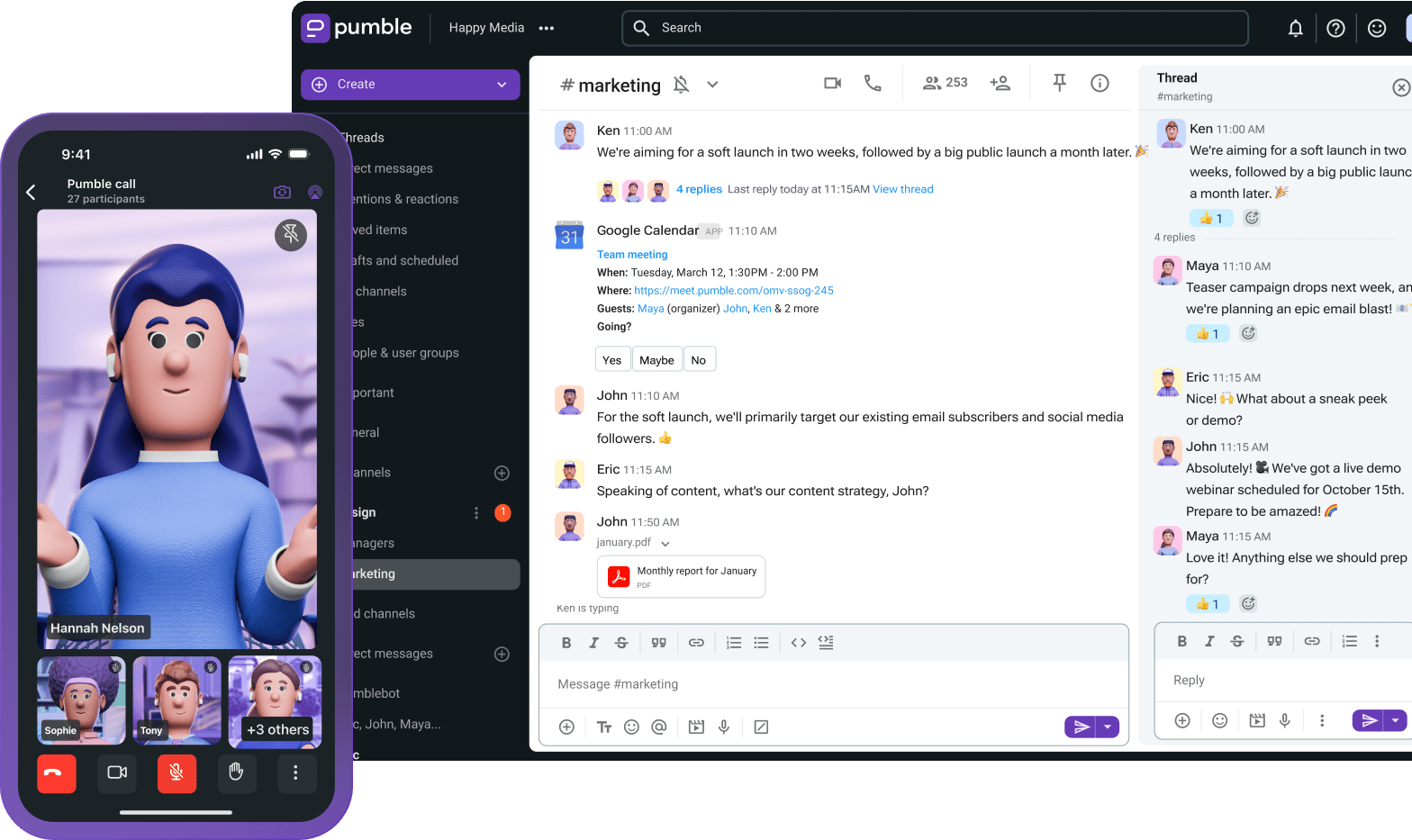
Pumble Tips

Tips, tricks, and small hacks on how to get the most out of Pumble and communicate more efficiently.

Pumble Tips

Connect Pumble With Your Favorite AI Agents & Create an Actionable Knowledge Base

Use the Pumble MCP server to connect AI agents to team chat and automate routine tasks that hog manpower.

Read more ⟶

How to Get the Most Out of the Pumble + Clockify Integration

Connect your time tracking and team chat with the Pumble Clockify integration. Learn how to use it to your advantage.

Read more ⟶

How to Connect Team Chat and Project Management with the Pumble + Plaky Integration

The Pumble Plaky integration makes it possible to connect your team chat and project management apps. Here’s how it works.

Read more ⟶

How to Prevent Information Burial With the Pumble Search Function

The Pumble search function is a practical and intuitive tool that makes team information retrieval a breeze. Here’s how it works.

Read more ⟶

Scale Up With Pumble’s Advanced Features: A Full Guide

The Pumble search function is a practical and intuitive tool that makes team information retrieval a breeze. Here’s how it works.

Read more ⟶

Task Management Made Simple: Integrate Pumble With To-Do Lists

Track and manage tasks in your team communication app. Learn how to integrate Pumble with to-do lists and keep projects on track.

Read more ⟶

How to Chat With Your Team in Pumble

Learn how to chat with your team effectively using organized channels, threaded conversations, and smart notification settings.

Read more ⟶

How to Use Pumble for Instant Messaging in Your Business

Learn about Pumble’s instant messaging for business and the helpful communication features beyond basic chat.

Read more ⟶

Moving Your Team from Slack to Pumble: Step by Step Guide

Are you considering moving your team from Slack to another team communication app? Read step by step guide on how to successfully migrate your team from Slack to Pumble.

Read more ⟶