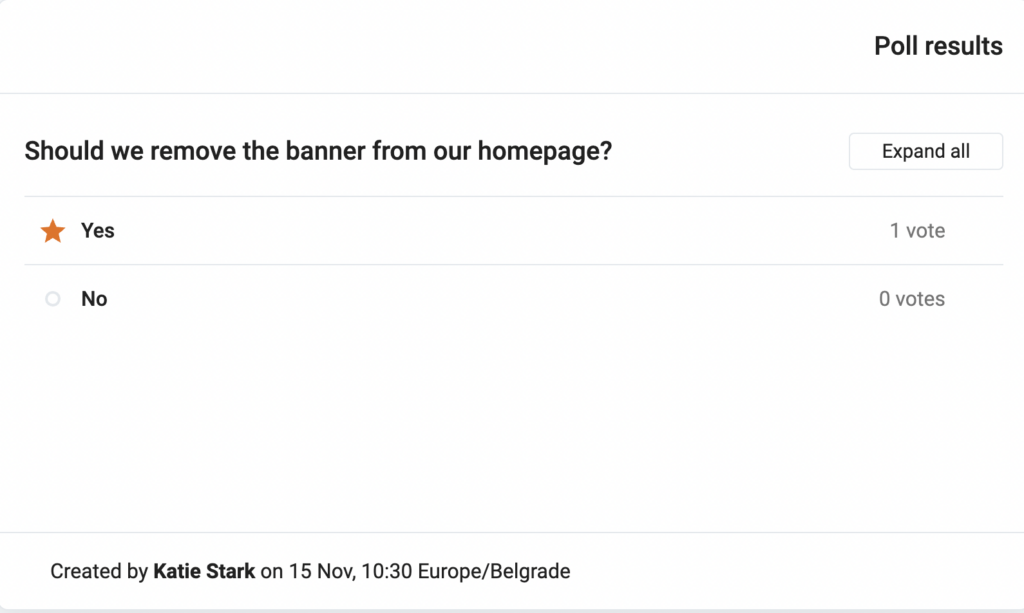
By integrating Pumble with Polls, you can simplify your decision-making process, making it more efficient and interactive for you and your team members. This guide will walk you through the steps to integrate Pumble with Polls, allowing you to create, share, and manage polls seamlessly within your Pumble workspace.
Tip
Polls can be used, for example, by product development teams to gather feedback on new features, assess user satisfaction, and prioritize upcoming projects. This way product development teams can streamline their feedback collection process, engage team members in decision-making, and ensure that the product evolves in line with user needs and expectations.
To connect Pumble with Polls, follow these steps:
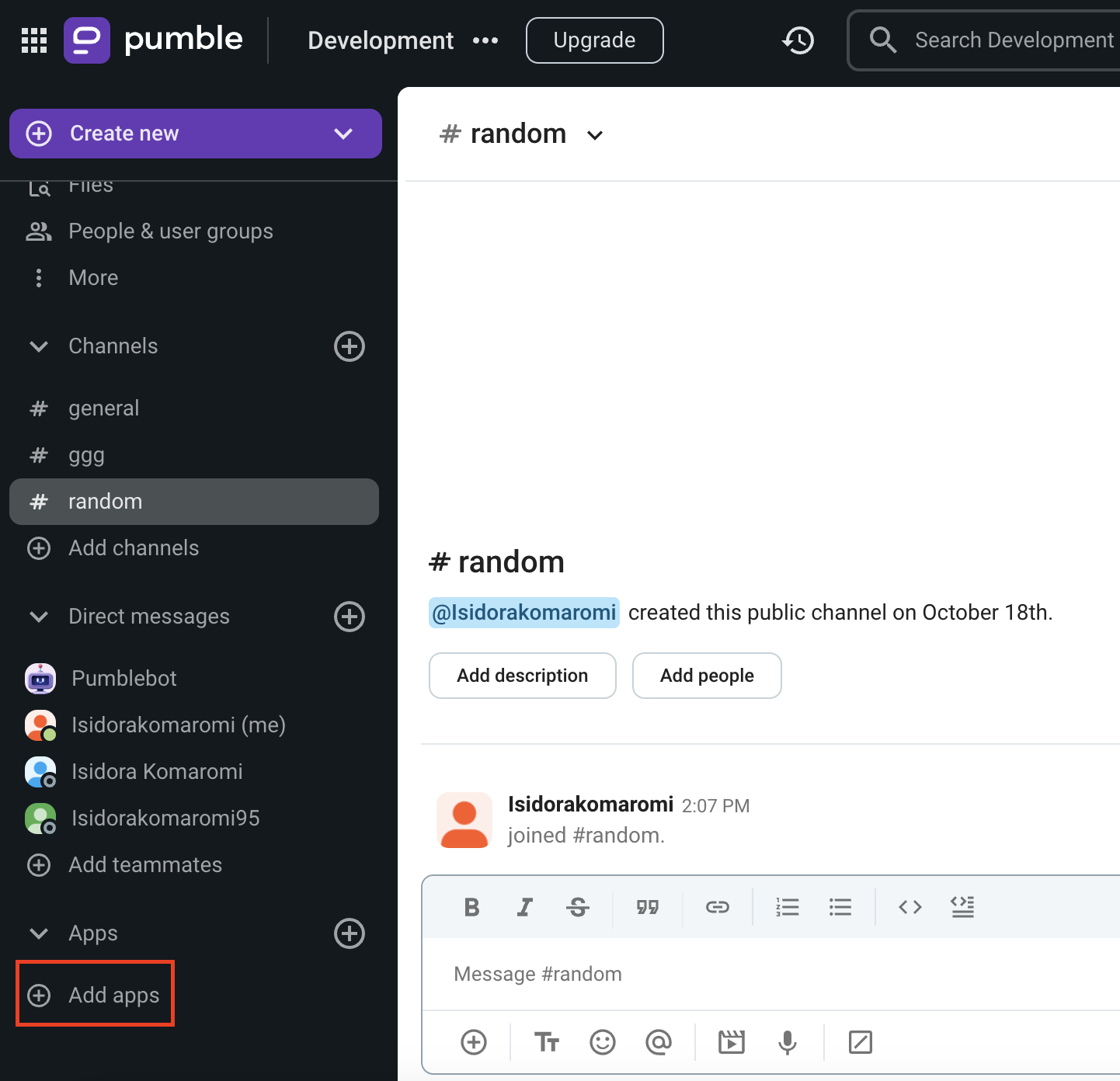
Click on +Add apps button at the bottom of the left sidebar
Click on Install button next to the Polls app and a new tab will open with the consent form and integration specifics
If the app has already been installed in your workspace, you need to authorize it in order to be able to create Polls. To do it, click on the Authorize button next to the app name.
Select the Workspace from the dropdown
You need to be logged in to the Pumble Workspace that you choose from the dropdown.