Download Pumble & Minimum System Requirements
Besides the web version, you can use Pumble on your computer or phone using the app.
- Log in to your Pumble workspace using the browser
- Click on your profile icon in the top right corner
- Select Download apps
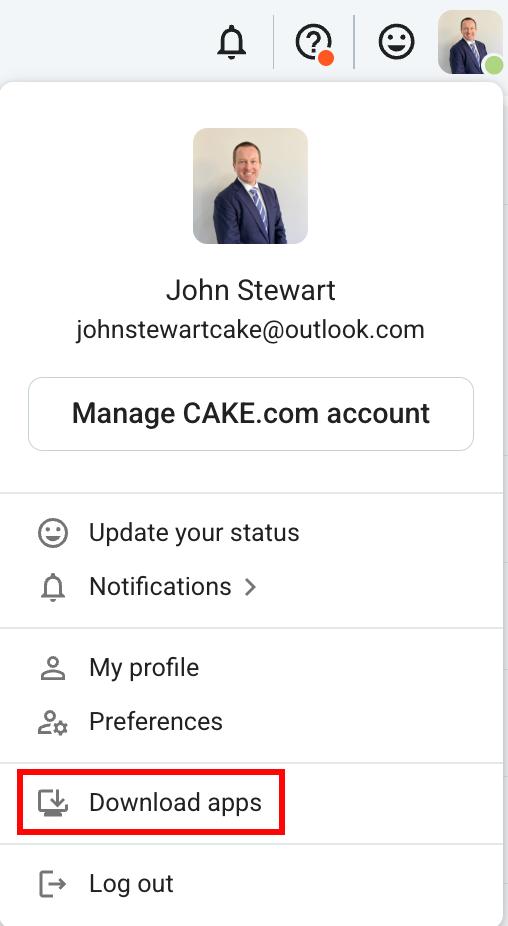
- Select Desktop or Mobile app to download
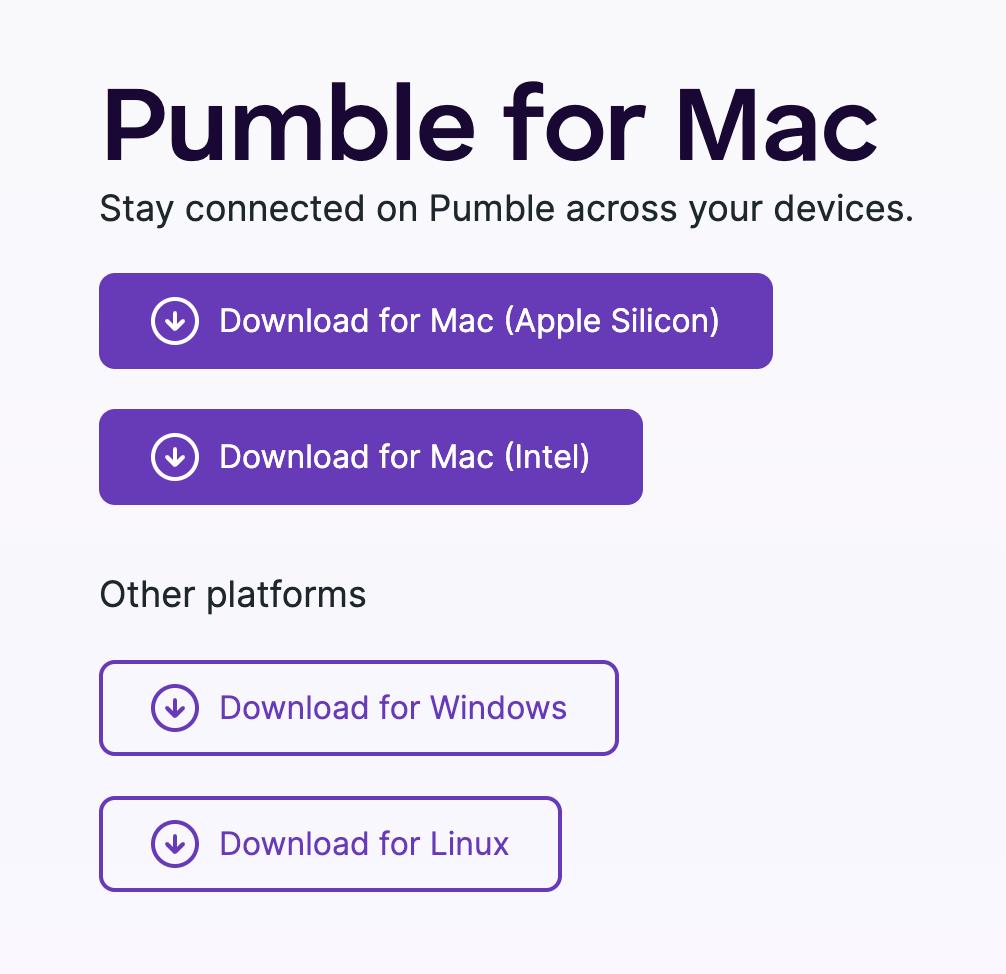
If you choose to download mobile app, scan the code using mobile camera to get Pumble app on your device
Check out this article for instructions on how to install the desktop app.
Minimum Requirements for Using Pumble #
Here are technical requirements needed to run Pumble including operating systems and browsers we support.
Mobile apps #
Web browsers #
| Operating System | Requirements |
| Chrome | Version 99 or above |
| Firefox | Version 104 or above |
| Safari | Version 15.4 or above |
| Microsoft Edge | Version 97 or above |
Desktop app #
| Operating System | Requirements |
| Windows | Version 10 or above |
| MacOS | Version 12 or above |
Frequently asked questions #
Do I have to install the app to use Pumble? #
No, you can use Pumble in your browser. Desktop and mobile apps are optional, and you can switch between them freely.
Where do I find the download links? #
Log in to your Workspace in a browser, click on your profile picture in the top right corner, and select Download apps. From here, you can choose what app you want to download.
Will Pumble work on an older browser or operating system? #
Pumble supports iOS 15 and above, Android 9.0 and above, Windows 10 and above, and macOS 12 or above. On the web, you need Chrome 99+, Firefox 104+, Safari 15.4+, or Microsoft Edge 97+.