Available Actions
2 min read
Aleksandar Olic
In Pumble, you can communicate with your team via channels and/or by using Direct Messaging (DM).
Actions you can perform include the following:
- Send and receive messages
- Post reactions and start a thread to reply on a specific topic
- Send files
- Edit and delete your own messages
- Edit your profile
- Set your notification preferences
Channel is a single place for team members to share messages and files. When message is posted in a channel, all users that have access to that channel will receive the notification.
Which actions can you perform and what are the results of these actions?
| Direct message | Sends a private message to the selected user |
| Message in channel | Sends a message in channel for channel members to see |
| Attaching a file to the message | User can view, share and download the file |
| Search/download/share/save file | All users with access to channel can perform these actions |
| @user mention | Mentioned user receives a direct notification about the mention |
| @channel mention | All users in the channel receive a direct notification |
| @here mention | All available users in the channel receive the notification |
| Link channel name | Use #[channel_name] to link private/public channel |
| Emoji reaction | Posts a reaction to the selected message |
| Pinned message | Message is highlighted and pinned to the channel |
| Share message | Share the selected message to a different channel or direct message |
| Edit message | Edits the selected message |
| Delete message | Deletes the selected message |
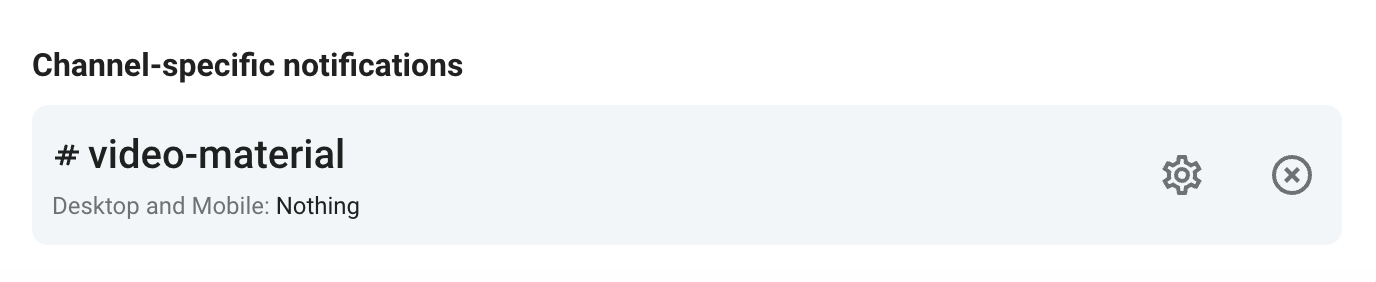
Channels that have specific preferences which differ from the global settings are available in user’s Preferences in the Profile settings under Channel-specific notifications. These preferences can be edited there and the channel can be removed from the list which will restore its global settings.
Was this article helpful?
Thank you! If you’d like a member of our support team to respond to you, please drop us a note at support@pumble.com