
Connect GitLab and Pumble

Bring GitLab updates into your daily team communication.

Get real-time updates

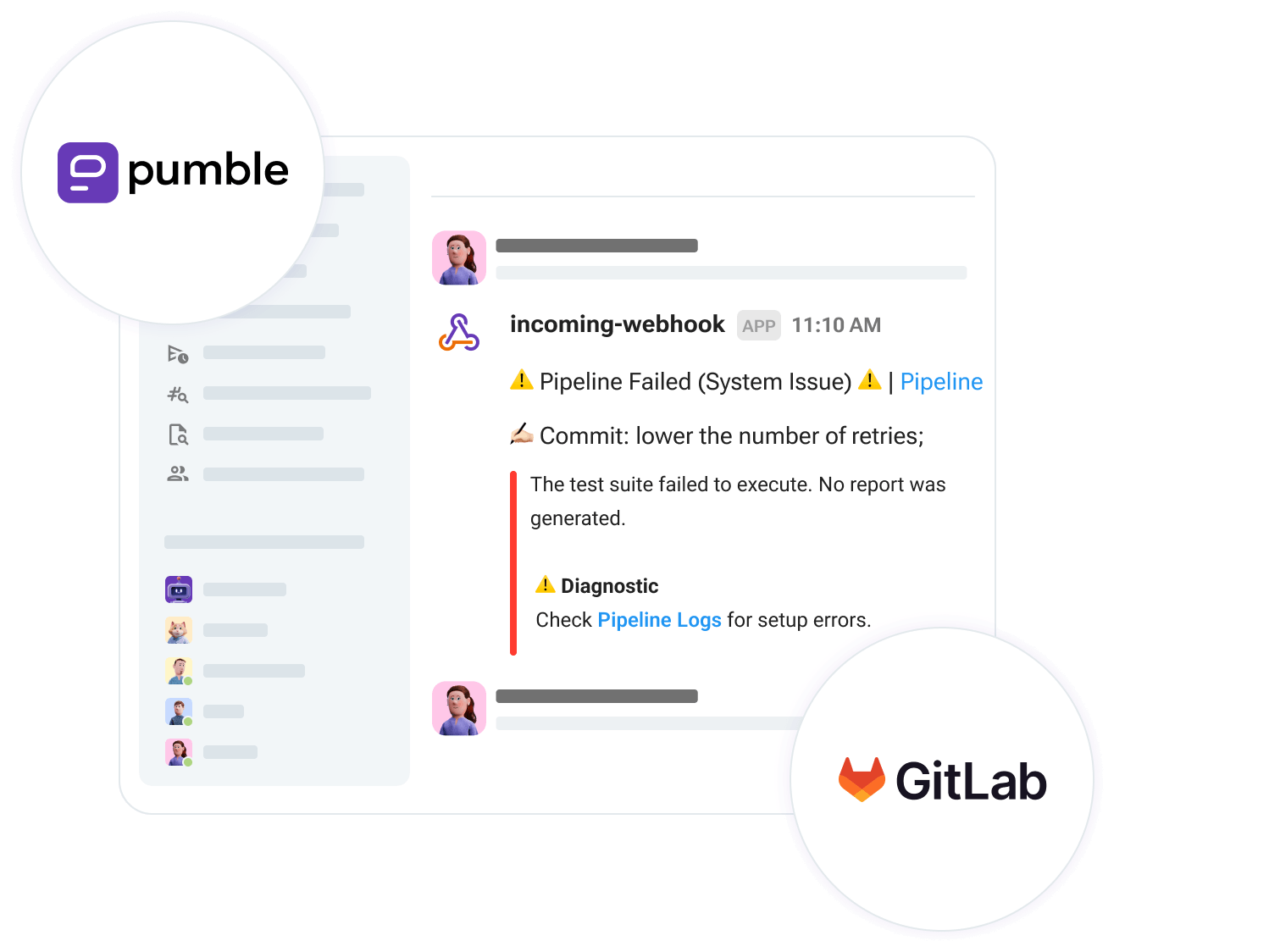
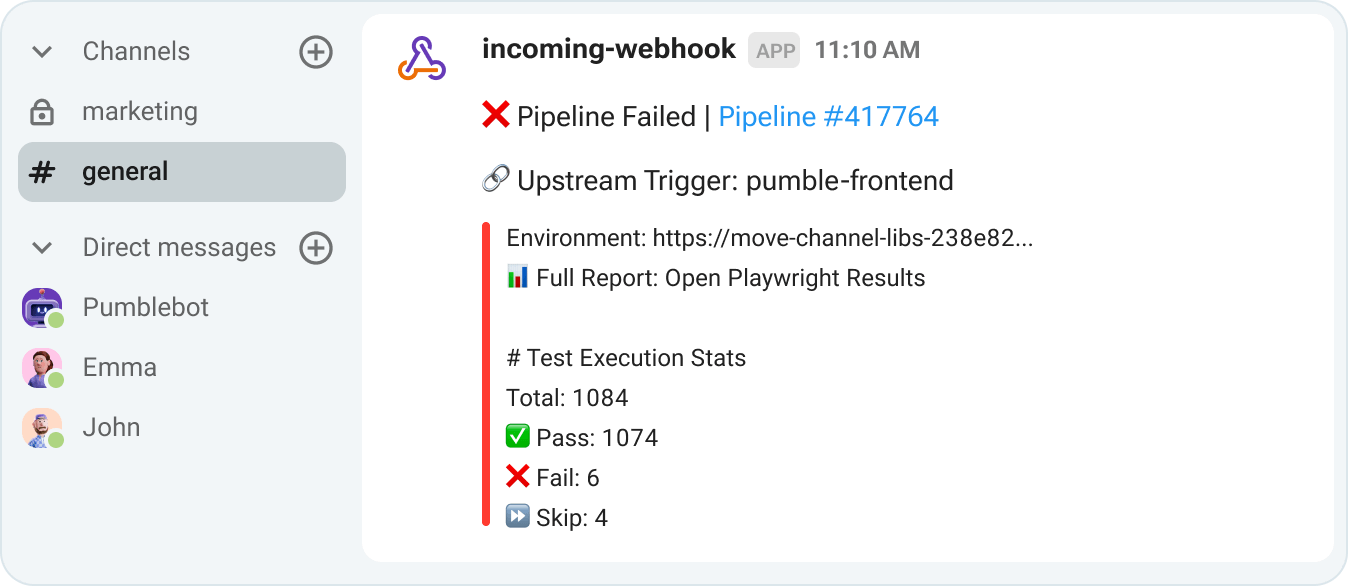
Stay informed about failed builds and new issues as they happen. Instant notifications help your team react faster to critical code events.

GitLab real-time updates in Pumble

Centralize your workflow

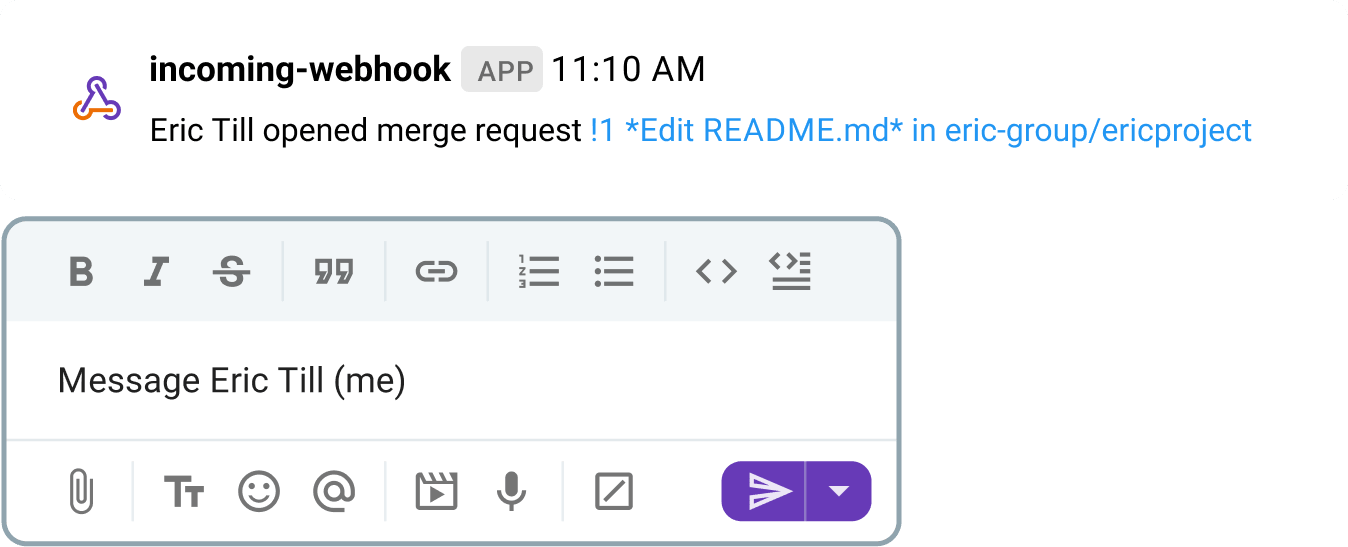
Stop jumping between email and GitLab. Discuss merge requests and deployment statuses right where your team already collaborates.

Discuss merge requests and deployment statuses in Pumble

Gain granular control

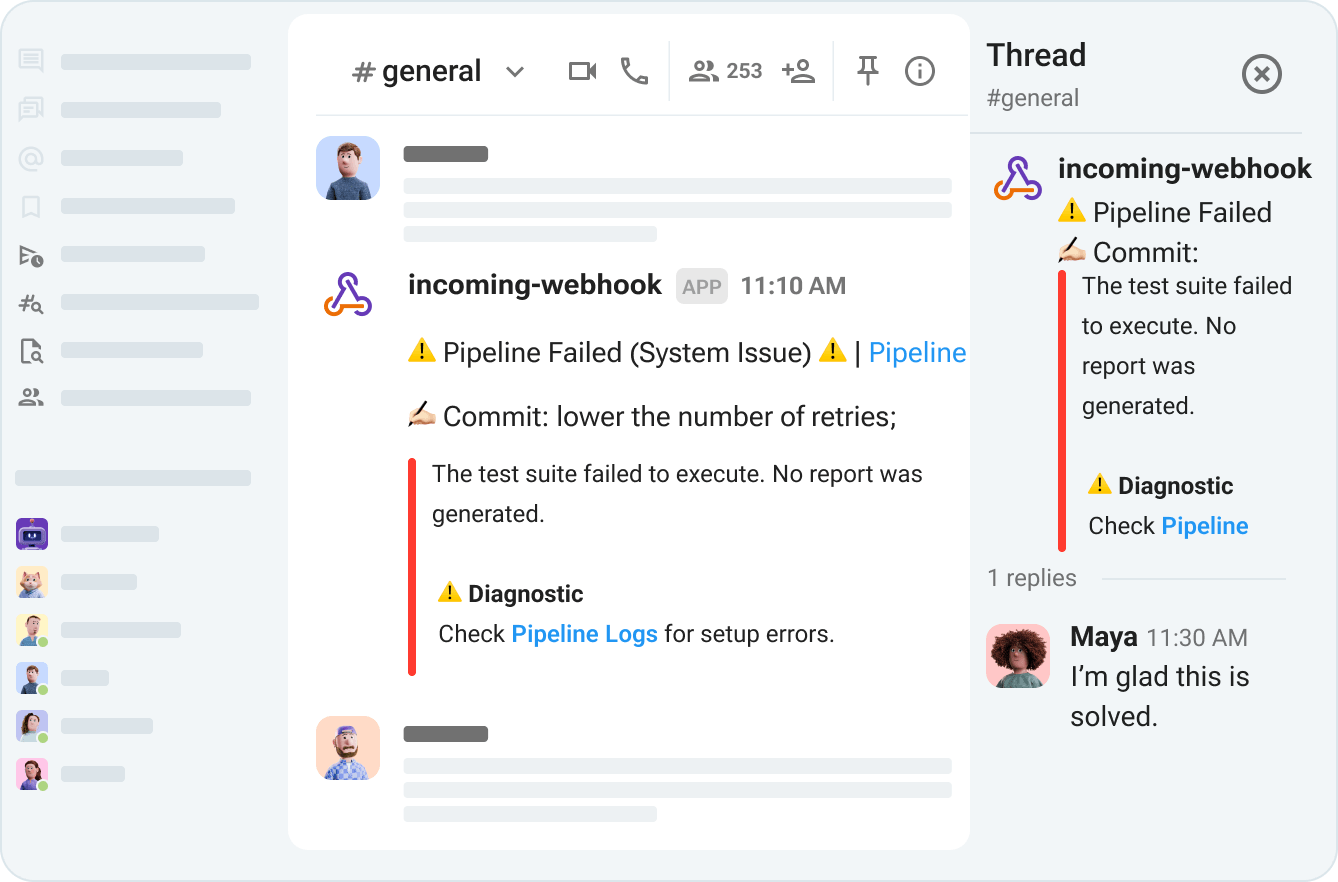
Choose which GitLab events to go with which channels, so you get the updates you need without the unnecessary noise.

Get the updates you need without the unnecessary noise

How to Connect GitLab and Pumble?

STEP 1

Create Pumble and GitLab accounts

To connect Pumble and GitLab, you need to have both accounts.

Create Pumble and GitLab accounts
STEP 2

Create an incoming webhook in Pumble

From Pumble’s left sidebar, click + Add apps, create a new Incoming webhook for the channel you want, and copy the webhook URL.

Create an incoming webhook in Pumble
STEP 3

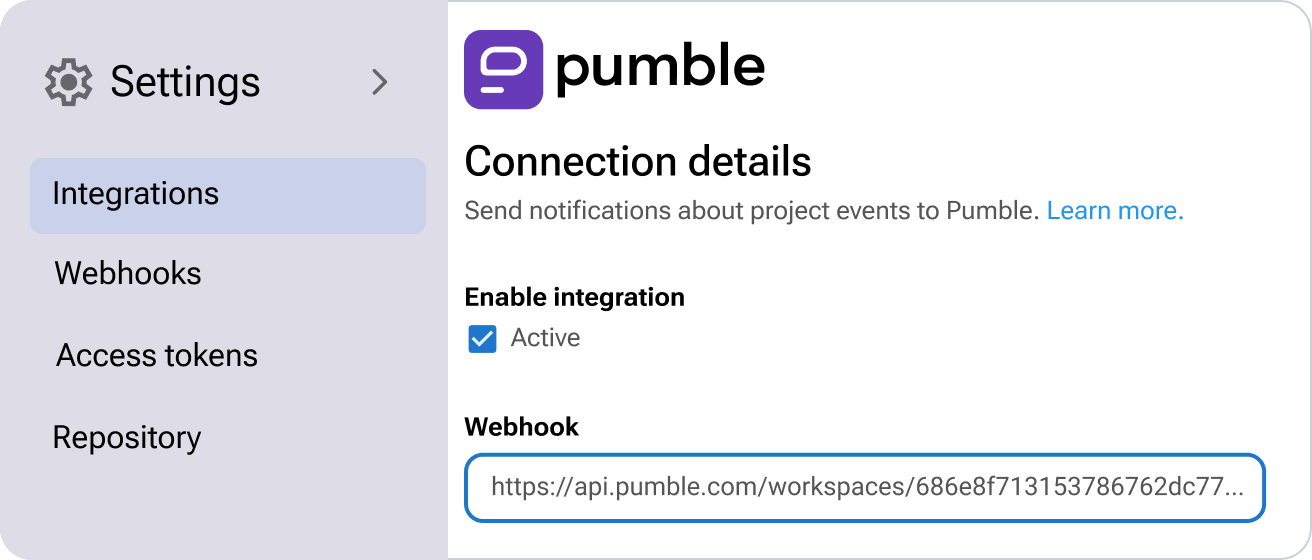
Connect GitLab to Pumble

In your GitLab project or group, go to Settings → Integrations, select Pumble, and paste your webhook URL.

Connect GitLab to Pumble
STEP 4

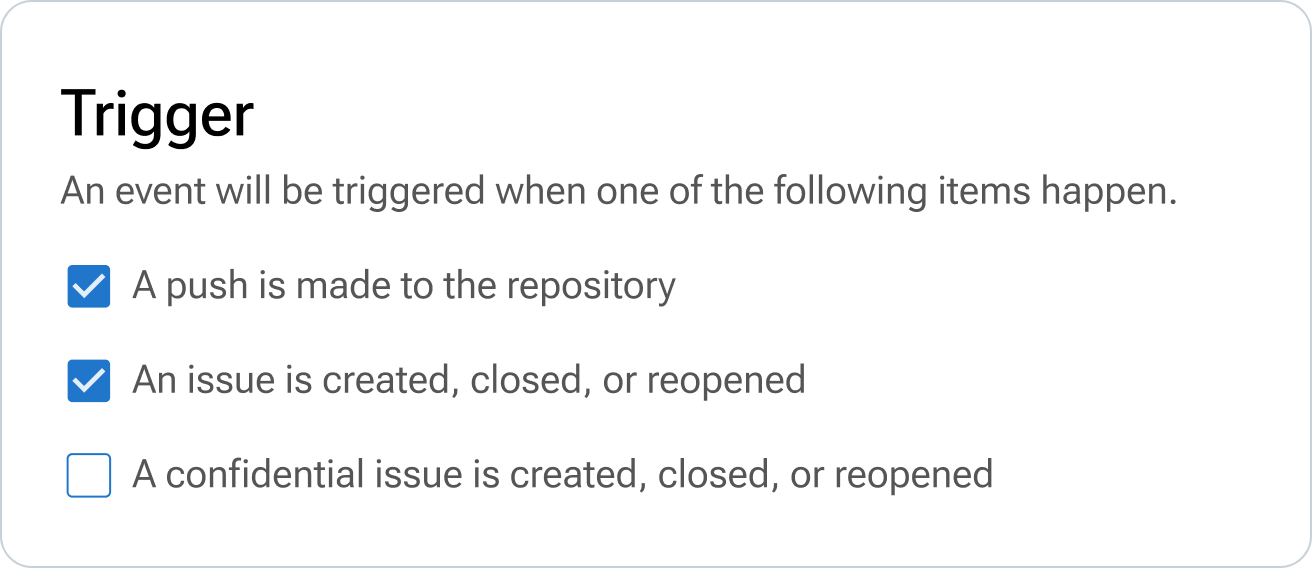
Select the events you want to track

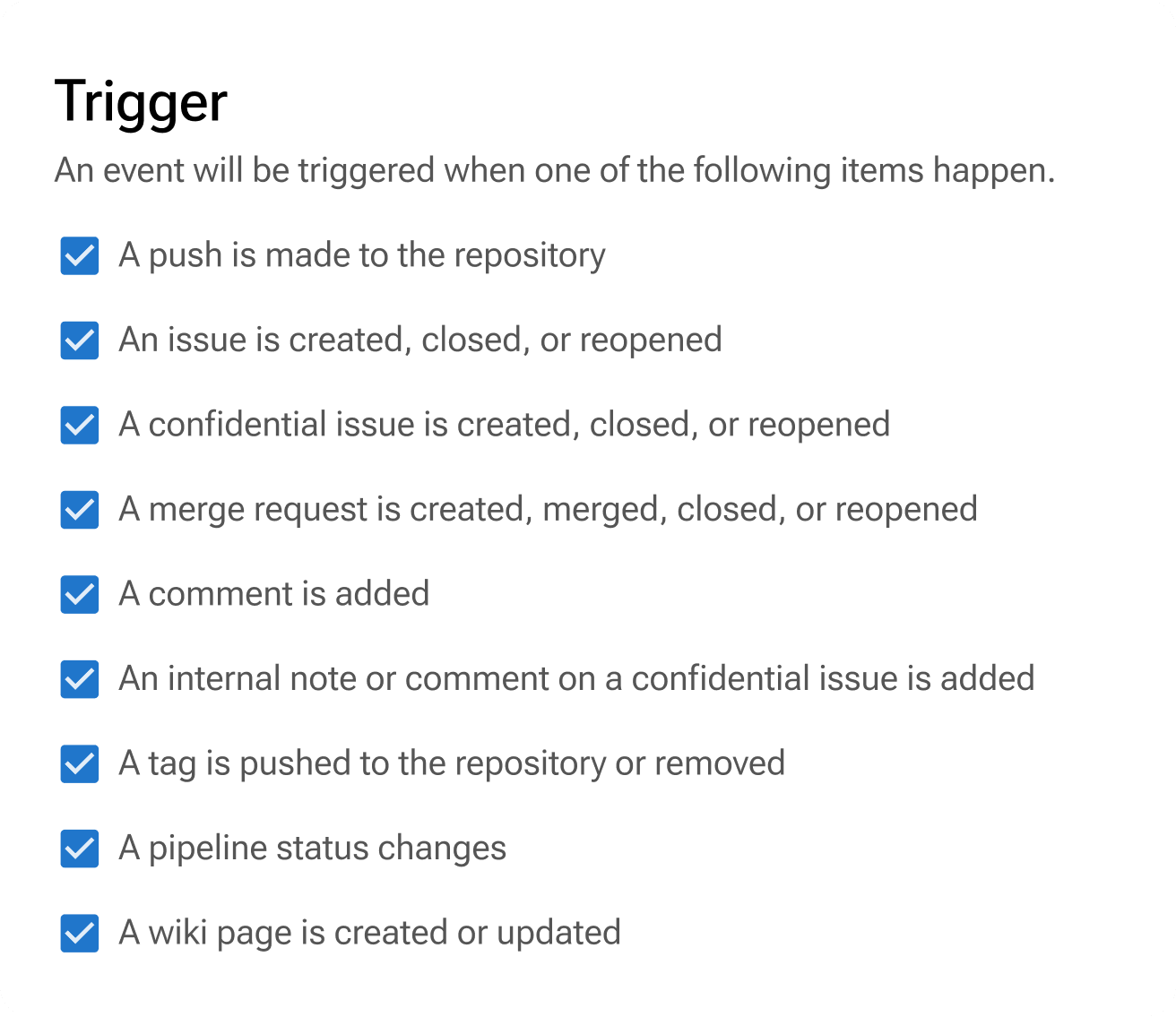
Choose which GitLab events to send to Pumble, such as merge requests or pipeline updates, then save your settings.

Select the events you want to track
STEP 5

Start receiving GitLab updates

Your integration is now active. GitLab events will appear in Pumble, keeping your team informed as work progresses.

Start receiving GitLab updates

Integrate Pumble with More Apps

Google Calendar

Join Google Calendar meetings directly from Pumble.

Google Calendar

Zapier

Connect Pumble to more than 3000 apps.

Zapier

Plaky

Get project management alerts in Pumble.

Plaky

Create Your Own Integrations

card icon

Custom Add-ons

Extend Pumble’s capabilities with your favorite third party add-ons, without ever leaving Pumble.

CAKE.com Marketplace

Frequently Asked Questions

What is a Pumble integration?

Pumble integrations connect tools like Google Calendar, Email and Zapier to Pumble, to help supercharge your workflow. Integrations are built using Pumble API.

Can I create my own integrations?

Yes you can. The Pumble API is publicly available for anyone to explore. You can view our documentation and get started. You can create internal integrations for private use, or build public integrations that are available to Pumble users.

Do integrations cost money to use?

While Pumble does not charge a fee to use integrations, our partners may charge a fee for using their service.

Do I need to upgrade my plan to install integrations?

You can access the API and install integrations on any Pumble subscription.