
Connect Jira and Pumble

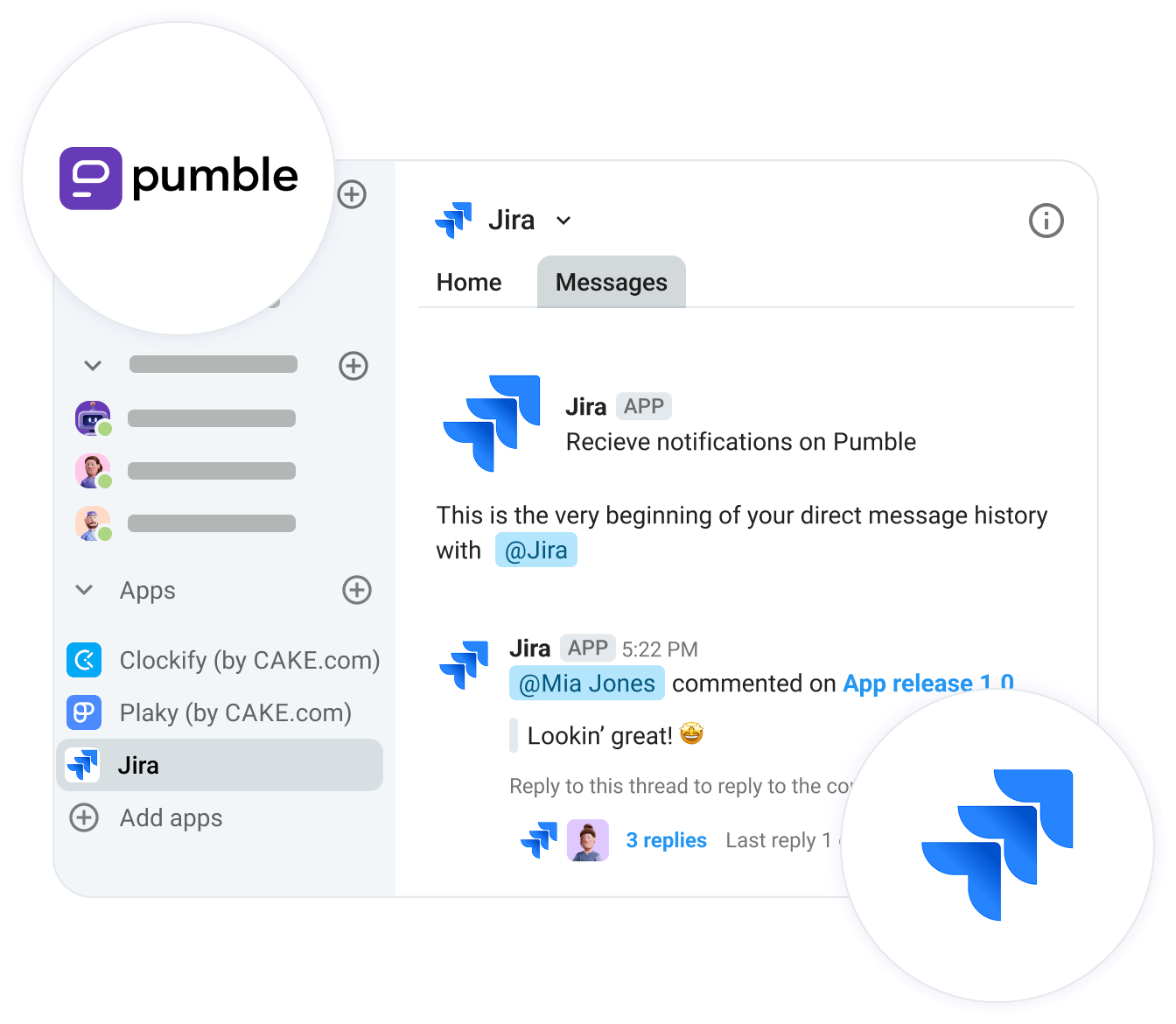
Access Jira issues directly from Pumble and get notified of important changes.

Get notified of Jira changes in Pumble

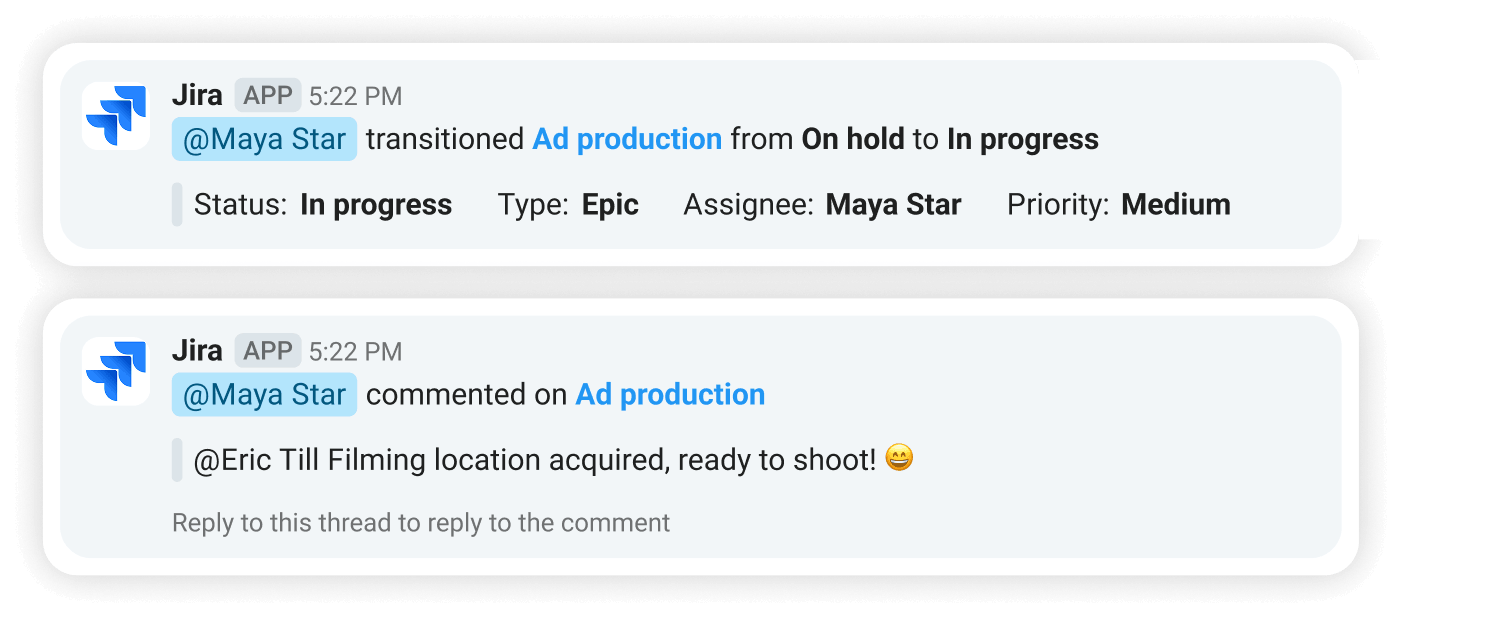
Get notified

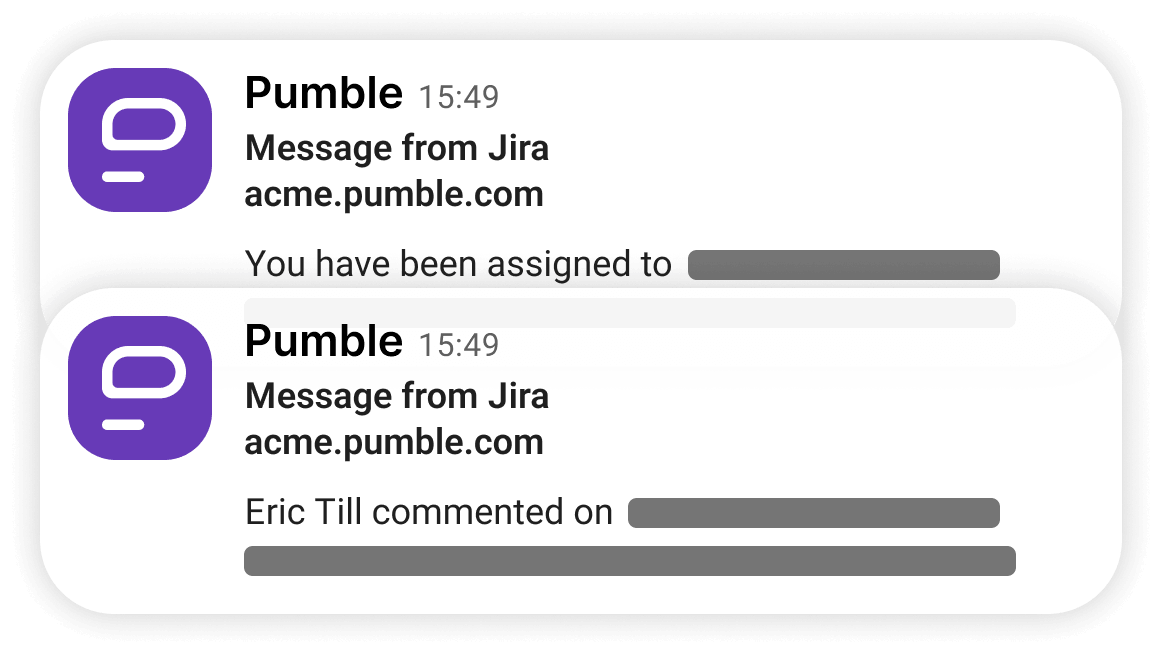
See what’s going on in your board without even opening it with notifications on issue assignments, comments, @mentions, and status changes.

Jira slash command list in Pumble

Use slash commands

Check out the slash commands you can use when Jira and Pumble are connected — e.g. getting details on specific issues — in the command list.

See all watched Jira issues in Pumble

See all updates in one place

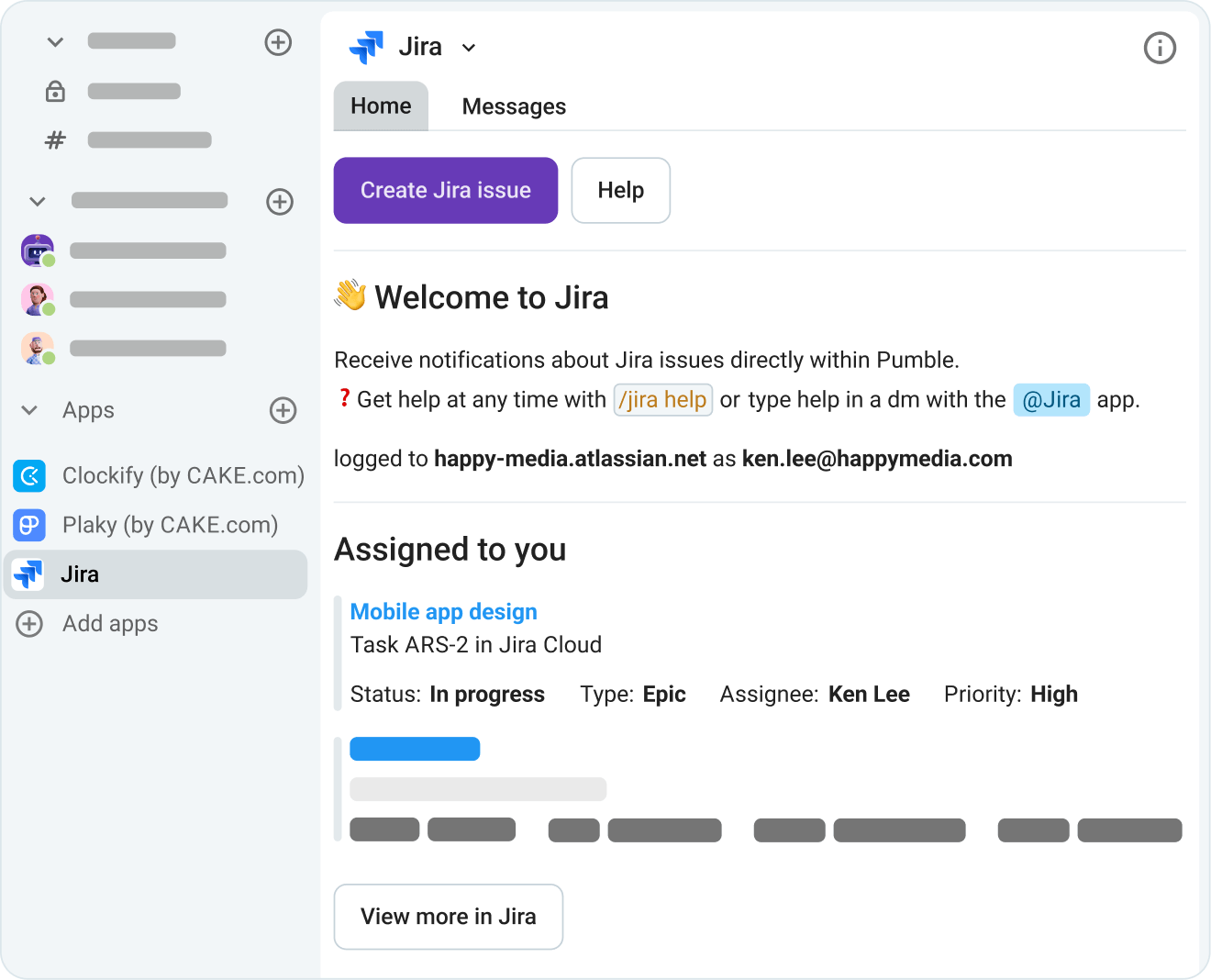
Access all of your watched issues right in Pumble for quick check-ups while communicating or to see if there are any changes you missed.

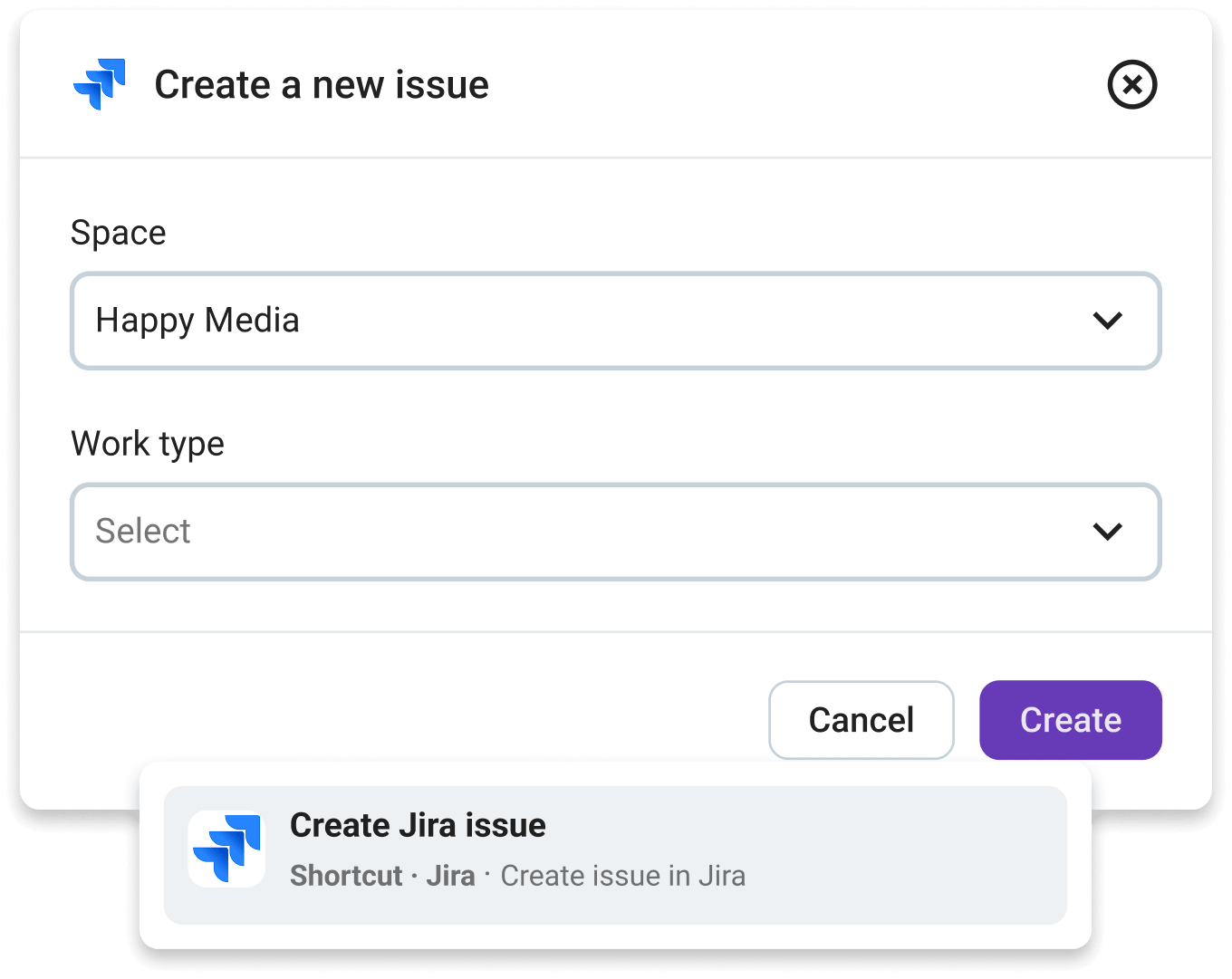
Create Jira issues using Pumble messages

Create new issues

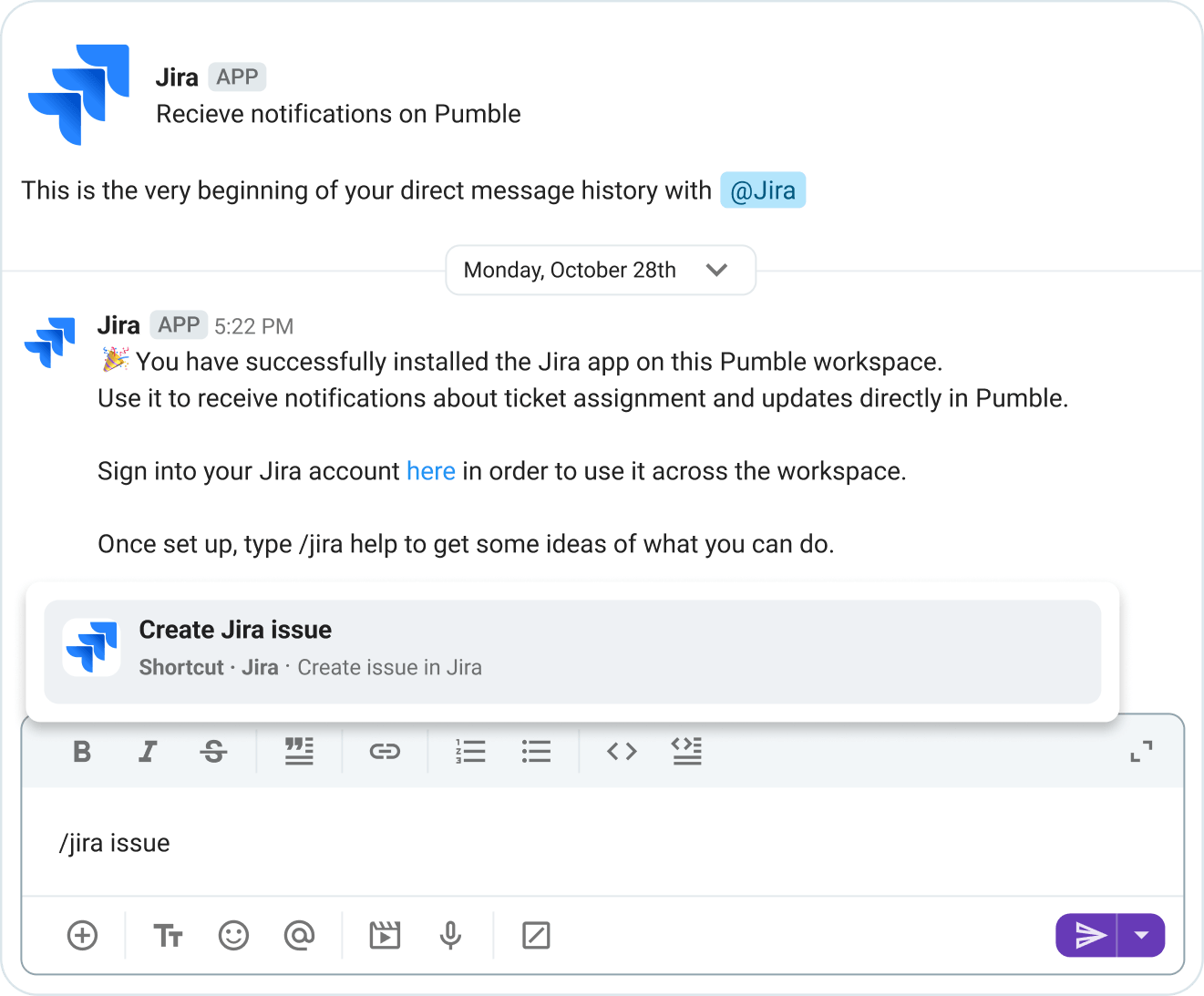
Use the content of Pumble messages to seamlessly turn them into Jira issues, and fill out task data without the need to even open your board.

How to connect Jira and Pumble?

STEP 1

Create both Pumble and Jira accounts

Before you connect these 2 apps, you need to create accounts on them with the same email.

Get started with Pumble
STEP 2

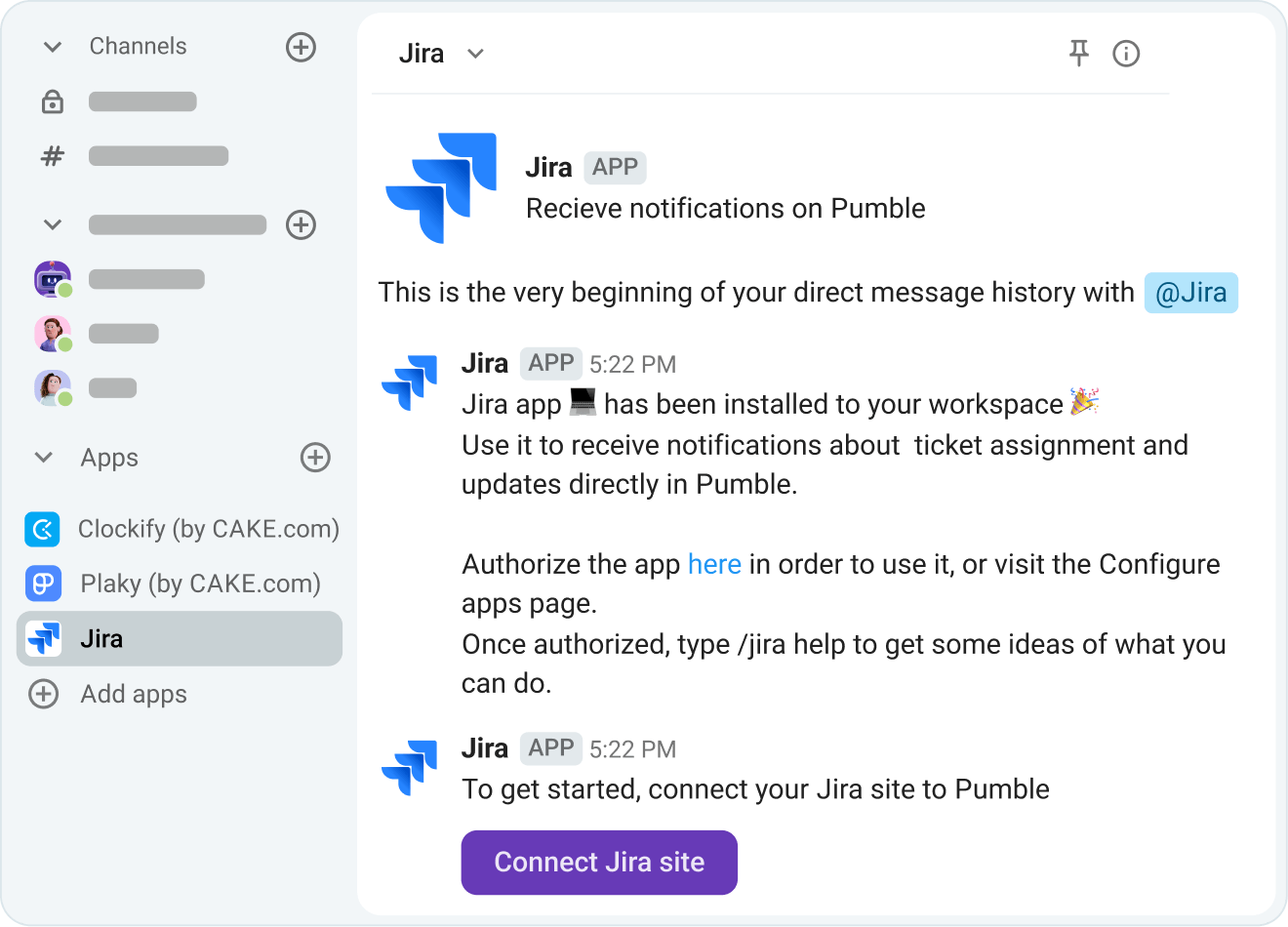
Install Jira from the Apps section

On the Pumble sidebar go to the apps section and choose Jira from the list to add it to your workspace.

Connecting Jira to pumble
STEP 3

Authorize the app

To use the integration, you need to authorize Jira in Pumble.

Authorize Jira in Pumble
STEP 4

Check out the command list

Use the /jira help command to see a list of everything you can do with this integration.

Browsing the Jira command list
STEP 5

Stay up-to-date with your work

Get notified on issue changes, updates, assignments, and comments right in Pumble.

Get notified about Jira issues

Integrate Pumble with More Apps

Google Calendar

Join Google Calendar meetings directly from Pumble.

Google Calendar

Google Drive

View Google Drive files in Pumble.

Google Drive

Zapier

Connect Pumble to more than 3000 apps.

Zapier

Create Your Own Integrations

card icon

Custom Add-ons

Extend Pumble’s capabilities with your favorite third party add-ons, without ever leaving Pumble.

CAKE.com Marketplace

CAKE.com Suite

Pumble has native integrations with Clockify and Plaky, both of which are free and don’t count toward your subscription plan limits.

Get started for free
CAKE.com Suite

Frequently Asked Questions

What is a Pumble integration?

Pumble integrations connect tools like Google Calendar, Email and Zapier to Pumble, to help supercharge your workflow. Integrations are built using Pumble API.

Can I create my own integrations?

Yes you can. The Pumble API is publicly available for anyone to explore. You can view our documentation and get started. You can create internal integrations for private use, or build public integrations that are available to Pumble users.

Do integrations cost money to use?

While Pumble does not charge a fee to use integrations, our partners may charge a fee for using their service.

Do I need to upgrade my plan to install integrations?

You can access the API and install integrations on any Pumble subscription.