
Connect Trello and Pumble

Create a centralized productivity hub for communication and task management to get real-time updates and increase task visibility.

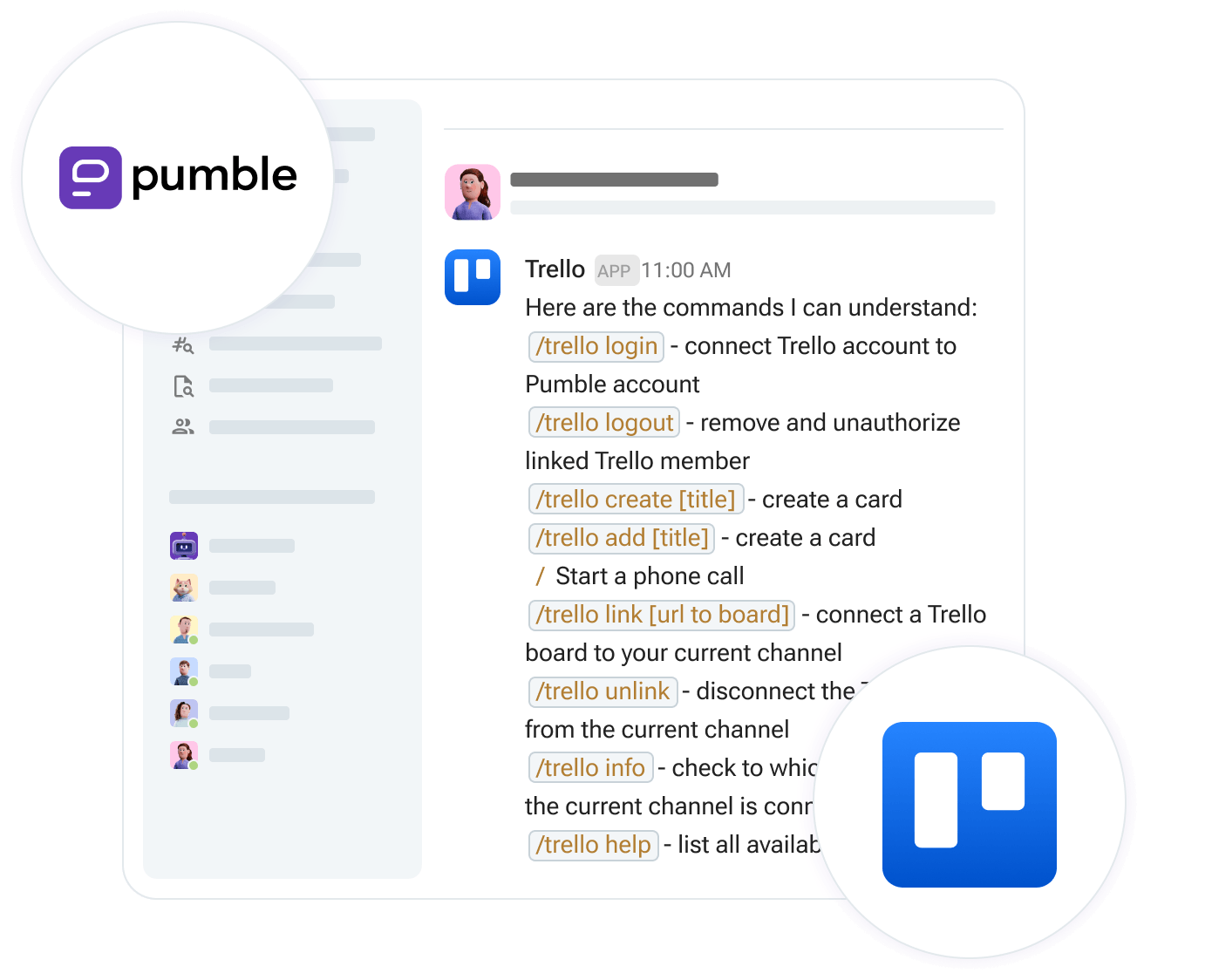
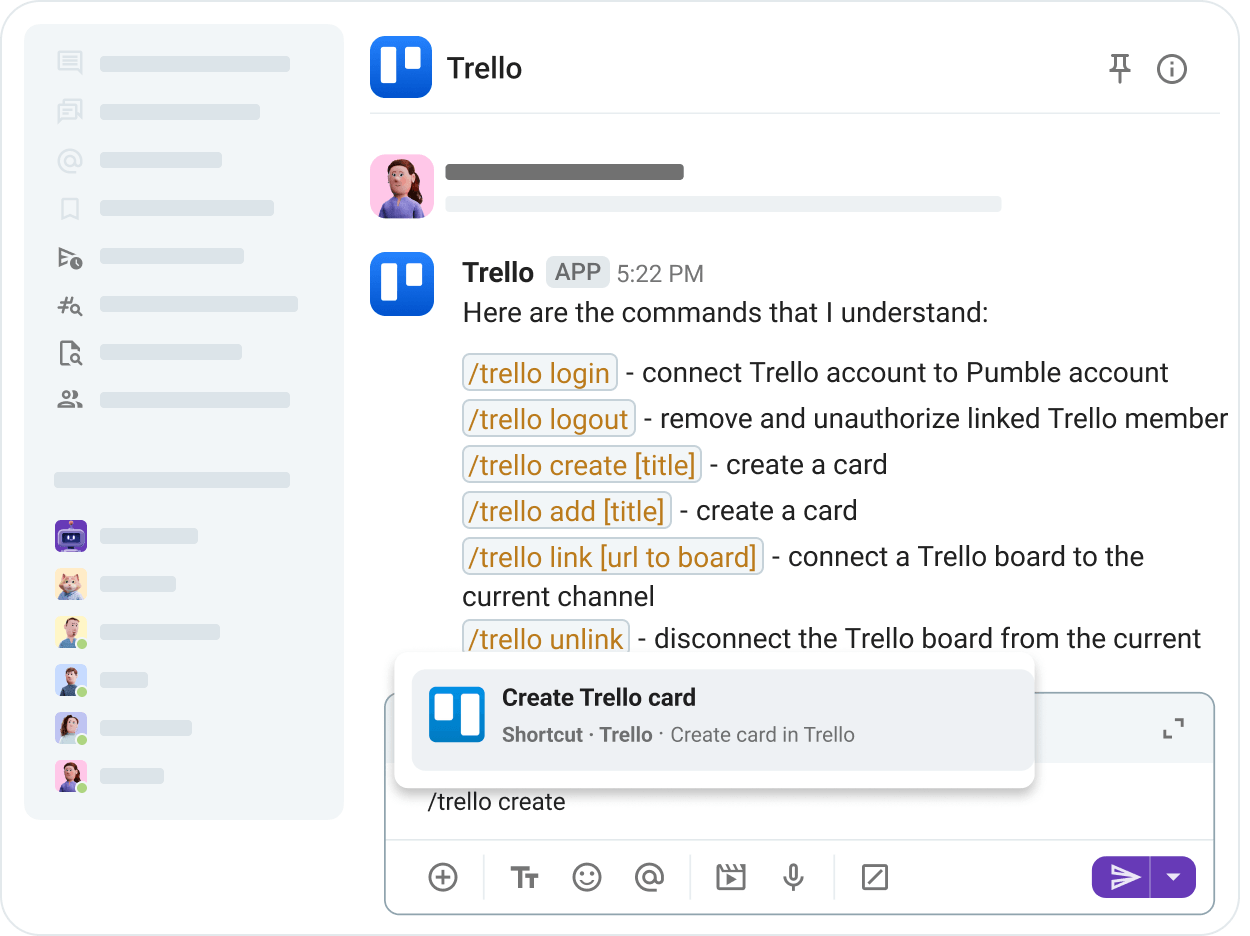
Create and link Trello cards

Create and link Trello cards

Use /trello commands to create new Trello cards or open dialogues, search through your Trello cards, or change the specific list on the linked board where new cards are created.

Turn Pumble messages into Trello cards

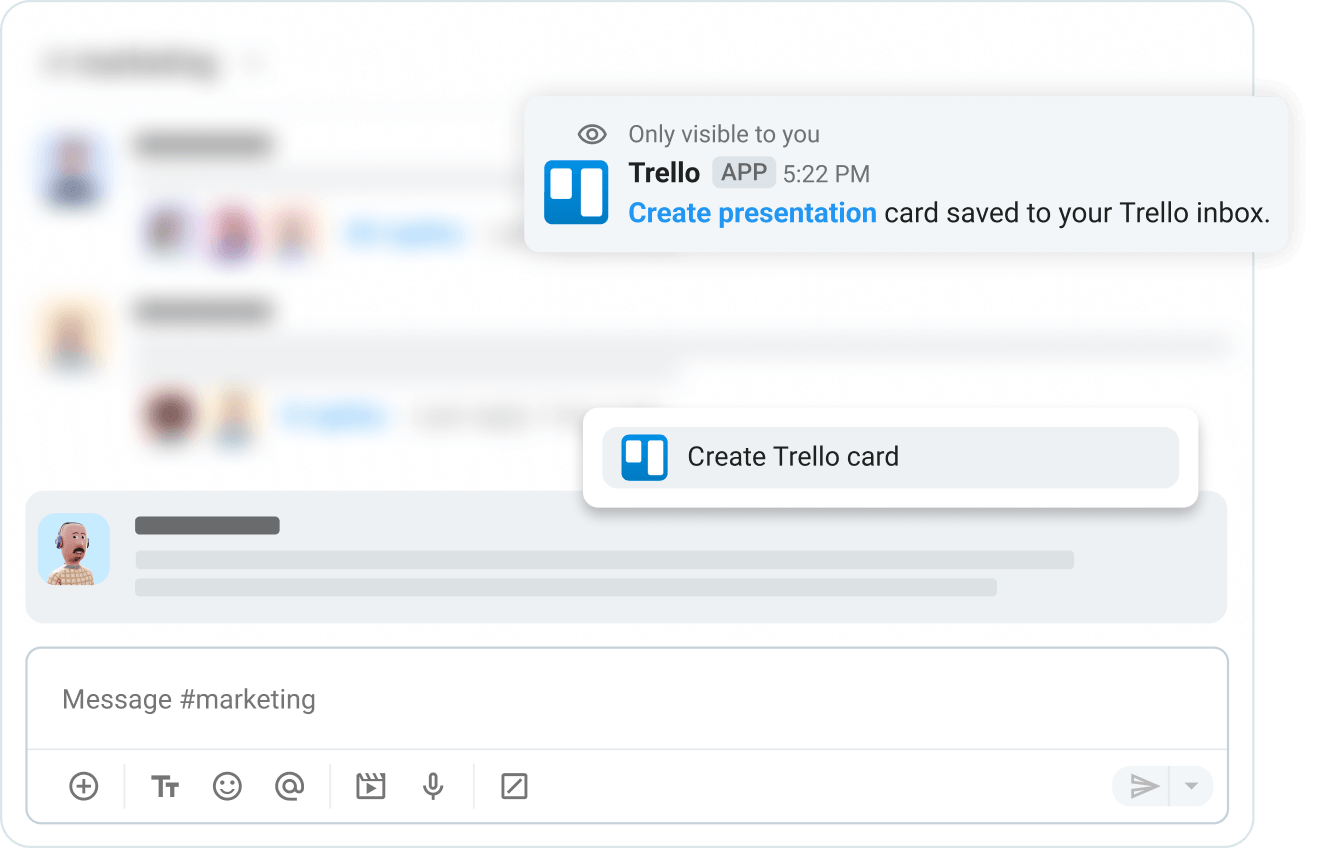
Turn Pumble messages into Trello cards

Make team collaboration for Trello users easy with message actions. Turn any Pumble message into a new Trello card, using its content as the card name or description.

Get rich link previews

Get rich link previews

Paste a link to a Trello card into a Pumble channel, and it will automatically display a rich, detailed summary of the card (including members, due dates, and descriptions).

Increase real-time task visibility

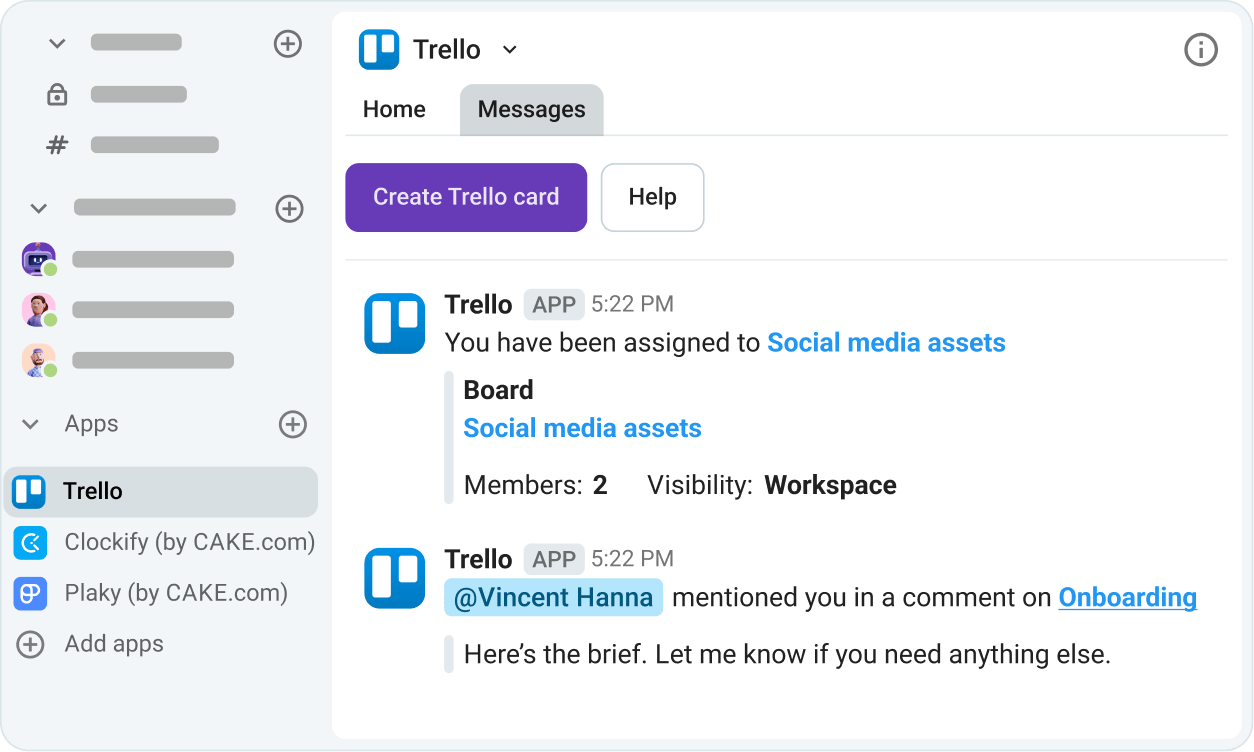
Increase real-time task visibility

Stay on top of all your tasks by reducing context and app switching. Manage Trello cards in Pumble, discuss them on the spot, and increase your team’s efficiency.

How to connect Trello and Pumble

STEP 1

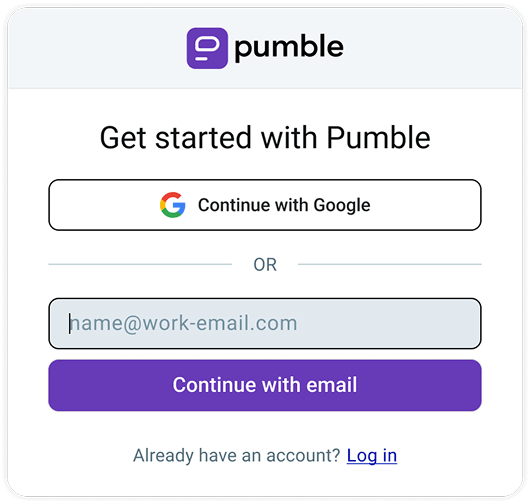
Create Pumble and Trello accounts

To connect Pumble to Trello, you need to have both accounts.

Get started with Pumble
STEP 2

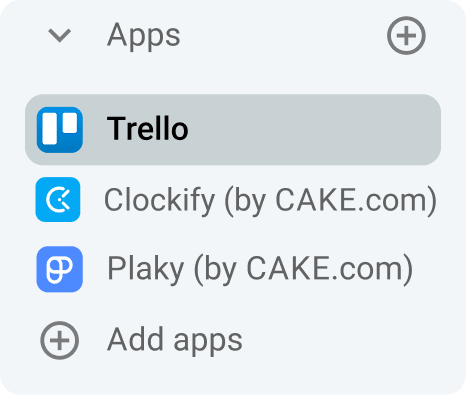
Install Trello from the Apps section

Go to the Apps section in the Pumble sidebar and choose Trello from the list to install the app.

Connecting Trello to pumble
STEP 3

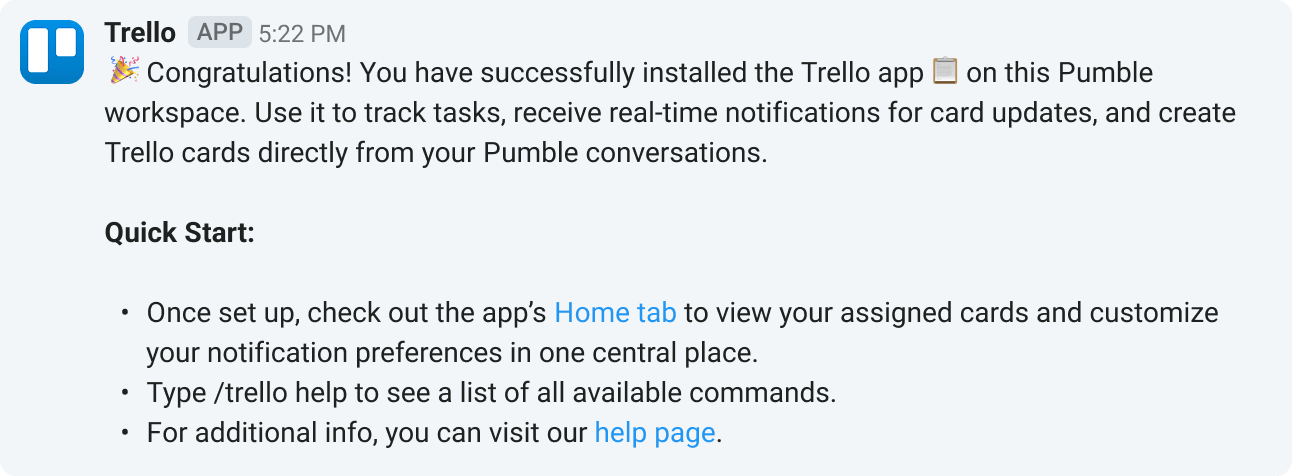
Connect your Pumble workspace to a Trello board

Connect your Pumble workspace to one or more Trello boards, so your team can start using the integration.

Connect Pumble workspaces and Jira boards
STEP 4

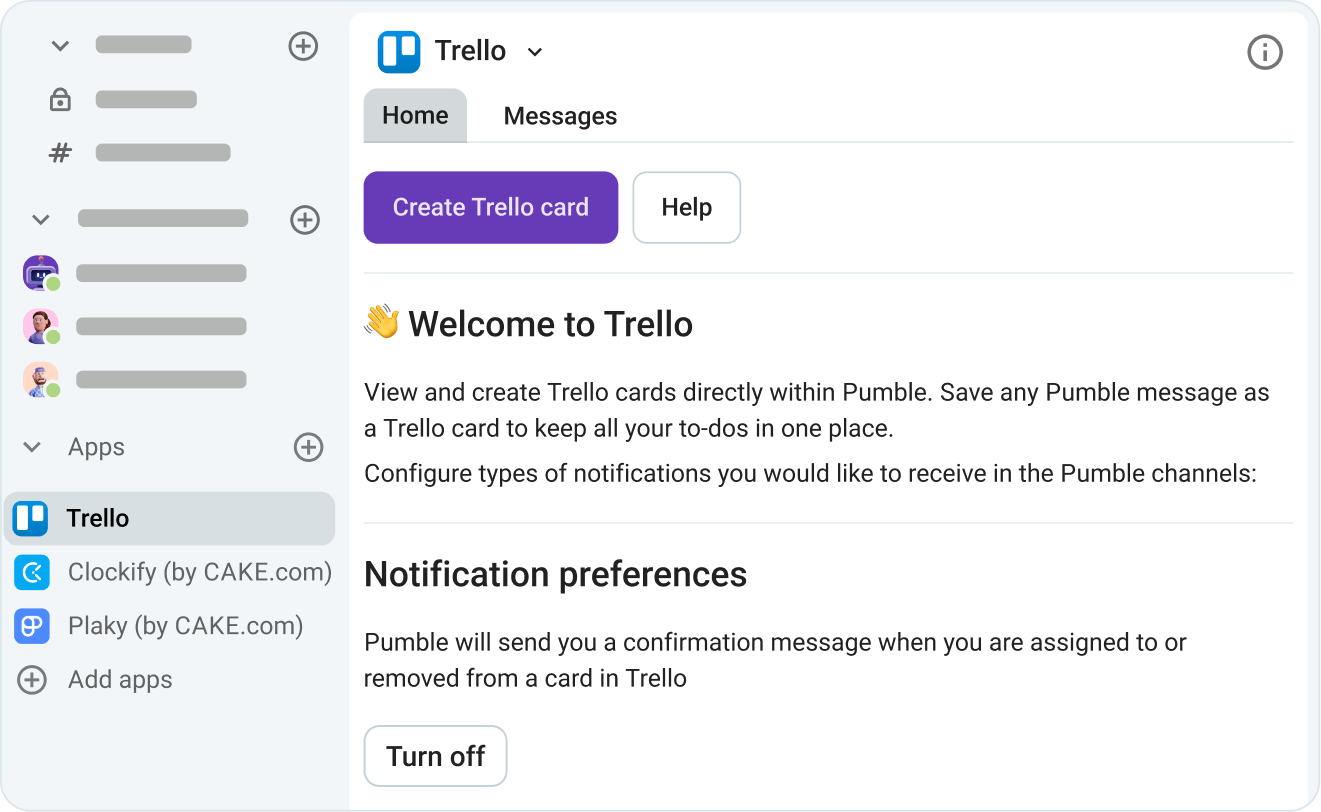
Configure notifications

Choose the type of notifications you want to receive via Pumble.

Configure notifications

Who benefits from Pumble + Trello?

Software developers

Syncing sprints and code reviews.

Marketing agencies

Tracking campaign assets and client feedback.

Remote teams

Maintaining transparency across time zones.

Integrate Pumble with More Apps

Jira

Get Jira task updates in Pumble.

Jira

Plaky

Get project management alerts in Pumble.

Plaky

Zendesk

Turn conversations into solutions - instantly.

Zendesk

Create Your Own Integrations

card icon

Custom Add-ons

Extend Pumble’s capabilities with your favorite third party add-ons, without ever leaving Pumble.

CAKE.com Marketplace

Frequently Asked Questions

What is a Pumble integration?

Pumble integrations connect tools like Google Calendar, Emailer and Zapier to Pumble, to help supercharge your workflow. Integrations are built using Pumble API.

Can I create my own integrations?

Yes you can. The Pumble API is publicly available for anyone to explore. You can view our documentation and get started. You can create internal integrations for private use, or build public integrations that are available to Pumble users.

Do integrations cost money to use?

While Pumble does not charge a fee to use integrations, our partners may charge a fee for using their service.

Do I need to upgrade my plan to install integrations?

You can access the API and install integrations on any Pumble subscription.