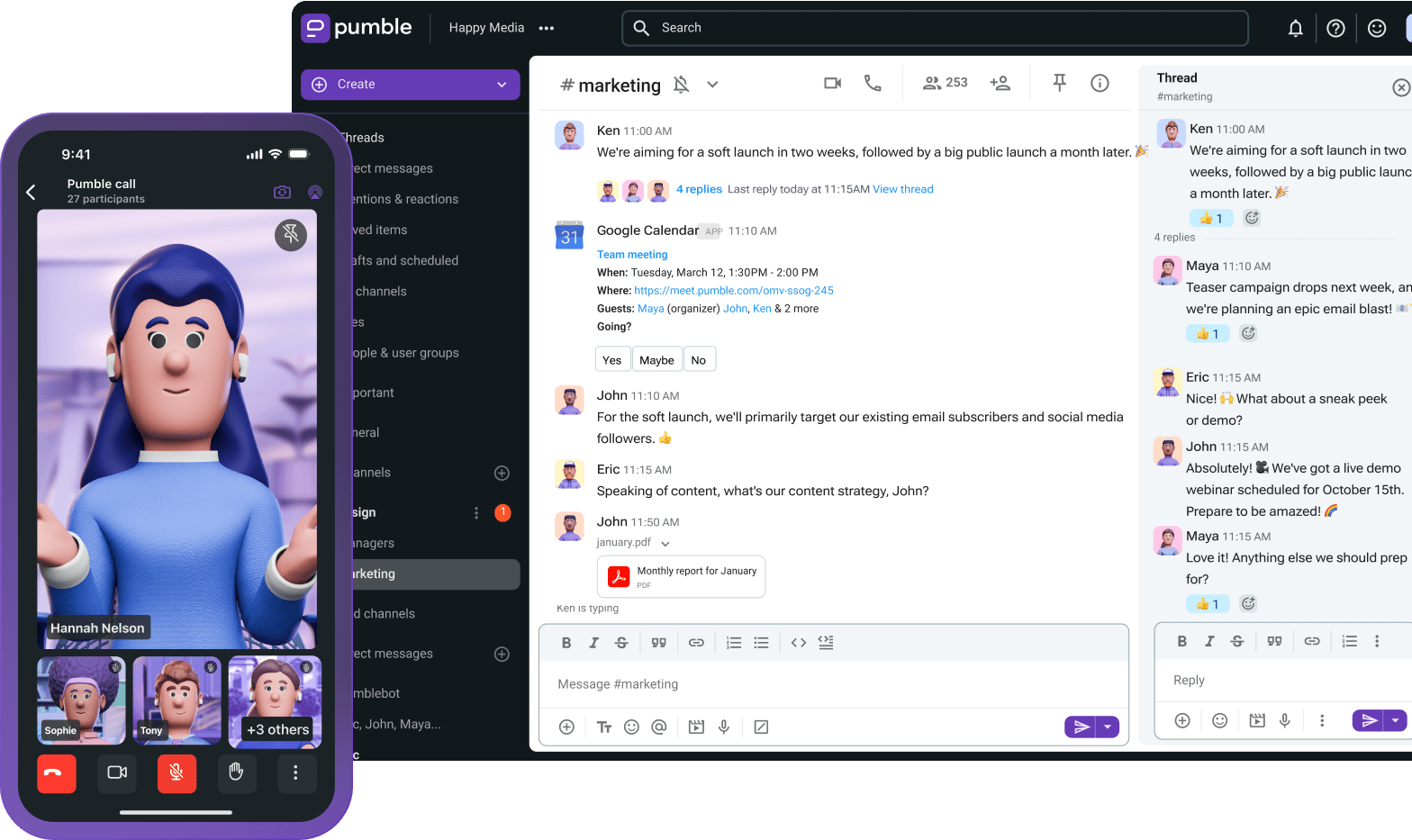
Most business messaging apps promise a quick fix for keeping teams connected. But more often than not, you’ll find that either their free plan is lackluster or their paid business plan is too expensive for what it offers.
That’s not the case with Pumble by CAKE.com. Its free plan is generous and packed with the exact features small businesses need to streamline collaboration and centralize communication. In fact, Pumble’s Business plan is a perfect fit for companies that want to:
- Scale their operations,
- Organize an increasing number of employees,
- Retain full control over their workspace, and
- Keep their digital office secure.
Let’s examine in greater detail how exactly the Pumble Business plan can power up your productivity.
- Your team collaboration app needs to keep pace with business expansion. With Pumble’s cost-efficient Business plan, work is simple and productive.
- At $3.99 per seat per month, users gain access to everything in the Free and Pro plans, plus advanced tools like meeting recordings, increased storage (20 GB per user), user groups, advanced permissions, and secure guest accounts.
- The Business plan scales voice and video calls up to 100 participants, making it an excellent solution for both internal teams and external client collaboration.
- If you’re unsure whether upgrading is the right step for your workspace, take advantage of Pumble’s 7-day free trial — no credit card information required to test out the paid features.
Free and Pro plan recap
Before going further, let’s look back at Pumble’s Free and Pro plans.
The Free plan offers:
- Unlimited message history,
- Video and voice messages,
- Unlimited channels,
- 1:1 audio and video calls,
- Plaky and Clockify integrations,
- Importing data from Slack,
- Round-the-clock human support, etc.
Next is the Pro plan, which builds on the features from the no-cost tier by adding:
- Group meetings,
- Customizable sidebar sections,
- Screen sharing,
- 10 GB storage per seat, and
- Up to 10 app integrations.
So, what exactly can the Business plan do for your team if you’re ready to take the next step?
#1 Take control with administration features and user groups
Even a small increase in headcount increases the challenge of maintaining internal security.
Who has access to what? How do you draw a virtual line as to what someone can do in Pumble? Most importantly, how do you know that all of your data is secure?
Pumble’s Business plan unlocks access to role-based permissions, which determine how each member can behave within your workspace. As a result, you can set strict rules about who can create, post, and access sensitive data.
Workspace Owners hold the highest level of authority, followed closely by Admins. Both have access to workspace settings, where they can determine who can:
- Post in channels,
- Create, archive, or delete channels,
- Use @mentions within channels, and
- Send, edit, or delete direct messages.
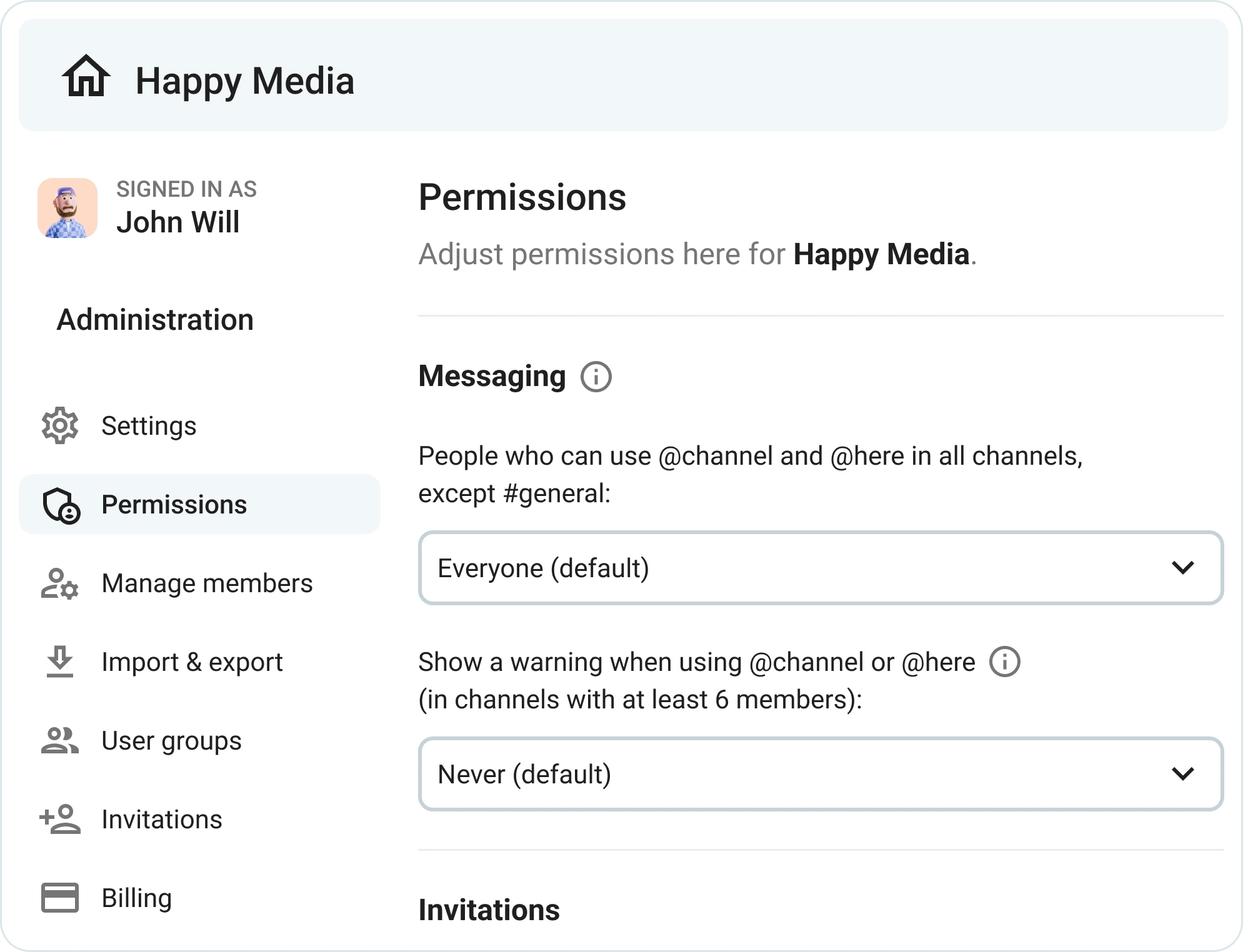
These granular permissions act as an extra protective layer for company data, ensuring:
- Greater security across the board,
- A lower risk of unauthorized access, and
- Fewer opportunities for data breaches.
Like all Pumble features, these functionalities are intuitive and easy to use.
That’s not where Pumble’s security precautions end, though.
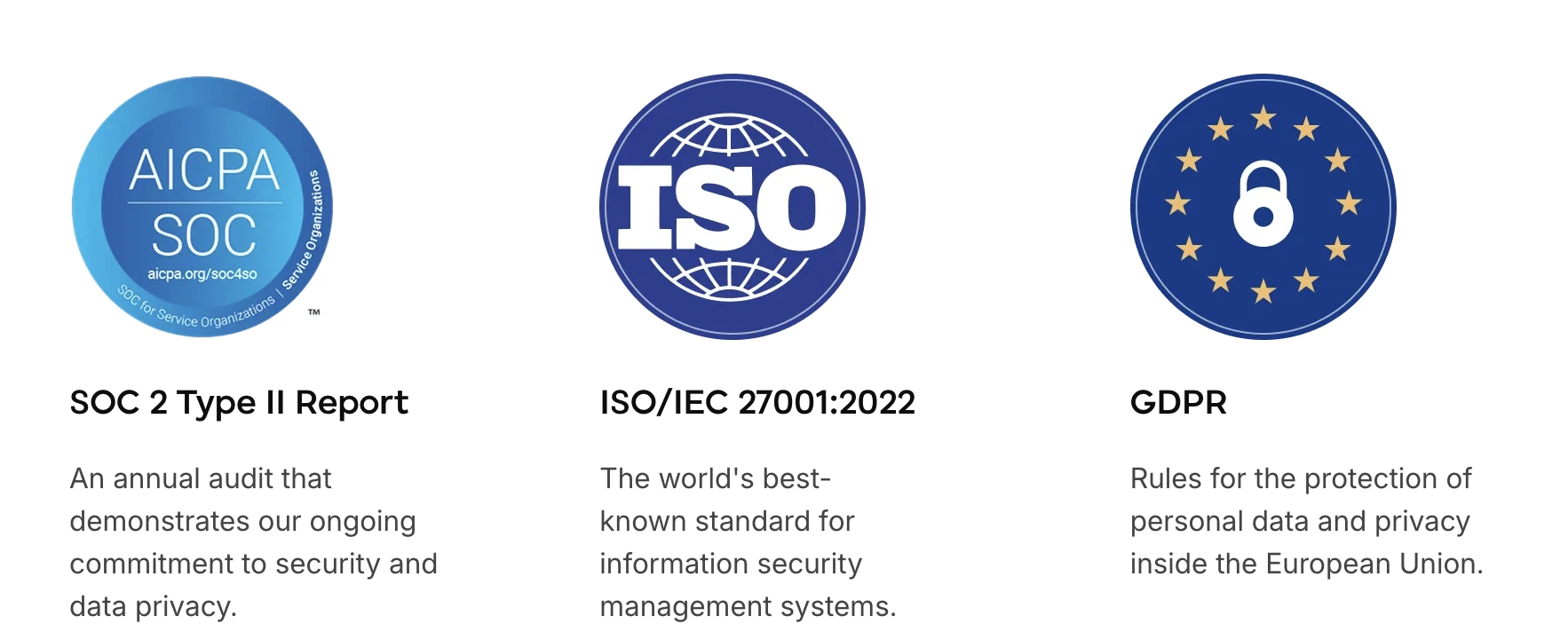
By implementing enterprise-grade safety protocols, Pumble continues to justify the trust users place in the platform, proving that it values data safety just as much as team productivity.
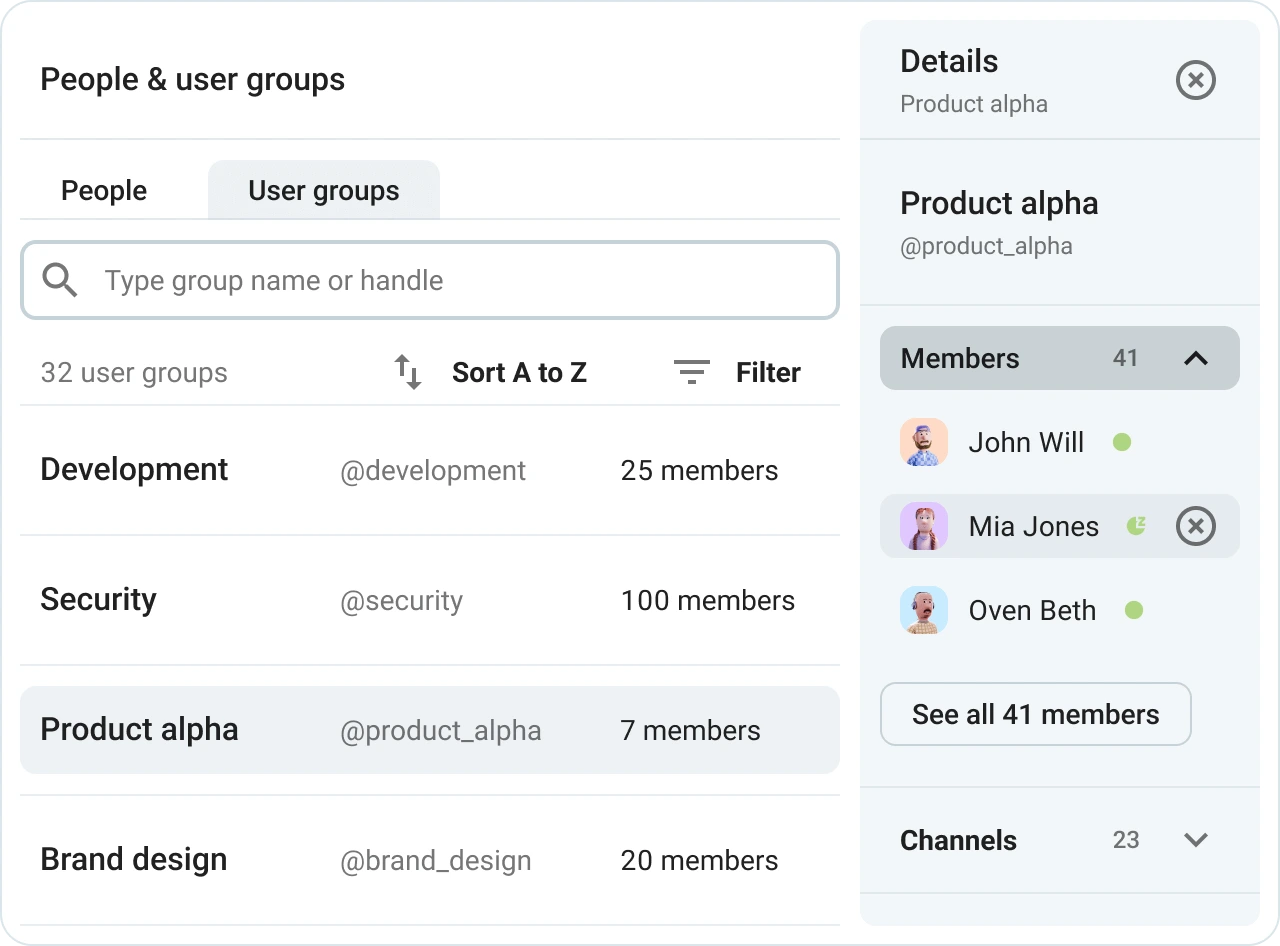
Plus, user groups give you increased control over how your workspace operates. For example, mentioning the @hr_team user group will ping each relevant member without distracting the rest of the company. This reduces the fragmented back-and-forth that often happens in 1:1 direct messages, while keeping departmental communication transparent and clear.
#2 Improve external collaboration with guest access
External collaboration is another aspect of business that highlights security concerns. How do you connect with clients, customers, and other organizations without compromising security?
You could give email another shot, but you’ll likely regret that decision once:
- Sales teams start taking longer to close deals,
- Contractors become difficult to reach for regular updates, and
- Employees struggle to get approvals on time.
The Pumble guest access feature can replace internal emails and even long-distance client phone calls that somehow keep getting postponed. This means you can move important conversations out of your inbox and straight into Pumble. There, your collaborators can enjoy the app’s popular features, including:
- Channel-based communication,
- High-quality calls, and
- Direct messaging.
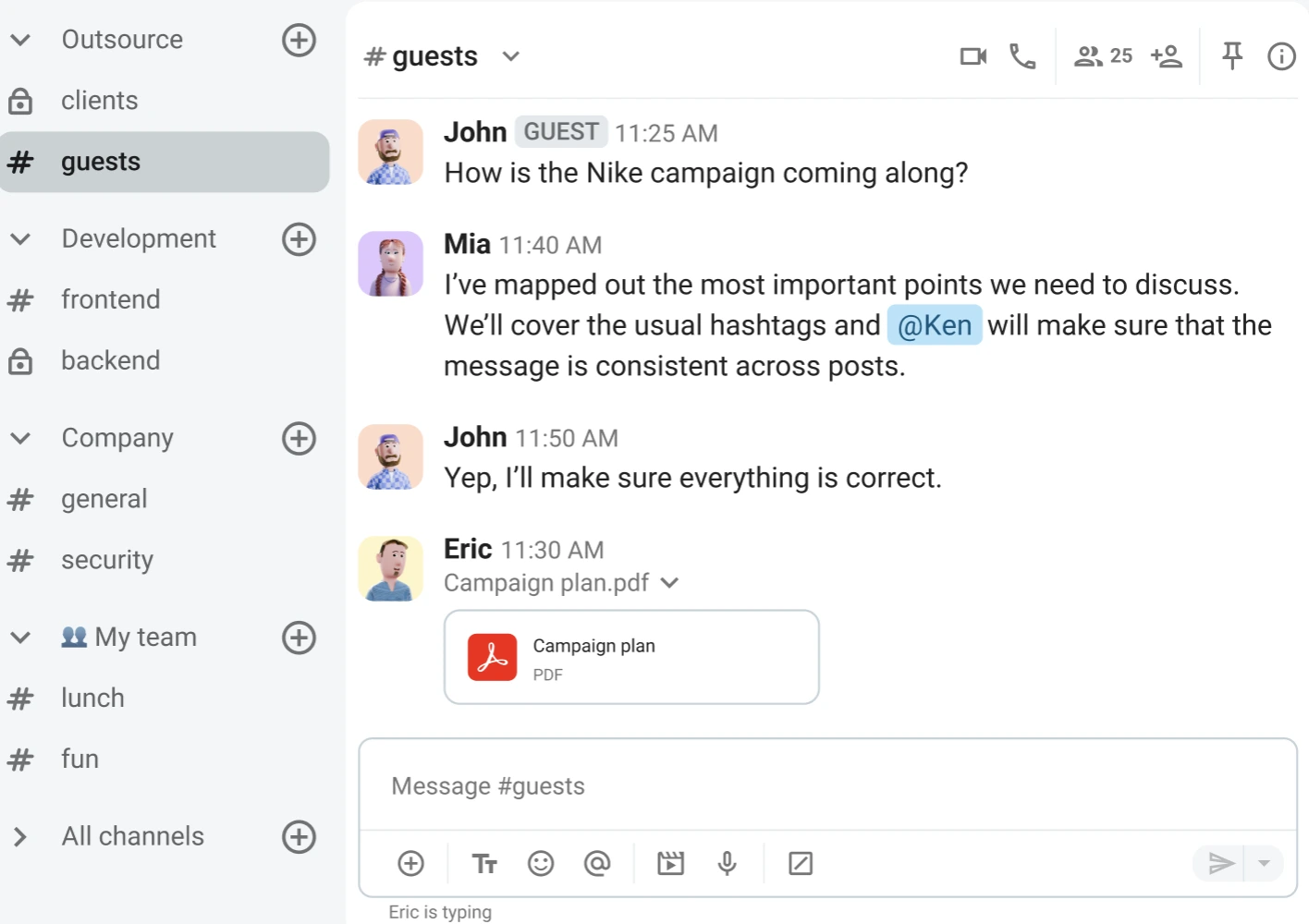
But guests don’t automatically gain free rein of your workspace the moment they accept your invitation. Pumble offers two options:
- Single-channel guests — These users can join a single private or public channel. For every paid seat, you receive 5 single-channel guests.
- Multi-channel guests — Billed at the same rate as regular users, these guests can join a limitless number of private and public channels, provided the Admin or Owner grants them access.
Bringing guests aboard specific channels can speed up group decision-making, although your customer communication doesn’t have to rely solely on instant messages.
In fact, there are times when you might not want to open up your workspace to outsiders at all. With external meeting access, connecting with customers, clients, and stakeholders gets a whole lot simpler.

Simply send out a meeting link and the recipients can quickly join the video call — regardless of whether they have a Pumble account. This convenience keeps collaboration moving, especially when you need to work with stakeholders beyond your core team.

Extending meeting access to external collaborators is particularly helpful for:
- Checking in with customers,
- Building stronger client relationships,
- Managing contractors or freelance contributors, and more.
Given that the Business plan also increases file storage (20 GB per seat) and video call capacity (up to 100 participants), Pumble is where you can build a results-oriented digital HQ.
🎓 PUMBLE PRO TIP
For more information on how to leverage guest access in Pumble, see our in-depth guide:
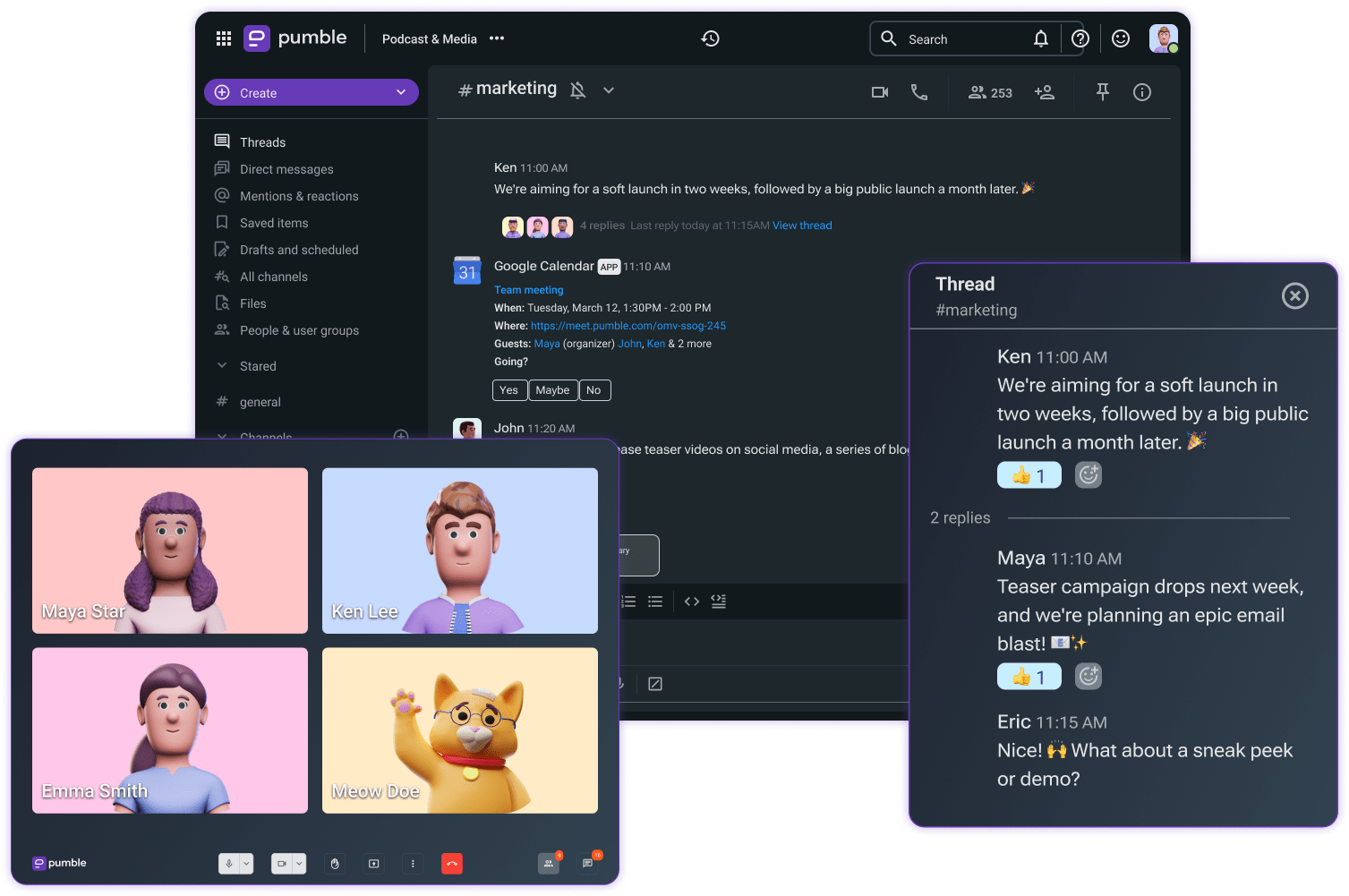
#3 Use integrations to turn Pumble into a structured system
Real-time interactions significantly reduce repetitive work, but duplicate tasks will never go away if your team is constantly forced to switch between multiple apps.
You can easily cut off the obvious platforms clogging your efficiency. But what about the apps you actually need for strategic processes?
Reducing software overload doesn’t mean getting rid of vital tools. It actually starts with operating from a comprehensive workspace that seamlessly connects to your other systems.
The Pumble Business plan opens the door to unlimited integrations, making it easy for growing teams to drive innovation without breaking the bank.
If you’re on the Free or Pro plan, you may have already tried some of Pumble’s popular integrations, such as:
- Gmail,
- Google Drive, and
- Calendly.
Once you upgrade to Pumble’s Business plan, you can expand your toolkit without ever leaving Pumble by adding tools like:
- Zendesk,
- Zoom,
- AI Assistant, and more.
Although Pumble is continuously introducing new native integrations, you can also create custom add-ons for deeper customization. Moreover, you can access the CAKE.com Marketplace — an ever-growing directory of apps and automations tested and shared by the CAKE.com community.
To set the bar for team collaboration even higher, combine Pumble with Plaky, a powerful project management tool.
Because these apps are both part of the CAKE.com ecosystem, using them in tandem is completely hassle-free. You’ll receive instant Pumble updates regarding project changes, item subscriptions, and comments, all while retaining full control over exactly which tasks trigger an alert.
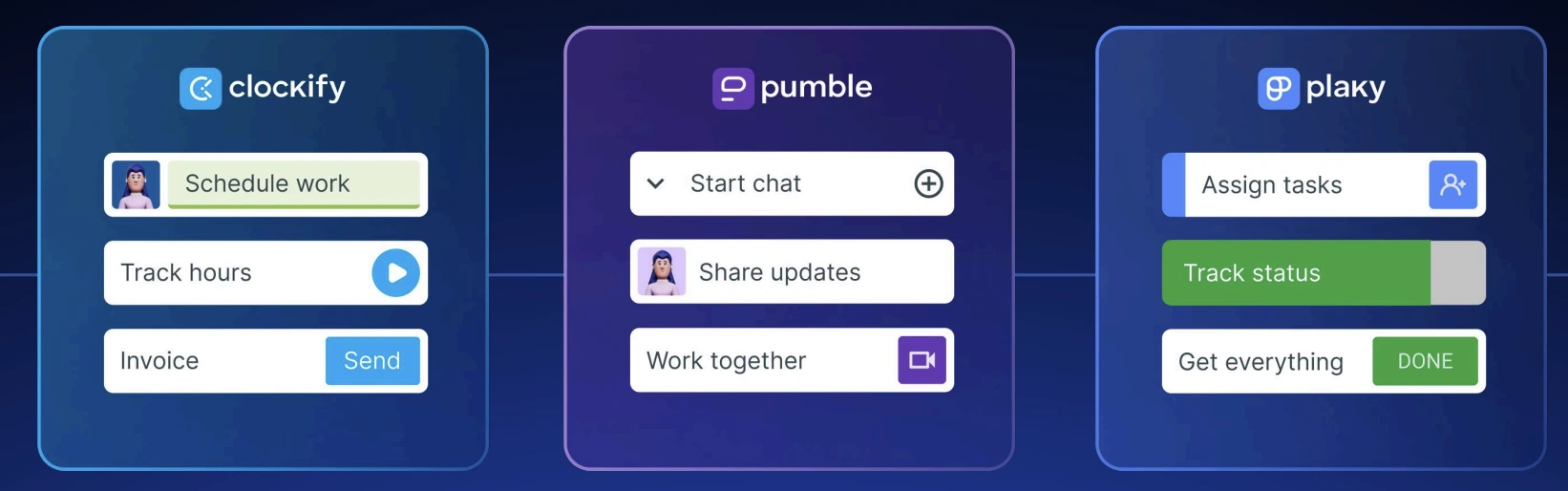
Add Clockify to the mix, and you’ll become a true CAKE.com power user. The Clockify integration brings time-tracking reminders, time-off requests, and more straight to your Pumble inbox.
With just 3 tools, you’ll cover the most essential aspects of business:
- Project management,
- Team communication, and
- Time tracking.
🎓 PUMBLE PRO TIP
Want to tap into the full potential of Pumble, Plaky, and Clockify? Access the Enterprise version of all 3 products with the CAKE.com Bundle deal for just $12.99 per seat per month. For more information, visit this page:
Get started with the CAKE.com suite
#4 Upgrade workflows with group video conferencing
While the Free plan is optimal for 1:1 calls and the Pro plan goes the extra mile with group meetings, the Pumble Business plan takes it one step further with meeting recordings.
In the past, video conferencing was notorious for pushing teams to rely on multiple unrelated tools. It was hard to find a single platform that combined:
- Screen sharing,
- High-quality audio,
- Sharp video, and
- Messaging.
Thanks to Pumble, these issues are long gone.
For remote and distributed teams, overcoming distances and supporting flexible schedules hasn’t always been smooth sailing. That’s why group video calls are so important — not only do they promote work-from-anywhere arrangements, but they also simulate in-person interactions in an increasingly digital-first world.
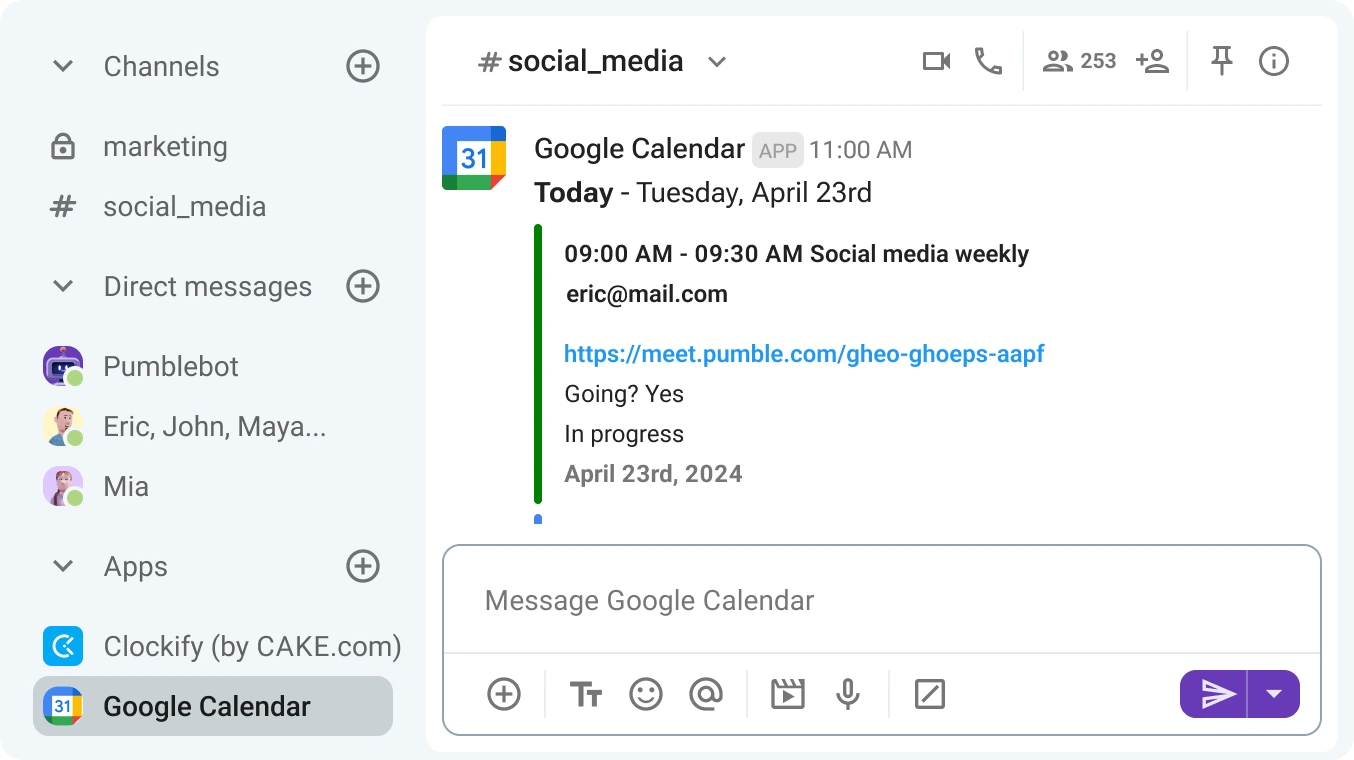
What Pumble does best is adapt to different types of meetings. Launch spontaneous, informal calls directly from channels or direct messages, without any prep or scheduling beforehand. When it’s time for a more formal discussion, you can create a meeting link within the Pumble app and use the Google Calendar integration for event reminders.
What about team members who can’t make it to every meeting? How do you make sure they stay looped in?
Record your meetings, share them in Pumble, and keep teams of all sizes in sync. Coworkers who couldn’t attend will have access to every discussion and subsequent decision, while those in attendance can make each meeting more dynamic by:
- Raising their hand to share comments or ask questions,
- Sharing emoji reactions to express their opinions, and
- Sending in-call messages to make comments without interrupting the flow of the conversation.
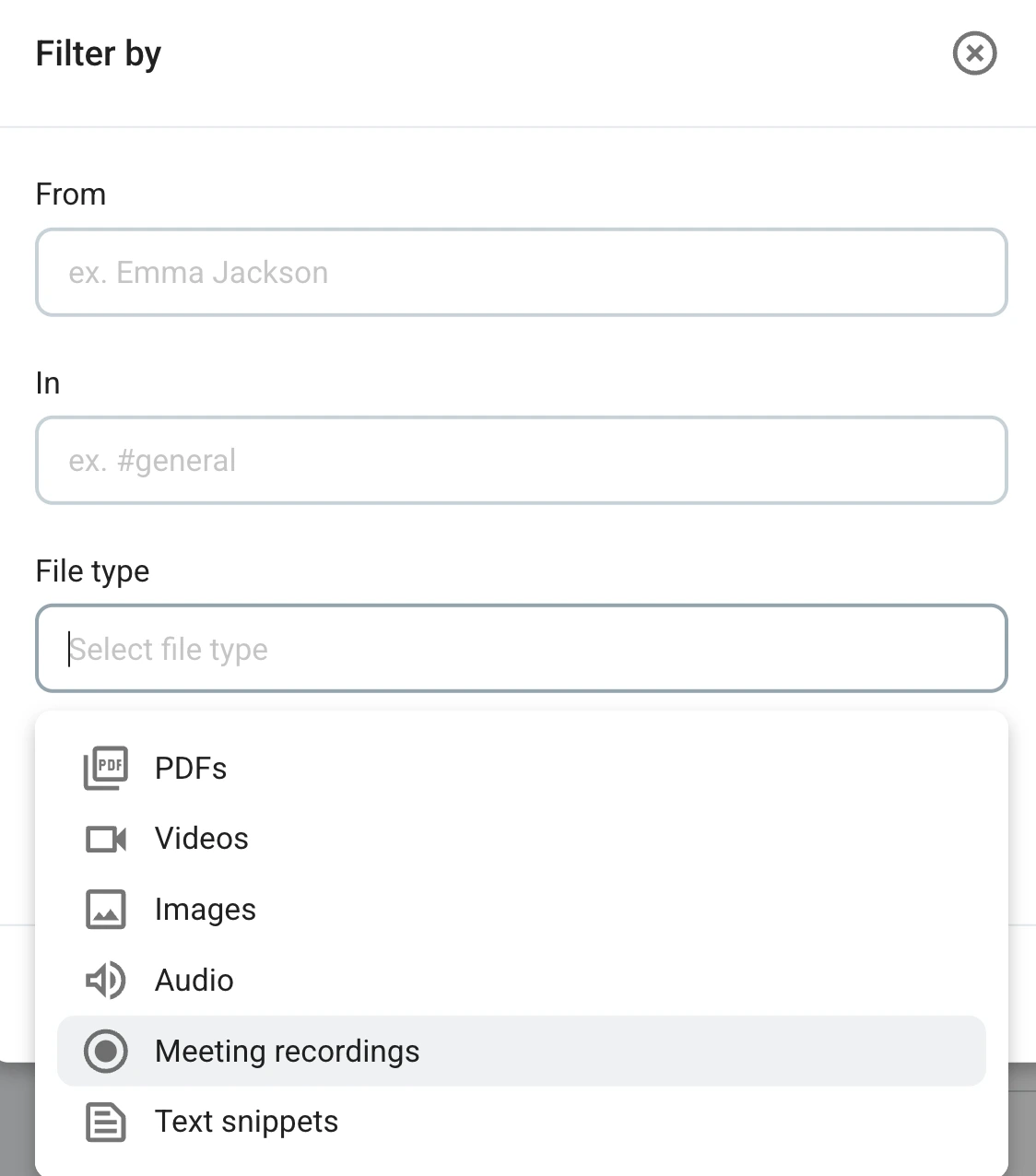
File sharing and Pumble’s unlimited message history keep the recordings within reach. Apply the search filters from within the Files section in your sidebar and your meeting recording will be right there, ready for review.
🎓 PUMBLE PRO TIP
Video calls are merely one of the many features that optimize remote work. To learn about additional Pumble functionalities your remote team will love, check out this guide:

FAQs
What’s included in the Pumble Business plan?
The Business plan includes all features from the Pro plan, plus advanced guest access, user groups, and workspace administration permissions.
How much does the Pumble Business plan cost?
With an annual subscription, the Business plan costs $3.99 per user per month, which makes it one of the most budget-friendly deals on the market. For comparison, Slack’s paid plans start at $7.25 per user per month when billed yearly. Meanwhile, a subscription to Microsoft Teams Essentials costs $4 per user per month (billed annually).
Can I invite clients to Pumble?
You can invite internal team members, clients, and contractors to Pumble and limit their access to your workspace via the guest access feature. Pumble supports single-channel guests, who can access only one channel, and multi-channel guests, who can join multiple channels the workspace Admin or Owner approves.
Unleash the potential of the Pumble Business plan
Pumble is a far cry from casual workplace messaging. At just $3.99 per seat per month (billed annually), the Business plan transforms the app into a feature-rich home base for your entire organization, complete with:
- Unlimited app integrations,
- Secure infrastructure,
- Increased file storage (20 GB per seat), and
- Larger video conferences (up to 100 attendees).
As such, this plan is an indispensable asset for eliminating disjointed communication with strict, granular controls and permissions.
Don’t let remote work stunt your growth. Keep pushing forward with a business-ready solution.
Get started with Pumble by CAKE.com
How we reviewed this post: Our writers & editors monitor the posts and update them when new information becomes available, to keep them fresh and relevant.