
Without effective communication, projects would never get done. Teams wouldn’t know where to share information, how often to communicate, and who to talk to in certain situations.
According to Pumble’s 2026 Communication Statistics, more than 80% of leaders report decreased productivity and increased costs as the worst consequences of poor communication.
To avoid that, you need a good project management communication plan. Find out how to write one, what to include, and use our template to get you started.
- A project communication plan is a document that sets clear guidelines on how, when, and where everyone will share information with other stakeholders.
- Every project manager should define 5 components in their plan: audience, key messages, channels of communication, frequency of communication, and owner(s).
- When writing your own project management communication plan, follow this 6-step plan: define the project and stakeholders, map out who needs what, choose channels for all message types, set the cadence, assign owners, and share the plan and pin it.
- To make sure your teams are communicating, enforce your project communication plan with Pumble by CAKE.com, an app that offers all the features you need to keep your team aligned, informed, and productive.
What is a project management communication plan?
A project communication plan is a routing system that sets clear guidelines for everyone involved in the project on how and when they’ll share information with other stakeholders. It outlines:
- Which communication channels to use.
- How often to communicate.
- Which types of messages to send.
- When to loop in different stakeholders.
- Who’s responsible for each type of communication.
But to truly answer the question of what is a communication plan in project management, we also have to define what it isn’t.
A communication plan isn’t a script of what you should do in a crisis — for example, when a project stalls due to poor communication. It’s not something you should look at occasionally, but a clear guideline on how you and your team should behave every day.
It’s also not a PR plan. How you communicate with the public or post on social media shouldn’t be included in your project communication plan.
Finally, your project communication plan shouldn’t include:
- Sensitive private data
- Unrealistic or vague plans and expectations
Now that we’ve defined what a project communication plan is and isn’t, let’s take a look at which key components it should have.
What to include in a communication plan: 5 core components
Every project communication plan should define 5 core components:
- Audience
- Key messages
- Channels of communication
- Frequency of communication
- Owner(s)
Let’s learn more about each one.
#1: Audience
The first thing your plan should define is who you’re communicating with. Your audience can:
- Be broad — entire departments and teams and even external partners.
- Include just the core stakeholders — your team members, managers, and executives.
Example: Let’s say design and marketing teams are working on new product pages for the company’s website. The audience should include:
- Relevant people from both teams
- Stakeholders from supporting teams (devs, product, copywriting, QA, etc.)
- Senior managers
What happens if you skip it: Employees working on the project won’t know who to message or where to send their messages.
So, designers might end up messaging general channels in the hopes of reaching everyone on the marketing team. They’d manage to reach maybe half of the marketing team, as well as a lot of people from other teams who aren’t involved in the project. Those people might feel inclined to comment or try to contribute, thus slowing down the communication process.
#2: Key messages
Your key message is what you’re actually going to communicate. It will be different for various stakeholders, but the communication plan should explain in detail what everyone needs to share.
Example: Every time a designer finishes a page of visuals, they should message the marketing team. Meanwhile, whenever anyone from marketing has new product details or requires a new visual, they should write a request to the design team. Both teams should also share their progress with senior management.
What happens if you skip it: If you don’t define what each project participant should share, you’ll have zero communication between teams.
For example, if designers create visuals but don’t let marketing know, they won’t get any feedback, and the designs might end up not aligning with the intended brand message. This can slow down the project, forcing design to redo the visuals.
Alternatively, teams might communicate even if you don’t define key messages — but ineffectively. Designers might alert marketing every time they finish a single visual (instead of a full page), overwhelming the marketing team with messages that bury the important information.
#3: Channels of communication
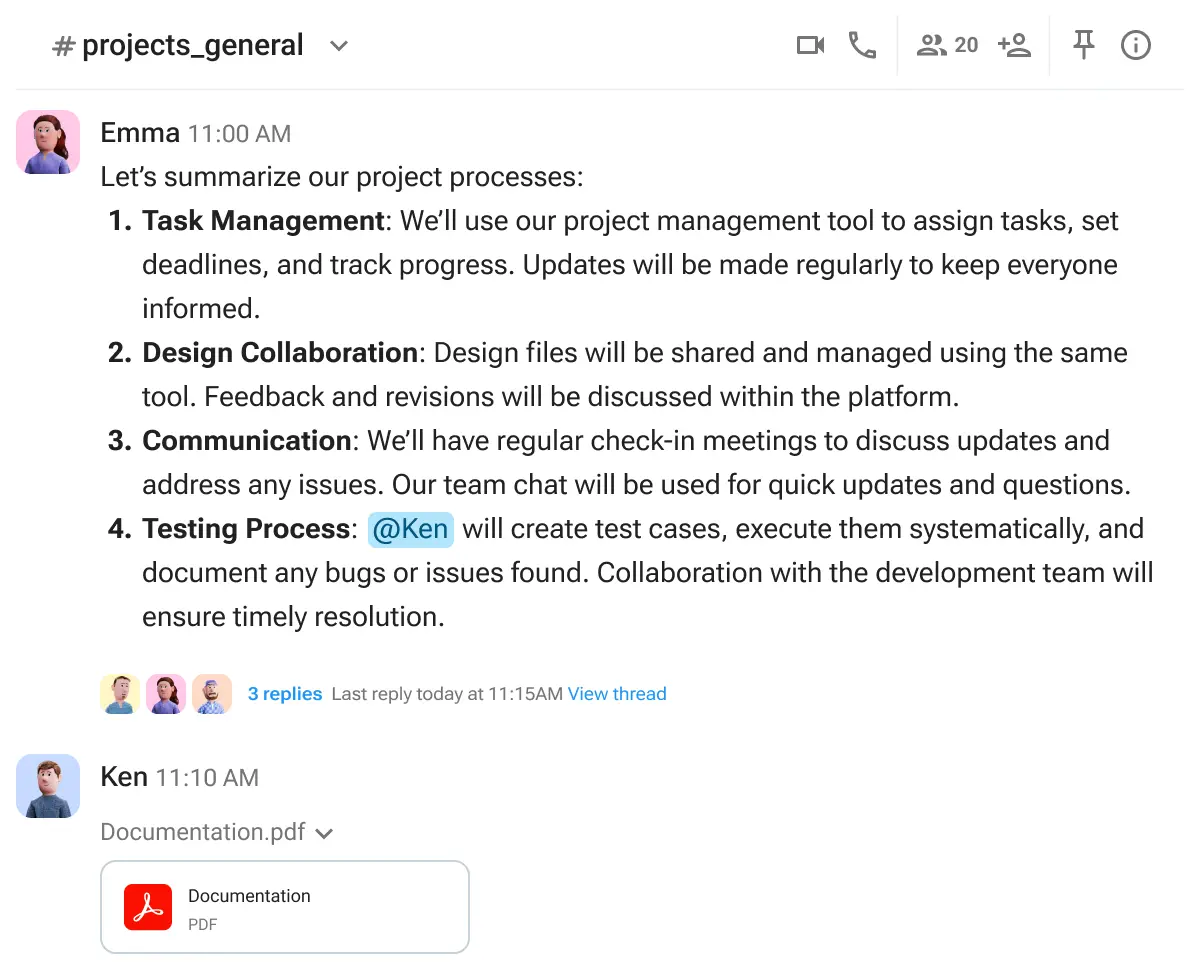
Defining channels of communication means specifying where everyone will share their messages. You can have more than one channel of communication, but the plan should define which channel to use for which purpose.
Example: In a team communication app like Pumble, updates shared between one team can happen in team-specific, private channels. Meanwhile, department- or company- wide messages should be sent to public channels, while communication with external partners should happen via guest channels or email.
What happens if you skip it: Not knowing where to send updates, look for information, or ask questions means information won’t get shared or will be delayed. This will halt the project.
If the design team doesn’t know where to message the marketing team that their visuals are done, they might not do it at all. Or, they might send updates somewhere where the other team won’t look. This will leave the marketing team waiting on deliverables that will never get there.

#4: Frequency of communication
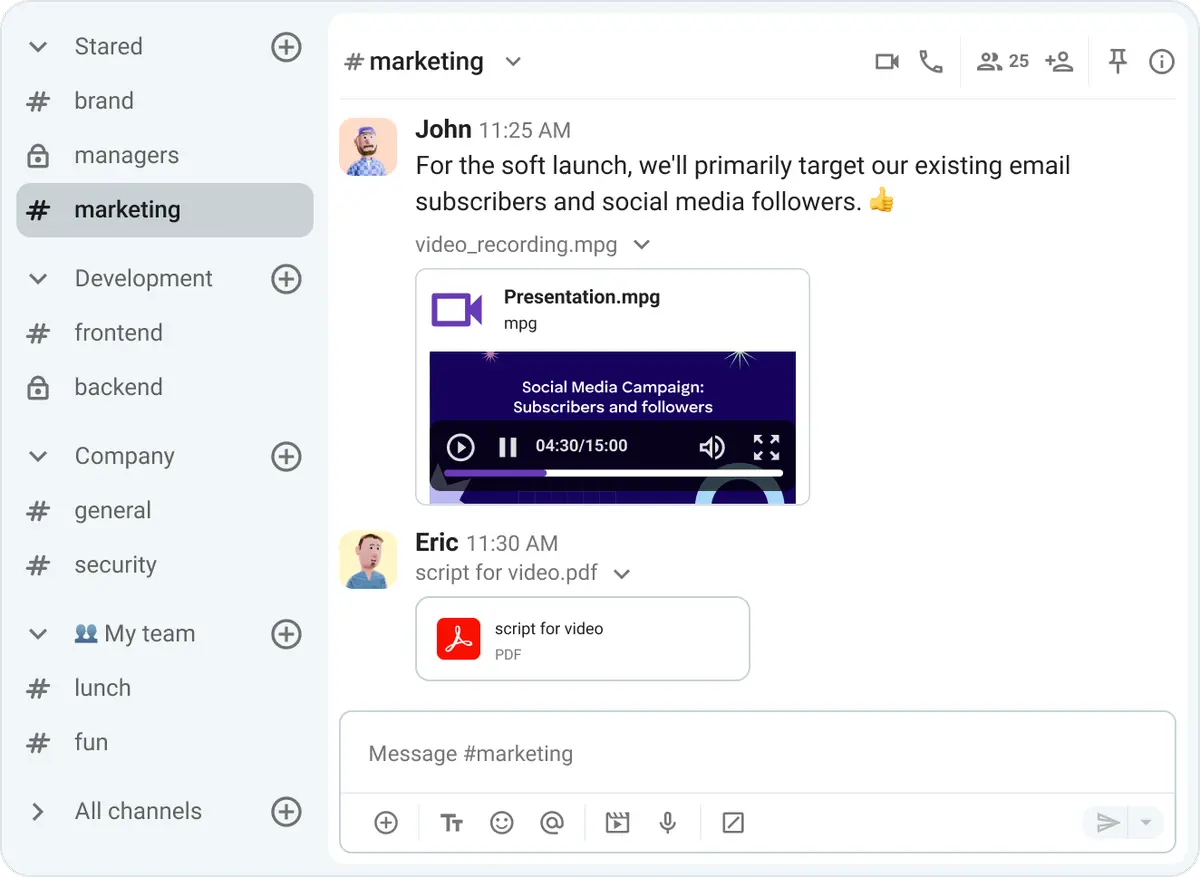
By defining frequency, you define how often everyone will communicate. The plan should clearly state how often all updates happen — be those daily check-in messages or meetings, weekly status reports, monthly department syncs, etc.
Example: The design and marketing teams should have individual daily meetings and meet with the other team every week. Aside from that, they can update other relevant stakeholders once a month, during a project-wide meeting.
Check out Pumble’s one-click meetings
What happens if you skip it: Not defining the frequency of communication can lead to unmet expectations. For example, if one team expects weekly meetings and the other expects daily status messages, both teams won’t get what they expect. This can lead to missed deadlines and project stalling.
#5: Owner(s)
Finally, your project communication plan should define who’s responsible for which type of communication. This ensures nothing gets missed due to shared responsibility — people thinking someone else will do something they are collectively responsible for.
Example: Design and marketing team leads are responsible for sharing information with the other team.
What happens if you skip it: If you don’t define the owner, you’ll have to hope someone steps up. But, even if they do, they won’t do it every time. This will lead to mixed messages being sent and wasted time for everyone involved in the project.
For a quick overview of the key components of a good project communication plan, check out the table below.
| Project management communication plan component | What it defines | What happens if you don’t define it |
|---|---|---|
| Audience | Who needs to be included in communication | Including irrelevant people and leaving the relevant ones out |
| Key messages | What needs to be communicated | Either no communication or communication that doesn’t meet expectations |
| Channels | Where it needs to be communicated | Information not getting shared, or getting shared slowly and in the wrong places |
| Frequency | When and how often it needs to be communicated | Unmet expectations that lead to miscommunication, missed deadlines, and project stalling |
| Owner(s) | Who’s responsible for communication | No one taking charge and information not getting shared |
Bonus component: Stakeholder communication matrix
When you have all the information from the previous 5 steps, you’ll be able to create the stakeholder analysis matrix. It documents each stakeholder’s needs and responsibilities — which information they should receive and share, when, and by which channel, all detailed in one neat table.
Creating this matrix allows you to effectively structure your approach to communication and quickly find an answer to any communication-related question you might have.
Example: List all the relevant people (or roles) in a table, and then specify which information they should share or receive, how often, and how. For a small project, you’ll probably list stakeholders by name (Joan from marketing should send daily updates to Nina from design via Pumble, etc.). On a bigger project, you should probably only list roles — for example, all designers should send channel updates when they are done rendering for the day.
How to write a project communication plan in 6 steps
To write a communication plan for project management, you should follow this 6-step plan:
- Define the project and stakeholders.
- Map out who needs what.
- Choose channels for all message types.
- Set the cadence.
- Assign owners.
- Share the plan and pin it.
Let’s take a look at what each of these steps should include.
#1: Define the project and stakeholders
Clearly define the project — its stages and desired outcome — and all stakeholders and their roles. Next, delegate tasks so everyone knows their responsibilities and the scope of their work. Make sure you discuss expectations and project goals.
Having this in place from the start prevents misunderstandings and missed deadlines.
#2: Map out who needs what
Define which stakeholders need what information. Not everyone needs to be aware of every detail.
For example, you won’t alert senior management of every little change in operations. Those updates should be saved for the core team.
However, information that does need to be shared, should be. That’s why it’s vital that everyone’s aware of who needs to know what.
#3: Choose channels for all message types
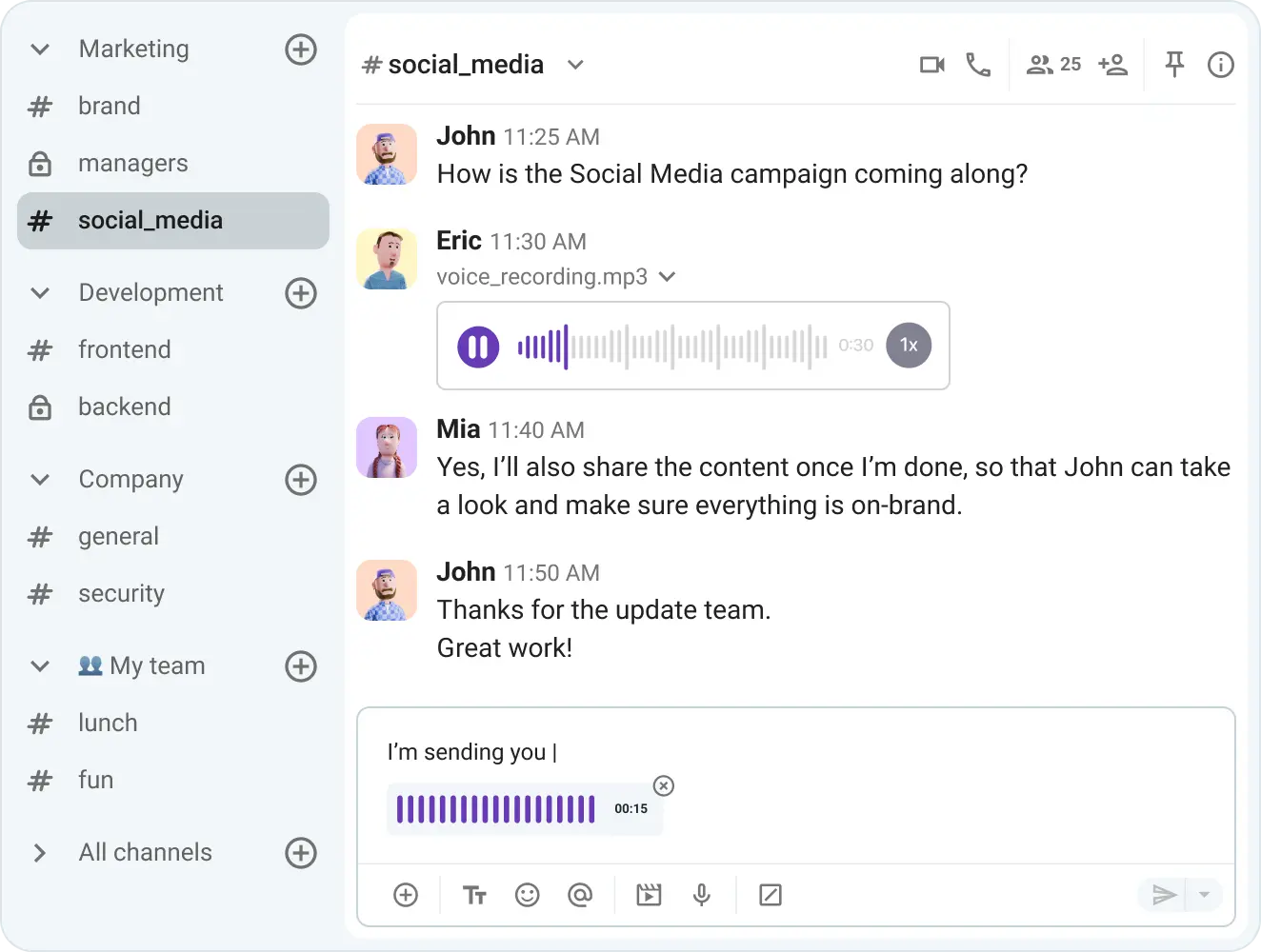
Clearly state where your team should communicate — which tools they should use in which cases and when to go for real-time vs. async options. For example:
- A workplace communication app like Pumble for all daily communication, quick updates, and questions
- Video conferencing via Pumble for all types of team meetings (information sharing, brainstorming, all hands, project debrief, etc.)
- A project management app to keep track of tasks and assignments
- Email for external communication
You should also state which communication shouldn’t be practiced and what people should use instead. For example, team channels instead of internal email, status update messages instead of meetings, and voice or video messages instead of long-winded text messages.
It’s best to be really specific here — people need to know what to use in all situations. So, build a routing table in your project management communication plan that will leave no room for questioning.
Here’s an example of a communication plan that you can easily apply in project management communication tools.
| Message type | Sync or async | Recommended channel | Expected response window |
|---|---|---|---|
| Project kickoff | Sync/Async | Meeting | Immediate or async |
| Daily progress | Sync/Async | Status meetings or status messages with threaded replies | Immediate or async |
| Urgent blocker | Sync/Async | Calls or urgent messages | Immediate or ASAP |
| Non-urgent questions | Async | Messages | A couple of hours |
| Weekly status report | Sync/Async | Meetings or status update messages | Immediate |
| Decision record | Async | Messages | A couple of hours |
| Client update | Async | An hour to a couple of days |
You can get our free customizable table on the link below and tailor it to your and your team’s needs:
Download the free communication channel routing table
When building your routing table, try to default to async communication — written messages and threaded conversations — and escalate to a call only when there’s an urgent blocker or the thread stalls.
This will make it easier for everyone involved to focus on their work without being constantly interrupted by unnecessary meetings.

#4: Set the cadence
Specify how often everyone should carry out their communications. The plan should include details about when to update different stakeholders about various project details. For example:
- Send quick updates or daily check-in messages to specific stakeholders via DMs or team-wide private channels. When necessary, use 1-on-1 calls — for example, when quieter team members are hesitant to speak up or send unprompted updates.
- Reach all stakeholders with weekly status updates in public, project-wide channels. Async communication like this will ensure these frequent updates don’t interrupt anyone’s work.
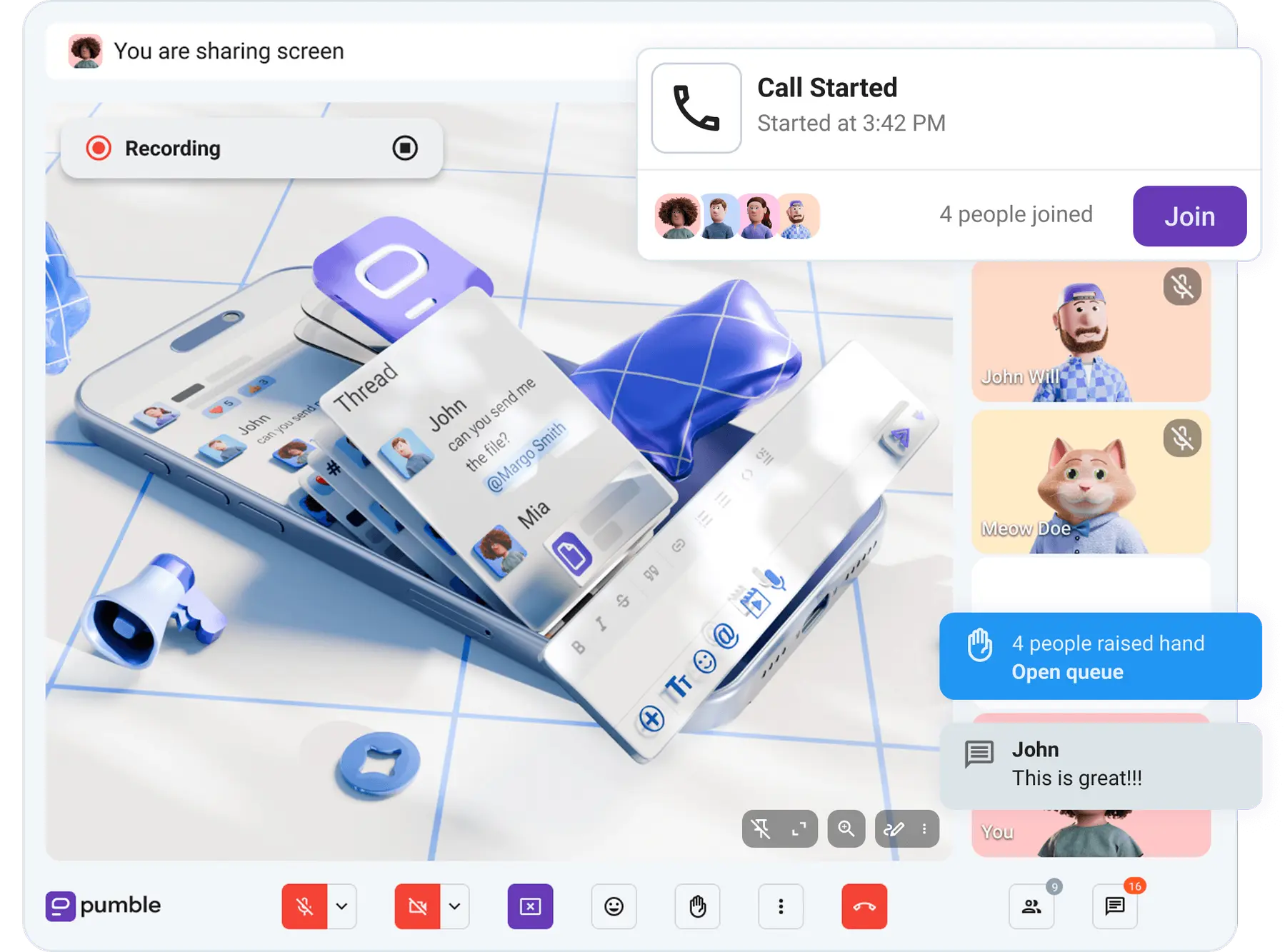
- Hold monthly group meetings to brainstorm, specify next steps, or unblock any barriers. Use features like screen sharing, live polling, screen annotations, and emoji reactions to ensure everyone understands the shared information and gets a chance to participate.
Since meetings are a massive productivity drain, try to eliminate pointless ones and opt for async communication whenever you can.
#5: Assign owners
Assign an owner of each communication type or funnel to ensure accountability. When everyone knows their role and everyone’s preferred way of communicating, project communication will be smoother.
#6: Share the plan and pin it
Share the plan with all stakeholders somewhere everyone can find it.
You can use your one shared source of truth, like a knowledge base on an internal communication app, for example. These apps serve as digital HQs allowing you to store and easily retrieve all shared information. That’s especially true for Pumble by CAKE.com, which offers unlimited message history on all tiers (including the Free one), ensuring you always have access to everything you shared.
To make sure your plan doesn’t get lost in the shuffle, pin it to your main project channel or put it in the channel description.
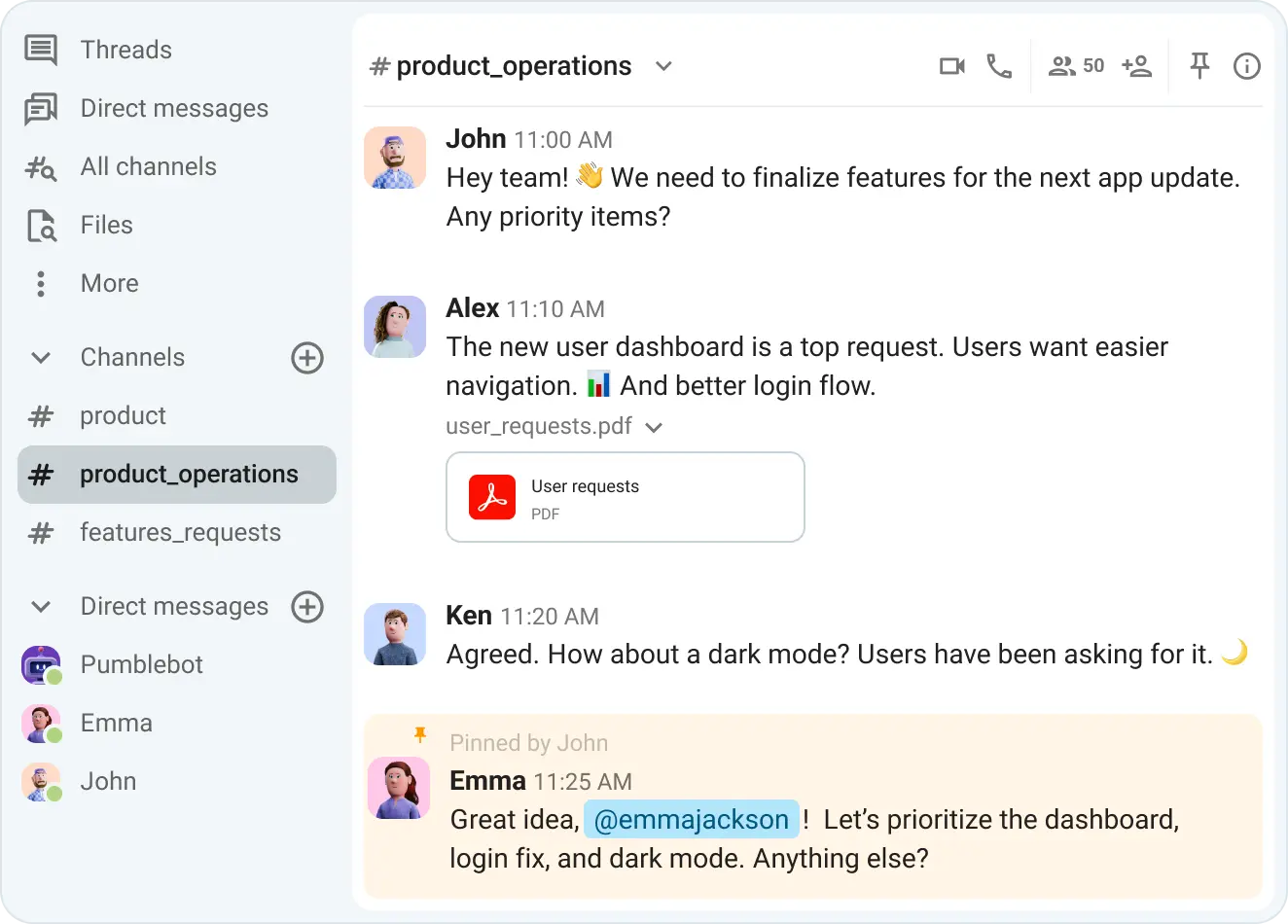
Pin, save, and easily find messages
Project management communication plan: Example and template
For all first time project managers, we prepared a project communication plan example that you can use as a starting point. To download an empty template that you can customize to your needs, check out the link below the table.
| Communication type | Purpose | Channel | Frequency | Audience | Owner |
|---|---|---|---|---|---|
| Kickoff meeting | Introduce the project, goals, and objectives | In-person or online meeting | Once at the start of the project | All stakeholders | Project manager |
| Weekly internal standup | Project status updates from individual team members and setting weekly goals | Team chat app (channel message or meeting) | Every Wednesday at 9 a.m. | Core team(s) | Team lead |
| Weekly client status post | Project status updates for external stakeholders (clients) | Email or online meeting | Every Thursday at 3 p.m. | Clients | Project manager |
| Monthly stakeholder review | Project updates for leadership | Team chat app (channel message or meeting) | Every second Monday of the month | Senior management | Project manager |
| Milestone announcement | Summarizing the status of the achieved milestone | In-person or online meeting or a message in a project-wide channel | Within the week of every achieved milestone | All stakeholders | Project manager |
| Urgent blocker | Asking questions, brainstorming solutions | Team chat app (call or channel or direct message) | As necessary | Individual stakeholders | Individual stakeholders |
| Non-urgent blocker | Asking questions, brainstorming solutions | Team chat app (channel or direct message) | As necessary | Individual stakeholders | Individual stakeholders |
| Decision log | Logging decisions for posterity | Project-wide team chat app channel | As necessary | All stakeholders | Project manager |
| Feedback review | Summarizing feedback contents | Project-wide team chat app channel | As necessary | All stakeholders | Project manager |
Download the free project management communication plan template
How to keep your communication plan from going stale
A project communication plan shouldn’t be set in stone. Instead, make it a living document that changes alongside your project and team.
To find out whether your plan is still working, check for these symptoms:
- People asking where to post something
- Updates getting posted with no rhyme or reason
- Status reports appearing in you or other people’s DMs
- Stakeholders either receiving too many details or not enough information
- The plan link hasn’t been opened since kickoff
If you do determine your plan isn’t working, here are a few fixes you can try if you’re using an instant messaging app like Pumble by CAKE.com:
- Make sure everyone can access the plan — if you haven’t already, pin it in the channel.
- If you have pinned it, include it in the channel description and send a reminder message with the link.
- Review the plan along with the key stakeholders at project milestones.
- If your team or stakeholder composition changes, revise the plan and introduce it to new team members.
- Ask for feedback from team members during one of your meetings. Use the poll feature to quickly gather data on what’s working and what isn’t.
FAQ
Here are the answers to some common questions about project management communication plans.
What are the 4 types of communication in project management?
The 4 essential types of communication in project management are:
- Verbal communication — spoken words used during in-person and video meetings, phone or voice calls, etc.
- Written communication — documents, project plans, emails, and messages exchanged during a project that establish a permanent record
- Nonverbal communication — body language, tone of voice, facial expressions, and other nonverbal cues that signal our mood, attitude, and intent
- Visual communication — images, charts, graphs, boards, and other visual aids used to present data, timelines, and other information
What are the 5 C’s of communication in project management?
The 5 C’s of communication in project management are:
- Clarity
- Conciseness
- Correctness
- Completeness
- Courtesy (sometimes referred to as credibility or consistency)
Project managers use these 5 C’s to ensure their communication is simple and effective. It also helps them make fewer errors and keep everyone aligned more easily.
How to improve communication skills in project management?
The improvement of your communication skills doesn’t depend on your willpower but on building the right mechanism. To improve how you communicate, you need to:
- Work on your active listening skills.
- Practice clear and concise communication.
- Choose the right mediums for your messages.
How important is communication in a project?
Communication is crucial in project management because, without effective communication, projects would stall and never reach completion. Not to mention, they’d never make any money — according to more than 80% of leaders, poor communication and miscommunication lead to decreased productivity and increased costs.
What are the 6 steps in communication planning?
To plan out your project communication, you should:
- Define the project and stakeholders.
- Map out who needs what.
- Choose channels for all message types.
- Set the cadence.
- Assign owners.
- Share the plan and pin it.
What is the difference between a communication plan and a project communication plan?
The main differences are scope and focus. A communication plan is broad, and it relates to the whole organization. It’s a communication strategy on how a specific organization will share information both internally and externally. Meanwhile, a project communication plan is a temporary one, tied only to the project in question. It’s focused on the milestones and project deliverables.
Keep your projects on track with Pumble by CAKE.com
The key to a successful project is communication. Making a good project communication plan and ensuring it actually works for everyone involved is one piece of the puzzle.
But, to make sure your teams are communicating, enforce your project communication plan with Pumble.
This team communication app by CAKE.com offers all the features you need to keep your team aligned, informed, and productive.
And, if you want to boost your projects even more, then check out Pumble’s sister products — Clockify, the time tracking tool, and Plaky, the project management app. Together, these 3 tools ensure seamless workflows that reduce app switching and loss of focus. Get Enterprise access to all 3 tools for the price of 1 and get full control over your work, all in one place.