
Hybrid communication happens between employees who work from the office and those who work remotely. That makes it more challenging than regular, in-person communication and it requires specific techniques to keep everyone aligned, engaged, and connected.
Let’s take a look at the advantages, challenges, and obstacles of hybrid communication and steps for creating an effective hybrid communication strategy.
- Hybrid communication is the synchronous and asynchronous exchange of information between in-office and remote employees.
- There are 2 modes of hybrid communication: synchronous (face-to-face conversations, instant messaging, and video conferencing) and asynchronous (emails, team chat apps, collaboration tools, shared documents, video messages, fax, etc.).
- To make your remote team feel more connected to the in-office team, you need to create some communication rules, provide support and access to proper tools, have regular meetings and check-ins, among other things.
- The use of proper communication and collaboration tools like Pumble by CAKE.com is vital for the success of hybrid communication, as they bridge the physical distance, ensuring seamless communication, workflows, and culture.
What is hybrid communication?
Hybrid communication is the synchronous and asynchronous exchange of information between in-office and remote employees.
Overall, the role of hybrid communication in professional settings is reflected in:
- Providing flexibility in choosing the most adequate working environment
- Keeping everyone in touch regardless of their location
- Helping employees achieve a healthy work-life balance
- Ensuring real-time exchange of important information
- Allowing workers to structure business meetings around their everyday activities
- Boosting productivity and reducing stress levels
- Enabling continuous workflows
In essence, the hybrid work model was designed to allow employees to choose where to work from. We can make a distinction between 5 hybrid workplace models:
- Static hybrid — each teammate has a fixed work location, either in the office or at home.
- Dynamic hybrid — employees get to decide where they want to work from each day.
- Synchronized hybrid — team members work remotely and in the office, but they come to the office at the same time.
- Default digital — also called remote-first, this model allows workers to work from wherever they want without any expectations.
- Fully distributed — fully remote.
Choosing a suitable hybrid model will depend on a company’s size, setup, and specific needs.
Working remote? Connect with Pumble
Modes of hybrid communication
Hybrid communication has 2 equally important sides: the synchronous and the asynchronous.
Synchronous communication happens in real-time and it’s meant to provide immediate responses. Some examples would be face-to-face conversations, instant messaging, and video conferencing.
Hybrid teams have trouble maintaining synchronous communication without planning and scheduling. To support a hybrid workforce and the further growth of the hybrid work model, synchronous communication can be used for:
- One-on-one meetings aimed at discussing delicate issues or giving/receiving important feedback
- Complex project planning that requires immediate attention
- Company crises or urgent situations
- Brainstorming sessions for new or important projects
- Fostering stronger relationships among teammates, especially through virtual celebrations or happy hours
- Casual meetings among employees who want to stay in touch even after office hours
Asynchronous communication usually doesn’t happen in real-time, as there’s a time delay between the person delivering the information and the person receiving it. This includes emails, team chat apps, collaboration tools, shared documents, video messages, fax, etc.
To enable async communication:
- Outline clear and realistic communication expectations.
- Provide your team with adequate tools to support this type of communication.
- Embrace overcommunication, a common side-effect of asynchronous communication.
- Set reasonable time expectations for replies.
- Give everyone enough time for adjustments.
Asynchronous communication can help scattered teams work more effectively and productively. However, it’s a good balance between synchronous and asynchronous communication that allows teams to function properly, keep in touch during work hours, and finish projects no matter where they are.
Let’s take a look at some tips on how you can achieve that.

8 tips for bridging hybrid communication gaps
The goal of your hybrid communication approach should be to make your remote team feel more connected to the in-office team. Here are 8 tips how to do that:
- Create basic hybrid communication rules.
- Organize regular team meetings and check-ins.
- Provide additional IT support.
- Use proper collaboration tools.
- Support relationship building.
- Acknowledge individual needs.
- Ensure accessibility and transparency.
- Provide feedback.
#1: Create basic hybrid communication rules
A basic set of rules on how employees are expected to communicate during office hours will provide a solid framework for keeping things afloat. Depending on the size of your company, you have a few options:
- Microenterprises (1 to 9 employees) — come up with a general set of communication rules that would fit all employees equally.
- Small businesses (10 to 49 employees) — focus on creating a basic set of rules that each team could easily adapt to their needs.
- Medium-sized enterprises (50 to 249 employees) — invest more time in creating a detailed plan to cover the needs of all teams and employees.
- Large corporations (over 250 employees) — come up with a structured plan and outline rules for specific teams.
Once you create a plan, listen to your employees’ feedback about what works for them and what doesn’t. Hybrid communication thrives on continuous assessment and updates.
Connect your team no matter the size
#2: Organize regular team meetings and check-ups
Hybrid teams can easily experience communication breakdown, which is why frequent team meetings and check-ups are necessary.
If you’re using a team communication app like Pumble, you can start quick team meetings with just one click within your team channel. Alternatively, you could schedule regular meetings and send meeting invites to everyone (or use the Google Calendar add-on).
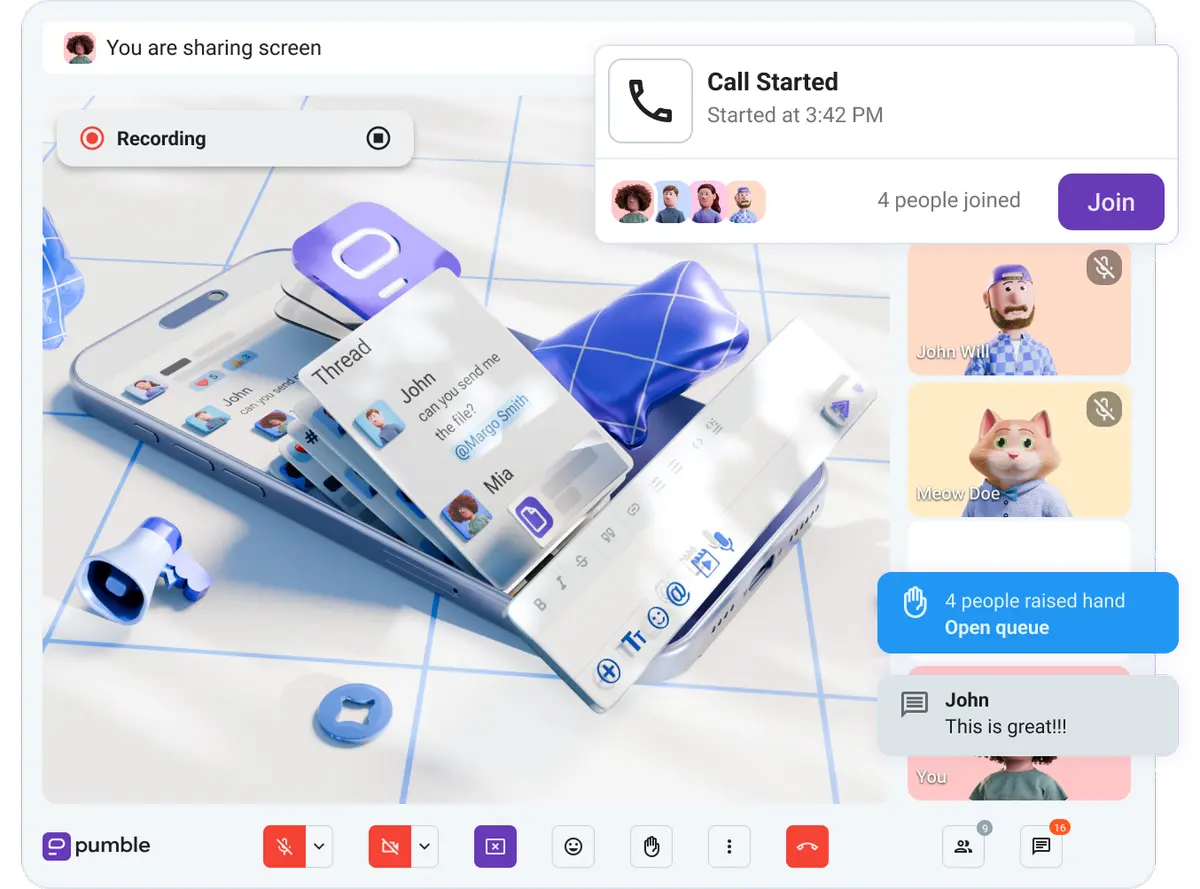
Allow your team to speak freely during meetings and give feedback. Also make sure they don’t miss important messages. Encourage them to use features like message reminders or pinned and saved messages to ensure they don’t miss anything or forget to go back to it.
This will help hybrid employees feel like they’re really contributing to the company’s success and encourage team spirit.
#3: Provide additional IT support
Being able to easily utilize the necessary IT tools and software is vital for hybrid communication. Providing additional IT support will help the company personnel maintain effective communication. Try to:
- Have a capable team of IT experts available.
- Hold educational workshops on how to use company equipment and software to reduce the chances for major IT and security issues.
#4: Use adequate collaboration tools
To communicate effectively, you need the right set of collaboration tools.
When teams scattered across the globe are expected to work together on important projects, you need to equip them properly with tools that bridge the physical distance, ensuring seamless communication, workflows, and culture. Include tools like:
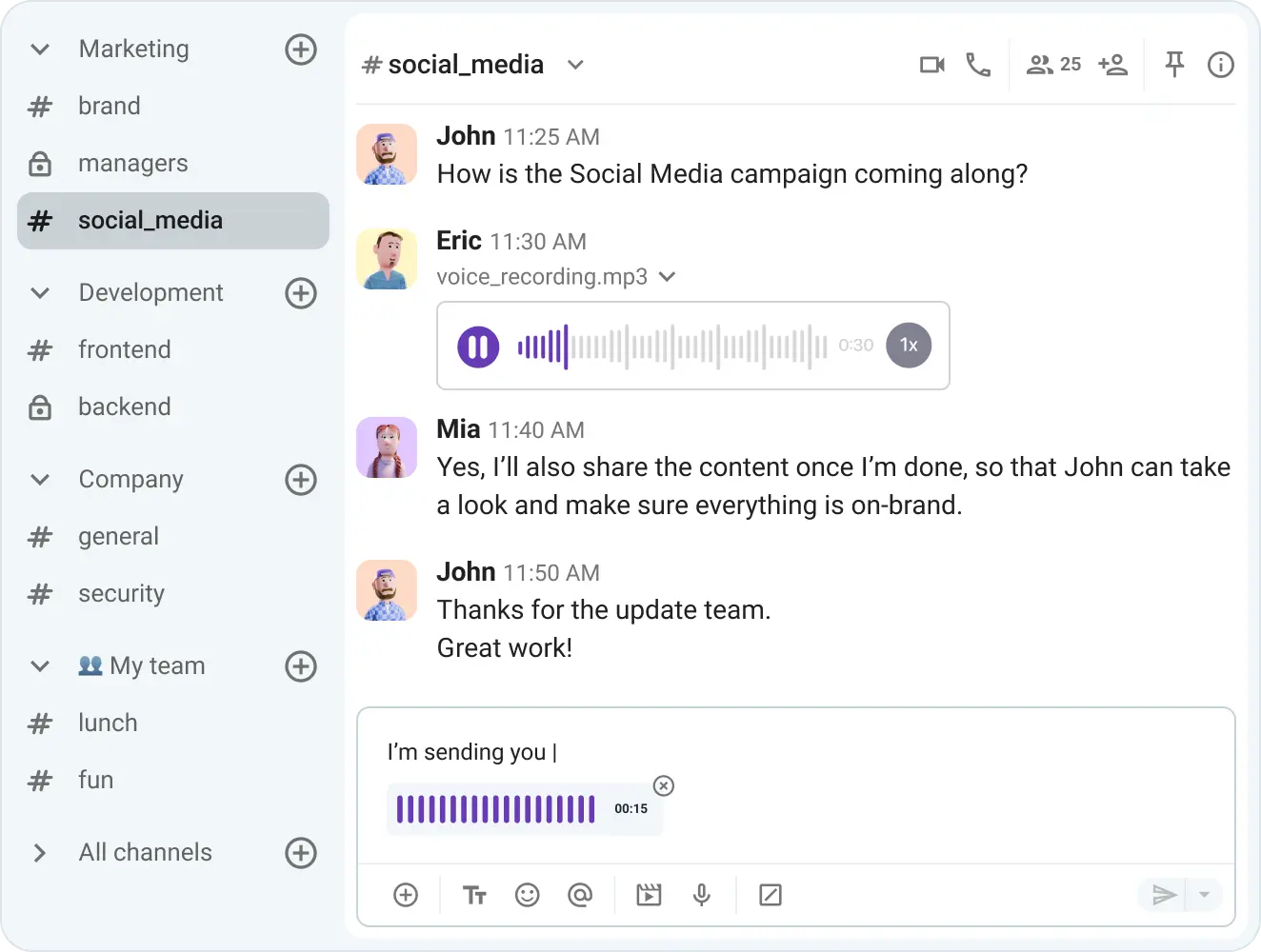
- A team communication app like Pumble by CAKE.com — for real-time and async communication and productive collaboration
- A project and task management tool like Plaky — for easier task assignment, management, and tracking
- A document sharing and storing tool like Google Drive — for simultaneous collaborative work and document storage
#5: Support relationship building among employees
Hybrid teams usually don’t spend much in-person quality time together, so leaders have to find ways to promote a collective mindset in their hybrid workforce. For example, you can:
- Encourage productive socialization through online game playing, casual weekly “meetings”, or happy hours.
- Support team-building and team-bonding activities both online and in real life.
- Empower employees by celebrating individual achievements.
- Create informal channels in your team chat app that employees can use to talk about random topics, share ideas, and exchange personal experiences.
- Connect senior employees with new hires during onboarding to avoid hierarchy barriers.
- Organize online presentations and lectures to give employees a chance to showcase their skills and knowledge.
#6: Acknowledge individual needs
Listen to what hybrid employees have to say about their experience, and make an effort to read between the lines. Gather their feedback to learn more about what they need or what bothers them.
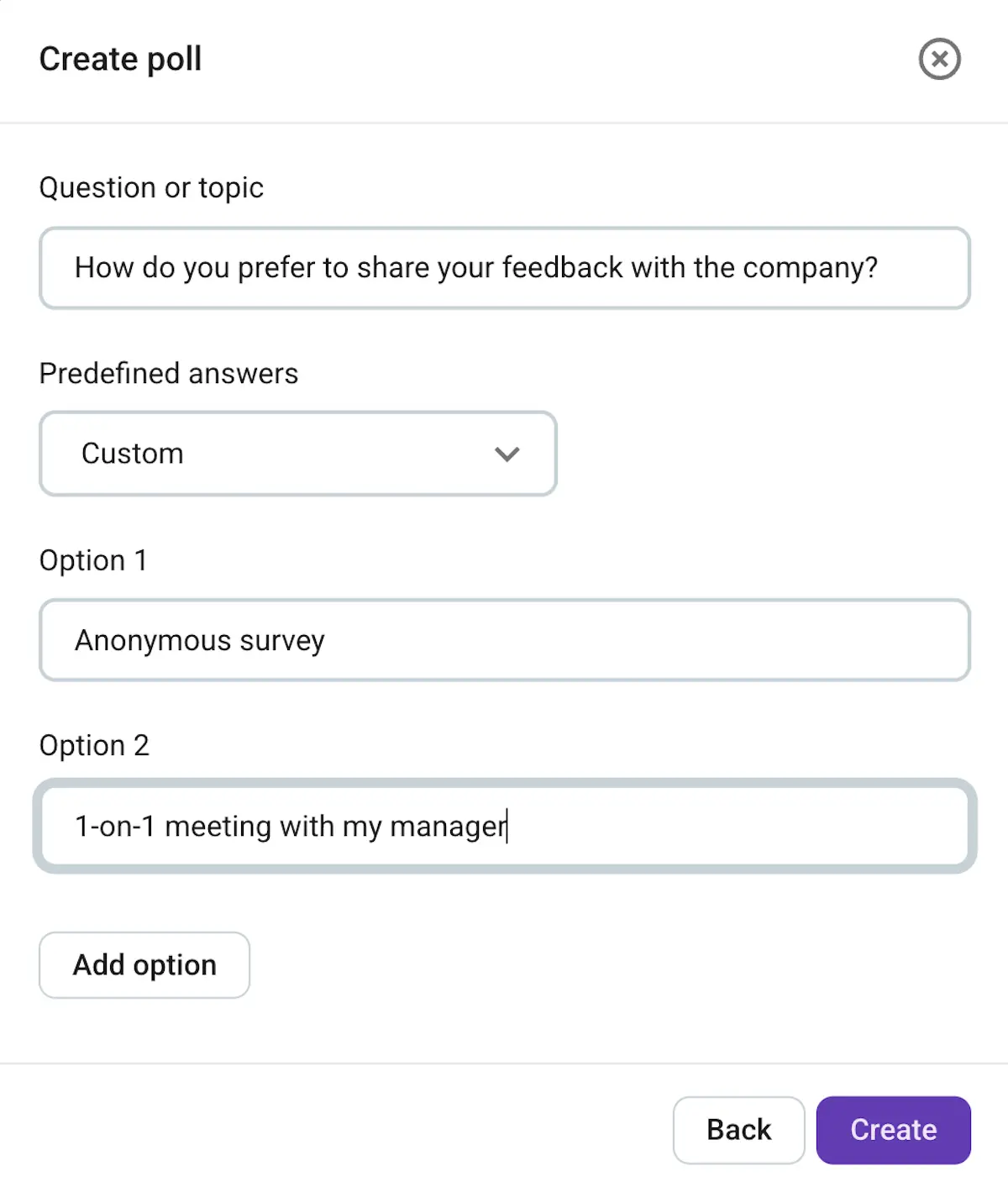
If you’re using an app like Pumble, you can create polls to survey how everyone is feeling and gather their feedback.
💡 PUMBLE PRO TIP
Polls are just one of Pumble’s many collaboration features. To see which 10 are a must have, check out the article below:
#7: Ensure accessibility and transparency
Organize hybrid communication across seniority levels to ensure productivity, and allow everyone to access relevant data to finish their daily tasks.
Senior management should make themselves available at least once a week or month for communicating with the rest of the staff. Answering questions, sharing relevant company updates, or simply being there for a casual chat will increase transparency in the company and motivate your hybrid workforce to do their best.
#8: Provide feedback
To create a positive atmosphere in the hybrid workplace and improve communication, you need to give and ask for constructive feedback.
Obsessive control over remote employees is a matter of the past, especially when everyone is meeting their work goals and finishing projects on time. Instead, review specific tasks, projects, and problems as necessary, and include one-on-one meetings aimed towards acknowledging an employee’s input.

5 steps for finding a proper hybrid communication strategy
A hybrid communication strategy should be unique to each company but still based on a clear set of consistent rules and transparent policies. Here’s a 5-step guide on how to establish those.
#1: Assess your existing communication strategy
The first step toward finding a good communication strategy for your hybrid team is evaluating the systems you already have. If you’re not sure where to begin with the assessing process, ask yourself the following questions:
- How do your employees communicate on a daily basis?
- How much of your company’s daily communication is synchronous/asynchronous?
- What are the rules for conducting formal, one-on-one meetings and feedback sessions?
- How is relevant company information documented and communicated across the entire company?
- Does every employee have easy access to relevant information?
- Does the communication strategy change depending on where employees choose to work from on that day?
- Do you use adequate communication and collaboration tools?
- Have you provided adequate and timely training on the use of these tools?
#2: Determine adequate hybrid policy and workflow
Next, establish a consistent hybrid policy that would ensure a good workflow for all employees equally. Base it on the needs and expectations of your team and company. Your policy should answer the following questions:
- How will employees communicate during office hours?
- When are hybrid workers expected to be available during the day?
- What will be the standard protocol for hybrid team meetings?
- What collaboration tools will your hybrid team use for daily communication and collaboration?
- What modes of communication will be used for one-on-one sessions?
When you gather all the answers, you can define a hybrid policy and workflow that your company will benefit from.
To easily create an efficient hybrid work policy, you can download our free template.
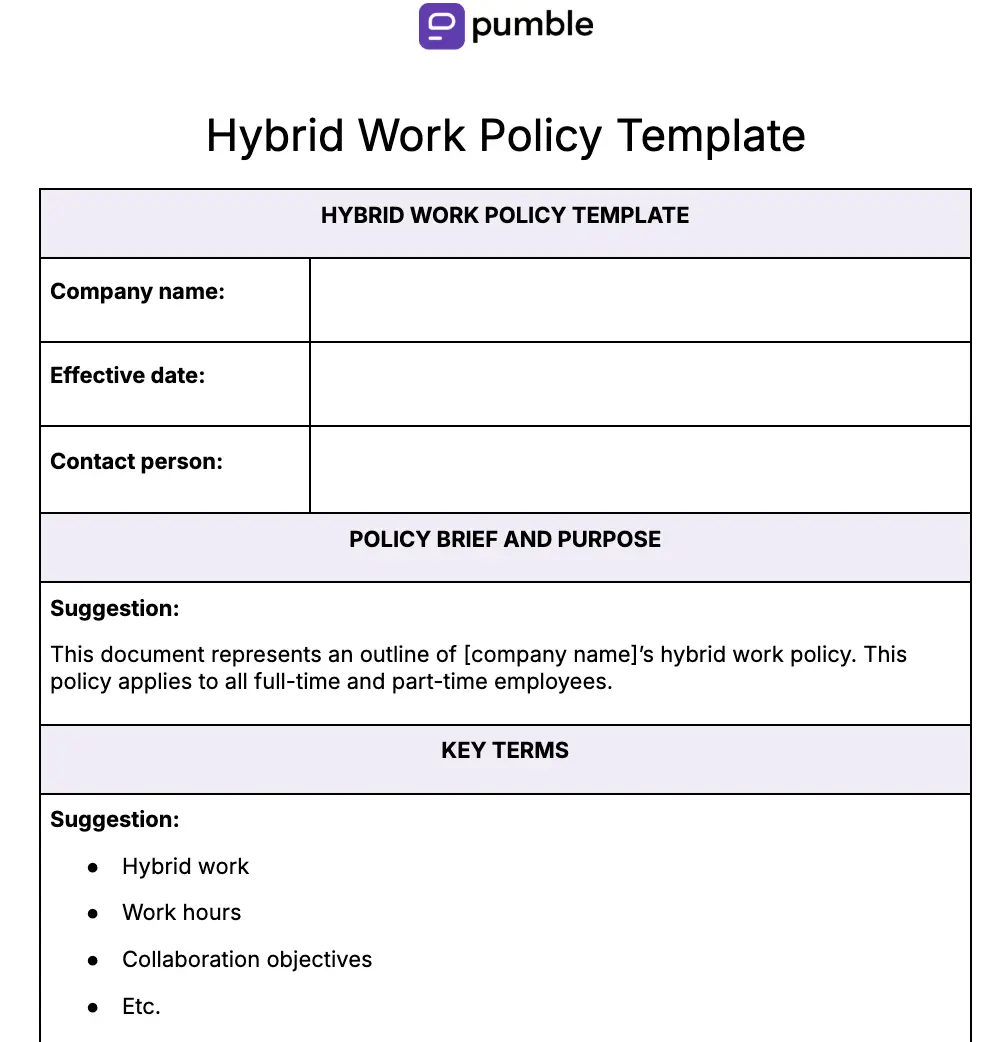
🔽 Download the Hybrid work policy template
#3: Get to know your new hybrid workforce
Try to learn more about the daily routines of your hybrid workers — when they usually check their emails or what’s most likely to engage them. Some of the ways to get to know your employees better could be through:
- Focus groups — to pick the minds of certain groups of employees on qualitative information and in-depth insights
- Surveys — to gather your employees’ feedback on important issues
- Polls — to help you understand what works for your staff best
- Embedded questions in emails — to gather interest from employees and motivate them to take part in a more detailed survey
- Anonymous suggestion boxes — to collect suggestions from employees who don’t want to express their thoughts openly and in front of everyone
#4: Execute your hybrid communication strategy
A positive mindset and the right set of collaboration tools will make sure that transitioning to a hybrid model goes off without a hitch.
Educate your team about the nature of hybrid work and what to expect from the whole process. That will give them time to adjust and allow them to navigate all hybrid communication challenges gracefully.
#5: Tweak your hybrid communication strategy
Finally, fine-tune your hybrid communication strategy from time to time. Reevaluate it every quarter or year and assess:
- The hybrid communication policy
- Your staff’s performance
- Collaboration tools everyone uses will
If you realize that you’ve made some mistakes along the way, track the root of the problem, and find a more suitable solution.
Advantages of hybrid communication
According to Gallup’s 2025 research, hybrid work is the most popular model among all generations — 56% of Gen X would prefer a hybrid model, while that number rises to 60% with Millennials and 71% with Gen Z.
But why is hybrid work so popular? Well, according to another Gallup study, there are plenty of advantages of hybrid work, usually bought on or amplified by hybrid communication:
- Higher productivity — 52% of respondents list higher productivity as one of the advantages of hybrid work. However, 31% state that they have less access to work resources and equipment when working from home. So, with a proper set of communication and collaboration tools, hybrid employees have no trouble being productive.
- More flexibility — 57% of respondents said they enjoy having the freedom to choose when or where they work. With communication shifting to mobile phones now more than ever, hybrid employees can stay in touch even when they leave their home offices.
- Improved collaboration — According to 64% of respondents, hybrid work allows for more efficient use of time throughout the day, which leaves more room for collaboration. However, 24% of respondents also stated that collaboration can be hindered due to disrupted processes. So, for successful hybrid collaboration, you need well-designed and uninterrupted internal communication processes and the tools to support it.
- Employee commitment and satisfaction — 61% of respondents reported less burnout and fatigue, while 76% cited improved work-life balance when working on a hybrid model. Hybrid communication is less stressful and doesn’t carry the same pressure real-time communication does. This leads to higher employee satisfaction and, in turn, stronger loyalty and commitment, according to Pumble’s 2026 Remote Work Statistics.
- Trust among employees — Scattered, fully remote teams sometimes have trouble building relationships. Hybrid communication makes that easier, supporting tighter interaction among in-office and remote employees. When used daily, various communication and collaboration tools can go a long way in building relationships and trust among employees.

Barriers to effective hybrid communication
Although the benefits of hybrid work and communication are obvious, there’s no denying the equally obvious barriers and challenges. Here are some of them:
- Dilution of company culture — According to Gallup, 28% of employees feel less connected to company culture when working from home. This disconnect can further lead to their disillusionment with the company or making the “office life” the sole focus of corporate culture.
- Unconscious employee bias — Working in a hybrid setup can lead to having no visibility when it comes to performance. This can lead to managers favoring in-office workers because they see them physically working day in and day out. This often leaves remote staff feeling isolated or sidelined.
- Siloed workplace — 21% of Gallup responders state they have impaired working relationships with coworkers, while 18% consider hybrid work to hinder cross-functional collaboration. Due to that, they are reluctant to communicate with people outside of their teams, which leads to siloed communication.
Break down team silos with Pumble
- Difficult coordination — Constantly switching schedules of employees and their team members makes scheduling meetings, important discussions, and other team-related activities quite difficult.
Give your hybrid communication a boost with Pumble by CAKE.com
The days of traditional in-office work and conventional face-to-face communication are long gone. What the future holds might be just what most people have been waiting for their entire careers — a chance to get the best of both worlds.
And that’s exactly what Pumble — a business messaging app by CAKE.com — offers.
As an all-in-one communication software suitable for teams of all sizes, Pumble is a great tool for hybrid communication, providing an extensive set of features, such as:
- Dedicated channels — for keeping discussion focused and ensuring every team member is kept in the loop no matter where they’re working from.
- Direct messages — for having quick chats, one-on-one calls, and providing regular feedback.
- Video conferencing — for virtual meetings and delivering online presentations or lectures.
- File sharing — to provide accessibility to all employees and ensure productive collaboration.
- Meeting recording — for asynchronous communication when your employees work in different time zones.
Wondering how Pumble can improve your hybrid team?
How we reviewed this post: Our writers & editors monitor the posts and update them when new information becomes available, to keep them fresh and relevant.