
How to use Pumble in construction?

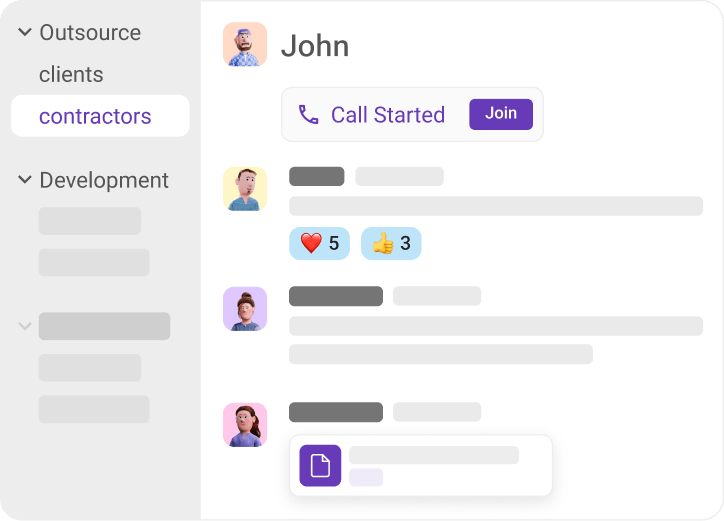
Organize communication by project

Use channels, threads, and direct messages in Pumble to keep communication organized and speed up decision-making across projects: 

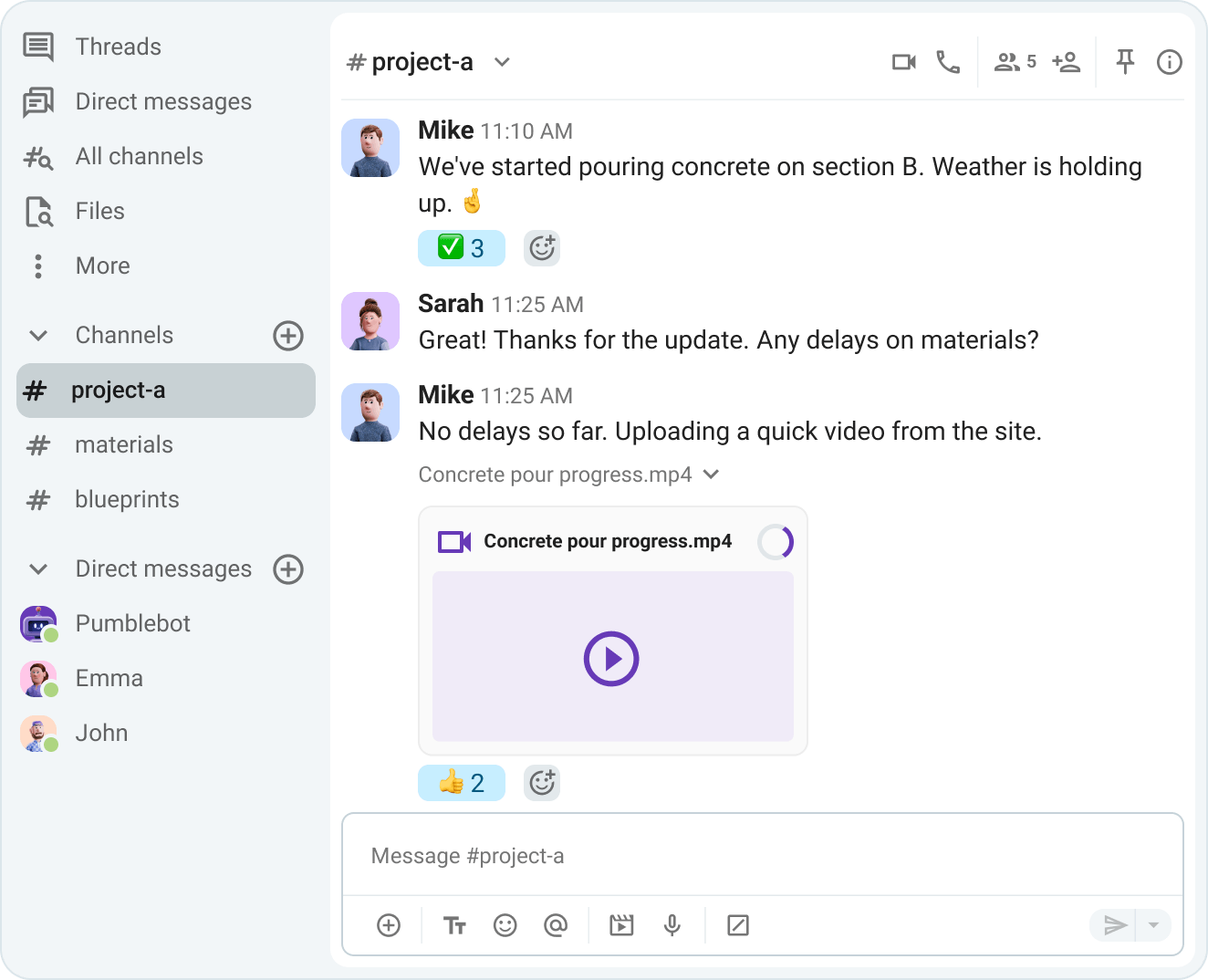
Send photos and videos directly from the field

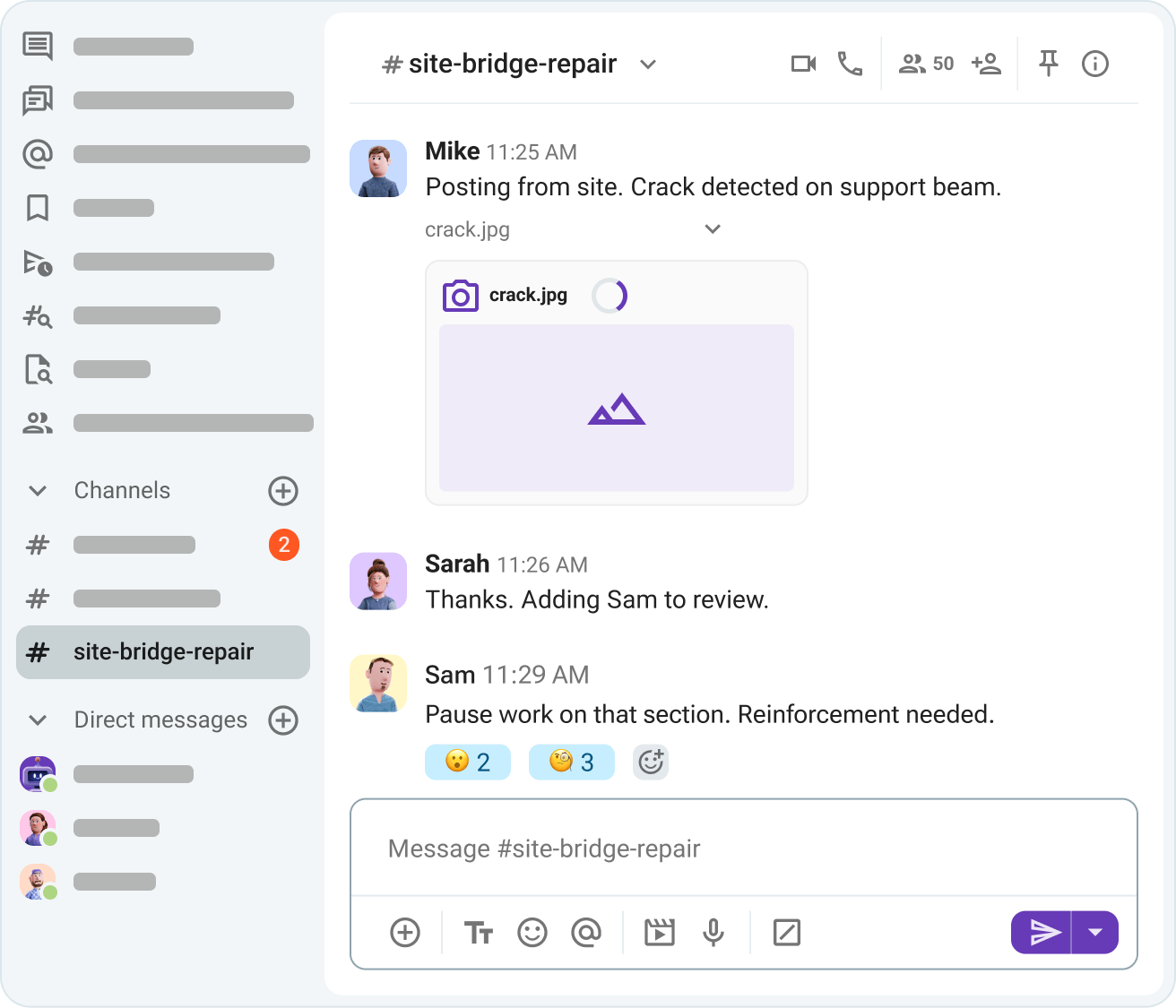
Report issues instantly

Get immediate instructions from office teams

Organize communication by project

Keep project communication searchable

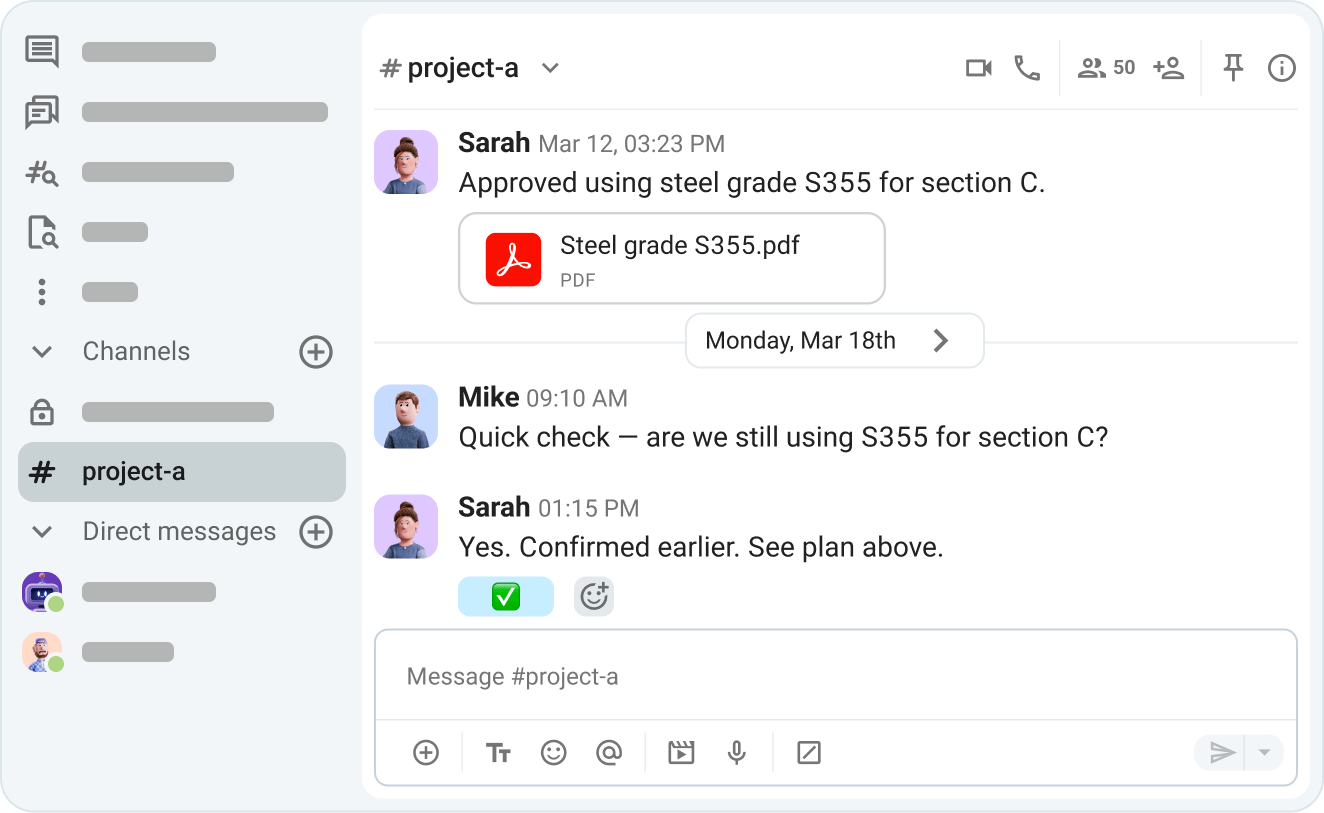
On complex projects, you often need to revisit decisions, agreements, and documents. Pumble keeps everything accessible by providing:

Unlimited message history

Search across conversations and files

Clear record of all communication

Keep project communication searchable

Share blueprints and documentation

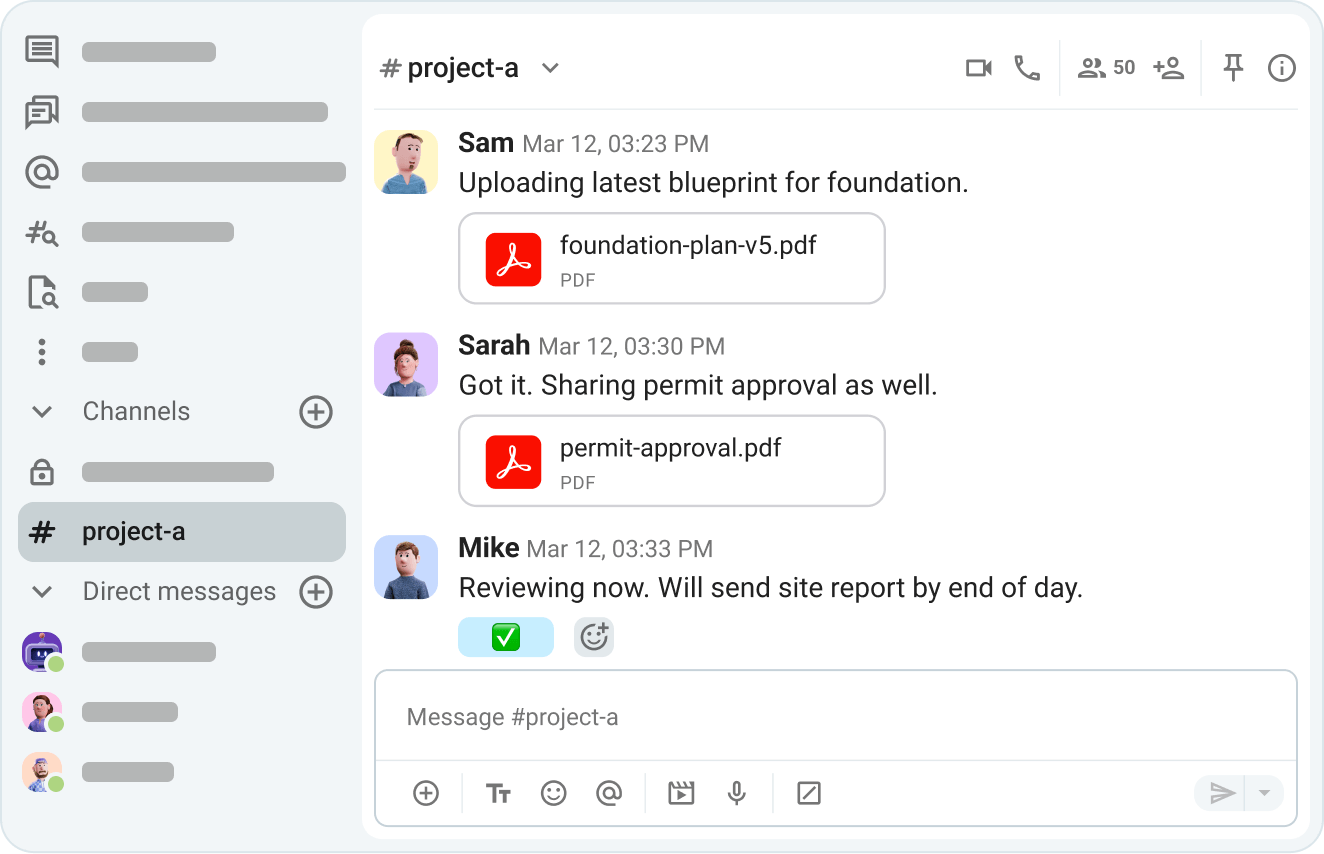
Your teams rely on accurate documentation to make collaboration more effective. Pumble stores all files in one place and lets you:

Share blueprints and technical drawings

Upload reports and permit documentation

Send asynchronous site reports

Share blueprints and documentation

Collaborate with subcontractors

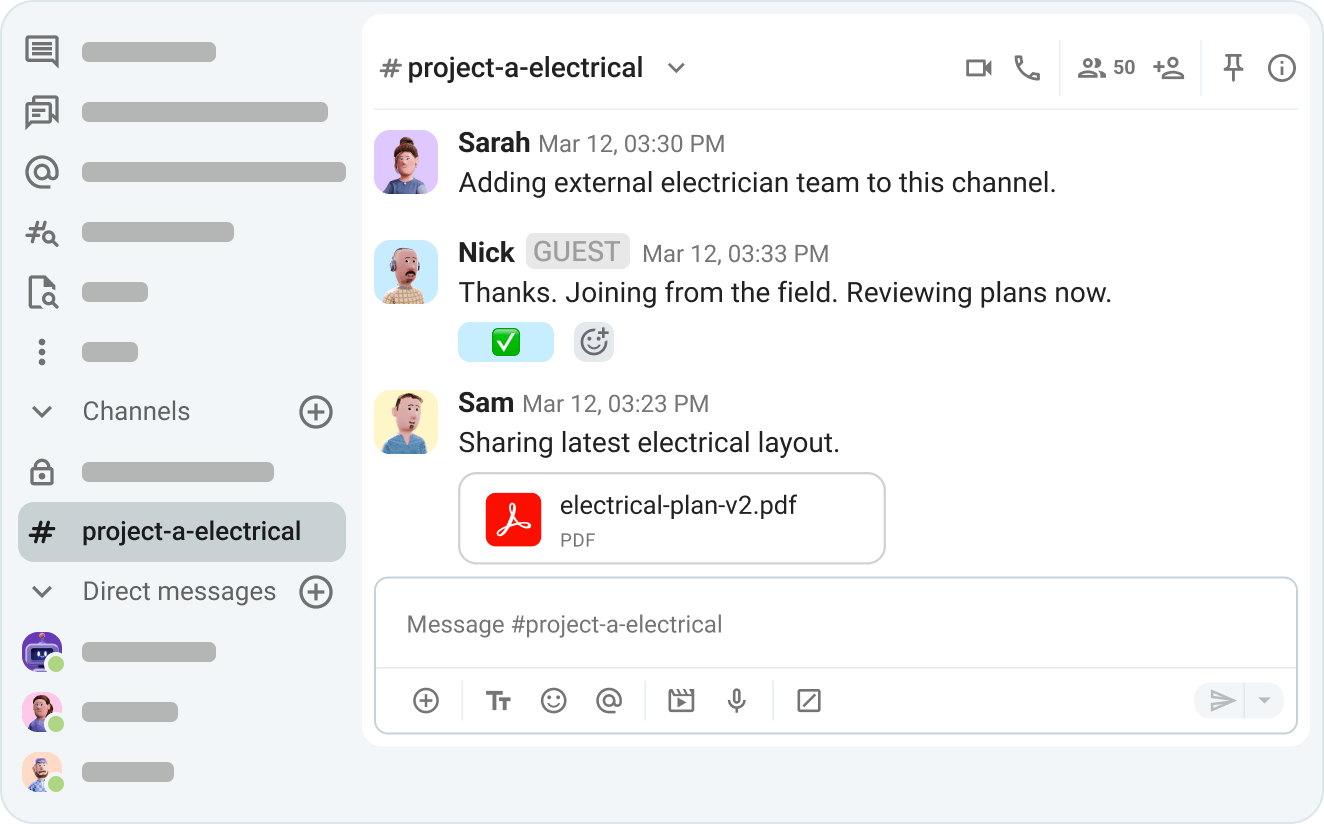
Manage large projects that involve multiple external stakeholders with ease, thanks to Pumble’s guest access. With guest access, you can:

Include subcontractors, clients, and partners

Control who sees what

Keep communication secure and organized

Collaborate with subcontractors

Run remote site reviews

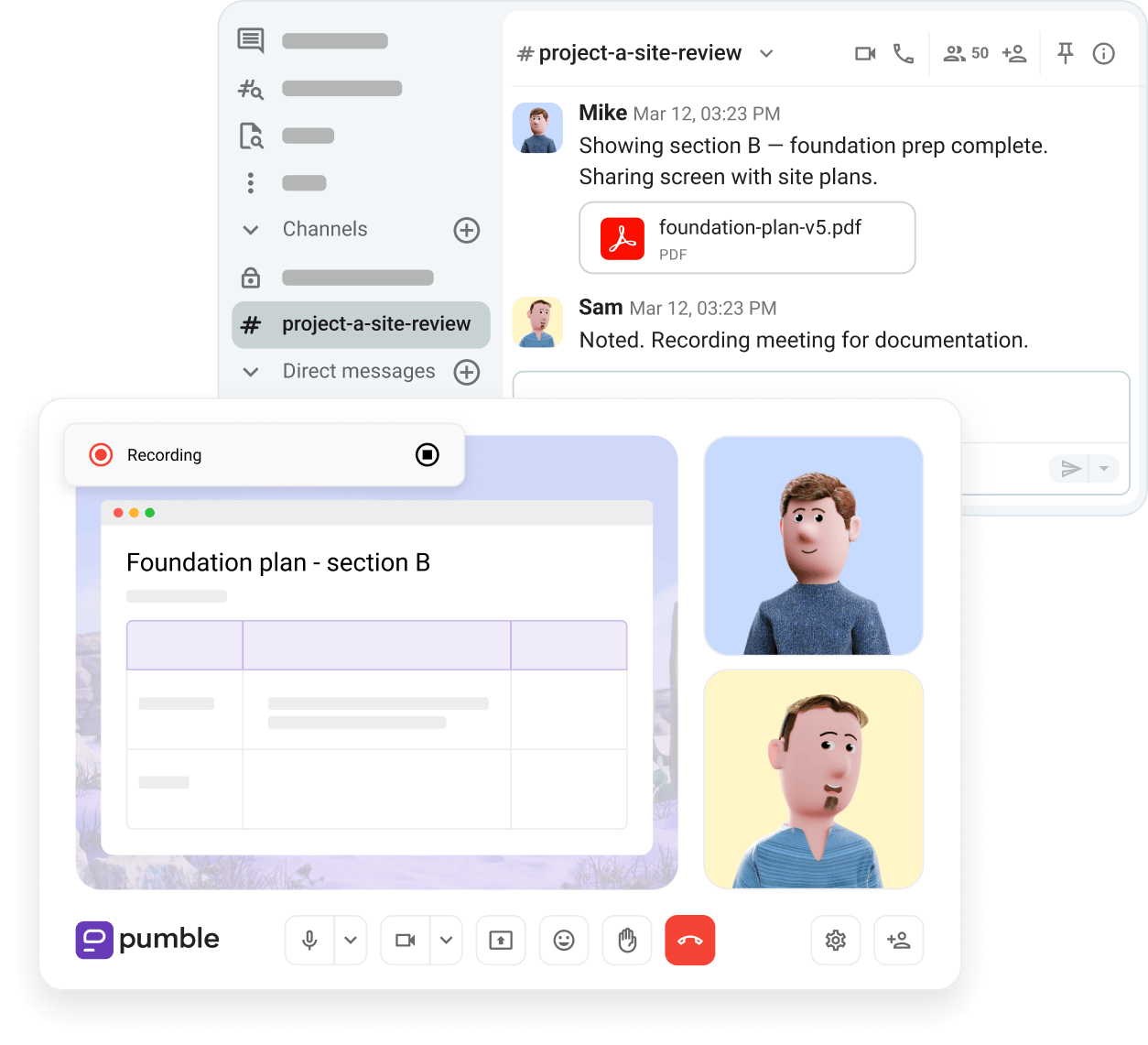
Not everyone can be on-site at all times. For remote check-ins, client updates, and cross-team alignment, Pumbe supports:

Video meetings for coordination

Screen sharing for plan reviews

Meeting recording for documentation

Run remote site reviews

Key advantages of using Pumble for construction teams

Real-time communication

Pumble keeps on-site and in-office teams connected, helping faster decision-making and reducing delays.

Project coordination

Pumble helps managers coordinate multiple projects by assigning tasks, sharing updates, and keeping everyone aligned.

Centralized knowledge-sharing

Pumble provides a single space where teams can store conversations, decisions, and shared files.

Field-to-office communication

With Pumble, communication between field workers, engineers, and office staff stays seamless. They can easily share updates, report issues, and keep workflows moving.

Collaborative problem-solving

Complex project challenges are easier to solve when teams can quickly collaborate, exchange insights, and find solutions without waiting for meetings or emails.

Client and stakeholder updates

Keeping clients and stakeholders informed is easy with Pumble, which allows teams to share progress updates, collect feedback, and maintain transparency.

Related Features

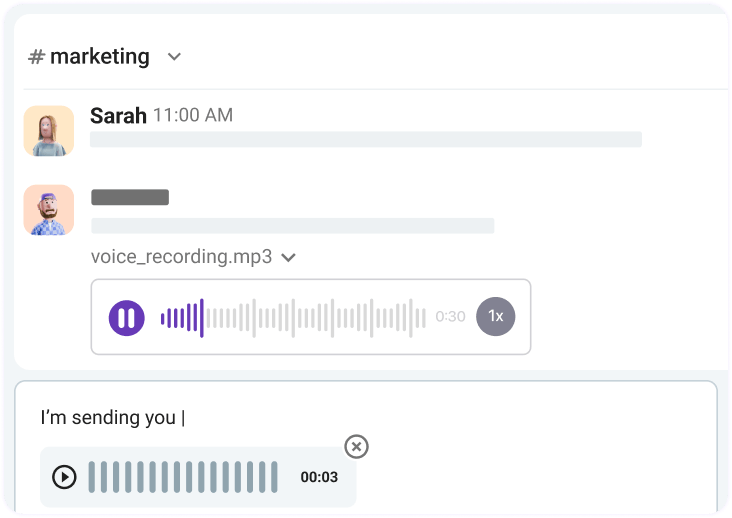
Voice messages

Share updates and instructions, making communication more effective when other forms aren’t available on-site. 

Voice messages

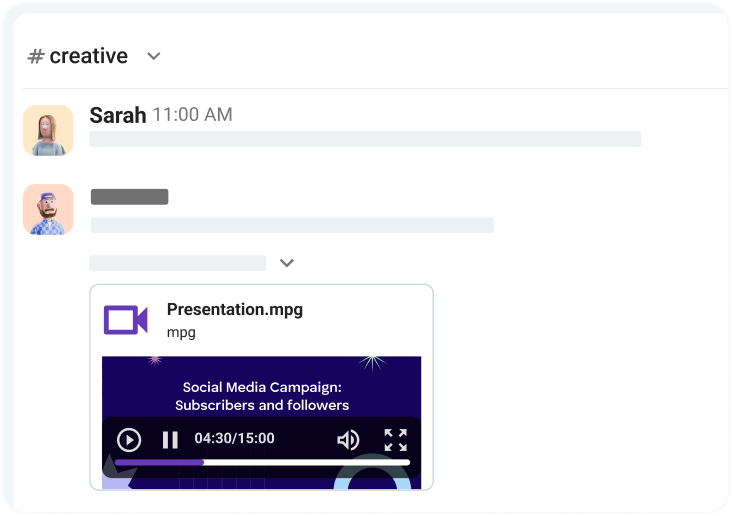
Video messages

Share visual updates, explain issues from the site, and provide clear context in real time or asynchronously.

Video messages

User groups

Group team members from different teams that share tasks or projects under one alias, and notify them all simultaneously.

User groups

Trusted By Worldwide Companies

Read customer stories
Learn how this flying club enhanced organization and engagement in their community with Pumble Customer stories
Learn how this flying club enhanced organization and engagement in their community with Pumble
Discover how a logistics company got faster and more effective at internal and external communication with Pumble. Customer stories
Discover how a logistics company got faster and more effective at internal and external communication with Pumble.
Learn how this SEM agency unified internal and external communication and simplified collaboration in their team with Pumble. Customer stories
Learn how this SEM agency unified internal and external communication and simplified collaboration in their team with Pumble.

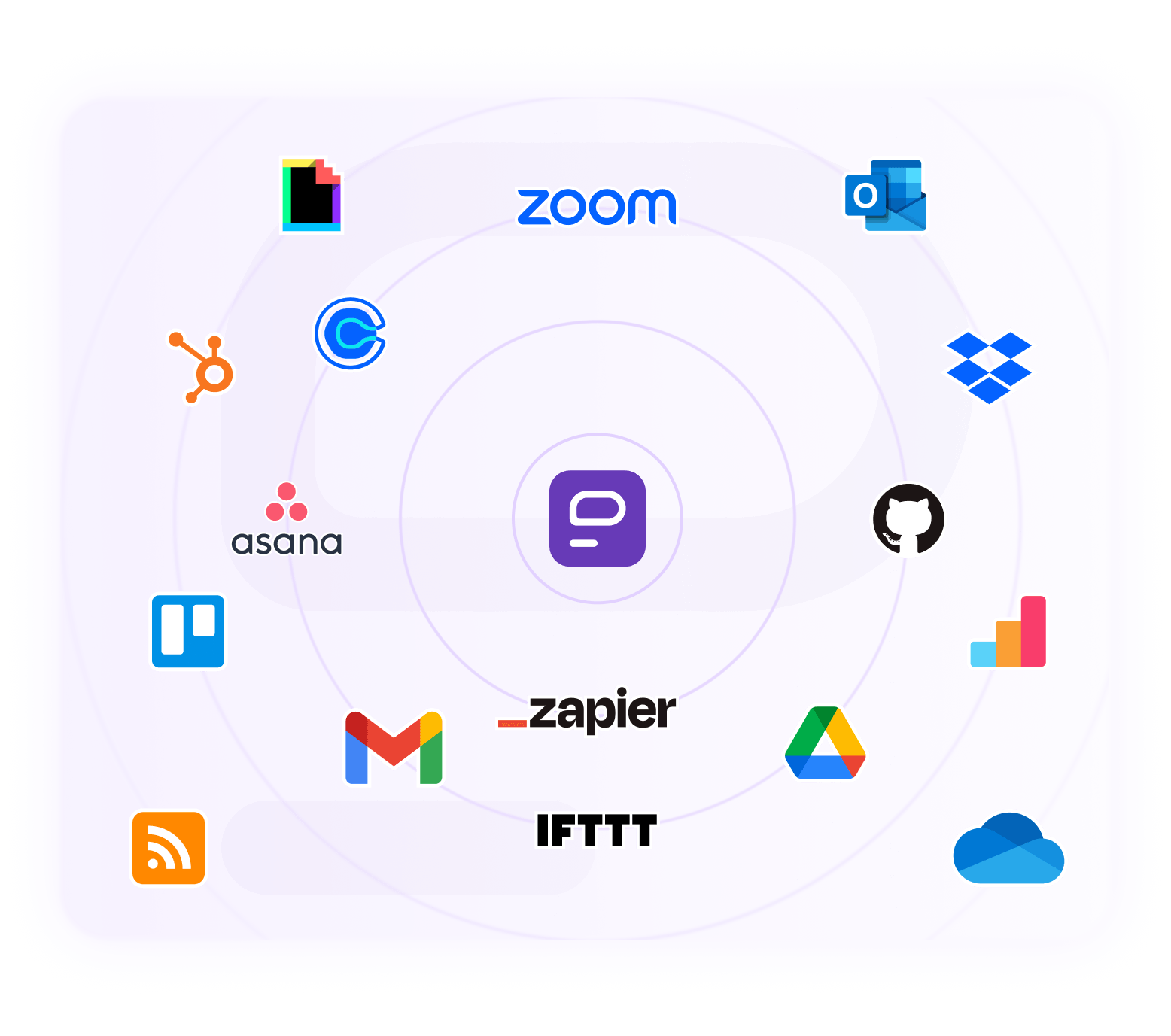
Integrate your favorite tools

Connect Apps to automate your everyday workflow.

Integrate apps with Pumble
Integrations in Pumble

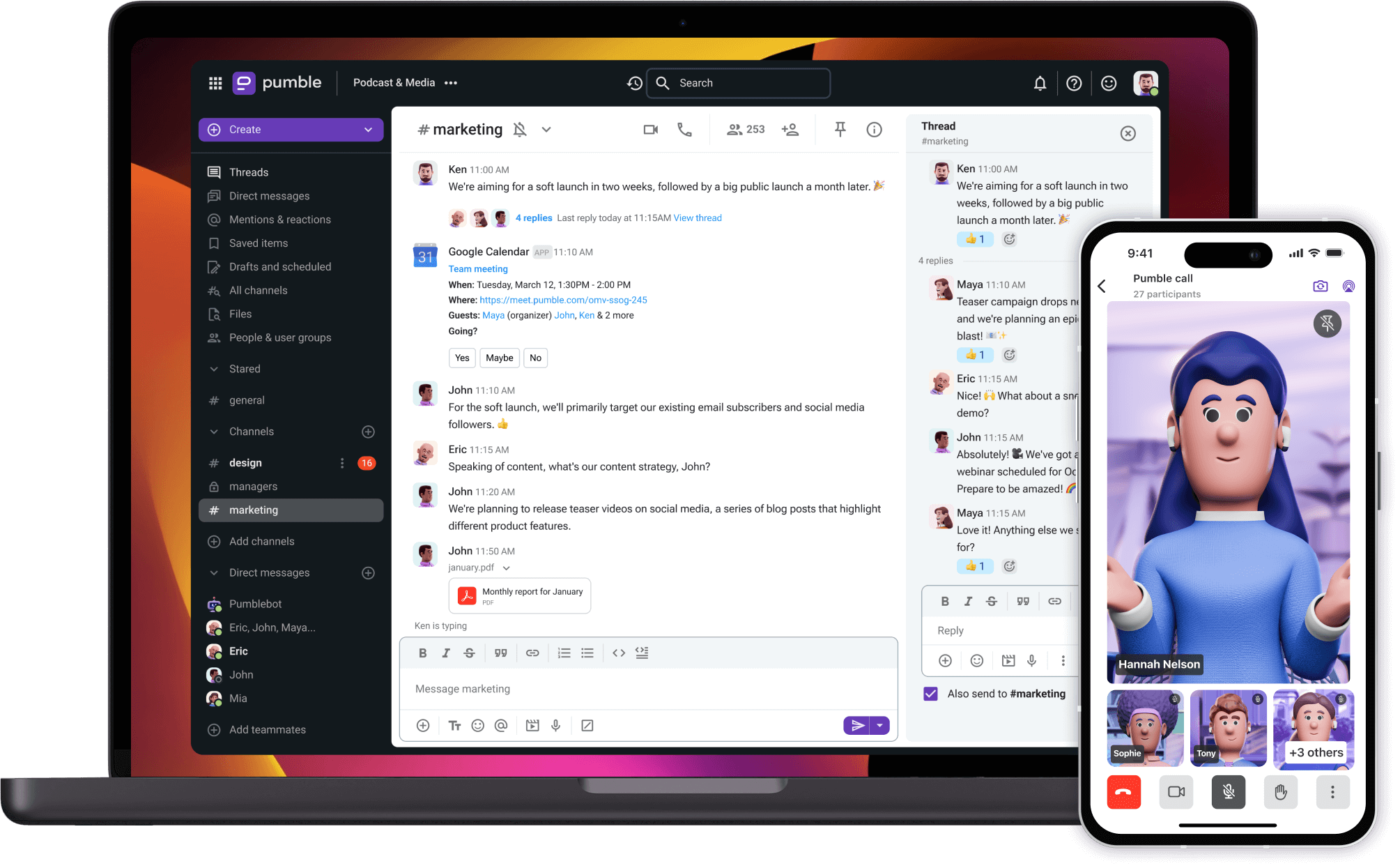
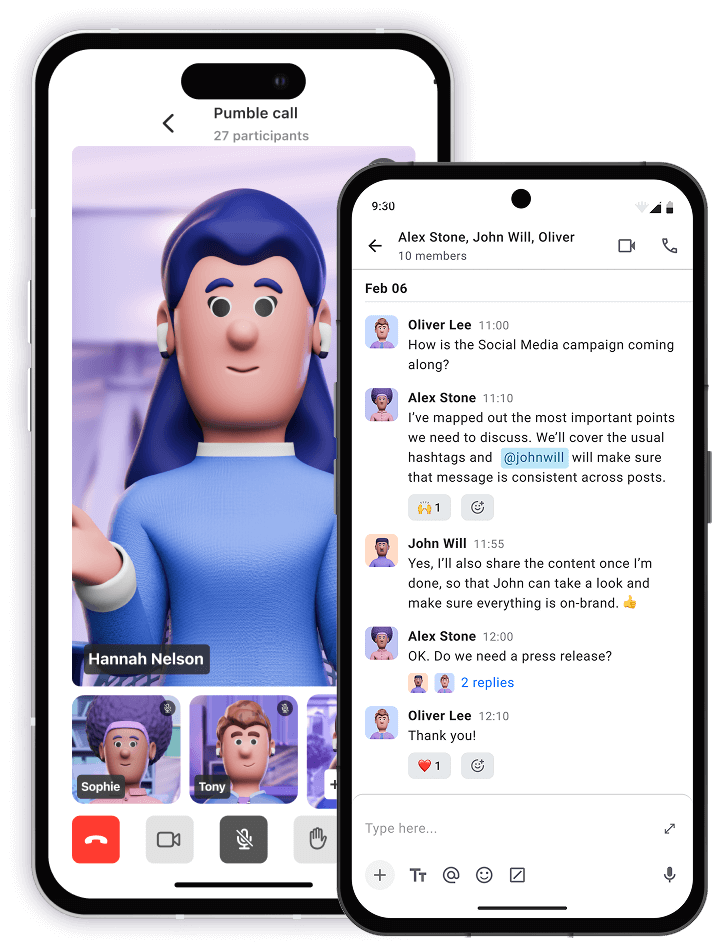
Chat from anywhere

Communicate with your team no matter what device you use.

Download Pumble
Open Pumble in your browser
Also available on Mac Windows Linux Android iOS Web

Start chatting with
your team

• Unlimited users  
• Unlimited chat history  
• Free forever

Create FREE Account