
If you’re managing a rapidly expanding tech team in 2026, you might think that the biggest chunk of your SaaS budget would be going toward the developer platforms you’re using.
But, if you were to write down all your expenses, you might find that those tools aren’t even the most pricey ones you’re paying for.
In fact, if your team is using some of the more overpriced communication apps on the market, you’re probably spending the most money on chat tax.
So, what is chat tax and how do you reduce it while scaling your tech team communication?
Let’s dig into that, and also see why the cost of communication apps seems so prone to inflation.
Changelog:
July 2026: Microsoft Teams changed its pricing plans. We updated the post to reflect these changes.
- Overpriced legacy communication tools can make it difficult to scale tech team communication and expand your team.
- Though the cost of communication tools doesn’t seem too bad when paying for a small team, per-user pricing takes a toll on large and medium-sized teams.
- Affordable Slack alternatives, like Pumble by CAKE.com, offer a way to expand your team without depleting your SaaS budget.
- When looking for a cost-effective team chat solution for your tech team, focus on finding one that provides:
- An unlimited searchable message history
- Communication organization (by way of channels and threads)
- Features that prioritize asynchronous communication
- Additional features like guest access
- Relevant integrations
- Teams can reduce chat tax by divesting from legacy communication tools and opting for a more cost-effective alternative like Pumble.
What is chat tax and why should you care?
Chat tax is the exponential price increase many legacy communication tools impose on users on a per-seat basis.
Most communication solutions on the market have per-user pricing. So, you’re only paying for the exact number of people who will be actively using the platform.
If you’re running a small team of 10 or so engineers, this kind of pricing won’t be much of a problem.
However, when you decide to scale tech team communication by bringing in more people or transitioning to the Enterprise tier subscription plan of the app — that’s when the chat tax will start making a real dent in your SaaS budget.
Over time, you’ll find yourself having to choose between putting money toward incentives and hiring or upgrading your communication app subscription plan to meet your team’s growing demands.
But, what kind of money are we talking about, anyway? Let’s pause and talk numbers.
The real cost of communication tools in 2026
Whether you choose to use an expensive communication software or you opt for a more cost-effective team chat solution, if you only have a few people on your team, the price won’t make much of a difference.
However, if your aim is to grow your team, you should make a SaaS spend optimization plan right from the get-go.
After all, the price you’d have to pay for 10 seats would naturally be pretty different from the one you’d be paying for an organization of 200 people or more.
That’s what the chat tax is all about.
But, seeing these numbers on paper should go a long way to demonstrate our point.
In the table below, you’ll find the per-user pricing of the most popular communication solutions on the market as well as one alternative solution — Pumble.
The price ranges we’ve included show cost estimates for 10 and 200 user seats on the apps’ cheapest and most expensive subscription tiers.
Just keep in mind that many tools also have an additional, Enterprise-level subscription, which is often not transparently priced. Instead, companies require customers to schedule a call to discuss the cost of the features covered by this plan.
Having said that, let’s crunch those numbers.
| Price per user per month (annual subscription) | 10 seats | 200 seats | |
|---|---|---|---|
| Pumble by CAKE.com | $2.49–$6.99 | $24.90-$69.90 | $498–$1,398 |
| Zoom | $14.16–$18.33 (with Zoom Workplace) | $141.60–$183.30 | $2,832–$3,666 |
| Slack | $7.25–$15 | $72.50–$150 | $1,450–$3,000 |
| Google Chat | $6.30–$22 (with Google Workspace) | $63–$220 | $1,386–$4,400 |
| Microsoft Teams | $4–$8.55 | $40–$855.00 | $800–$1,710 |
As you can see, the cost of these apps can range between $4 per user per month for the cheapest version of Microsoft Teams (not including the rest of the Office suite) to $18.33 for Zoom, complete with the rest of the Zoom Workplace.
While those numbers may not sound like much on their own, multiplying them by the number of people you have on your team reveals how these apps can eat away at your SaaS budget.
But, does that mean that you’d be better off just using the free version of your favorite messaging app and putting that part of your budget toward expanding your team?
No, but let’s talk about it.

Losing context to limited messaging history: The “free plan” trap
Unfortunately, opting for the free version of your favorite messaging app usually doesn’t pan out too well.
Some of the communication apps we’ve mentioned have incredibly limited free plans. They are designed to nudge you toward the paid version, even if you’re only working with a few people.
For example, free messaging apps can have limits on:
- The number of people you can add to your workspace
- The number of messages you can send
- Data retention and history
- Various security features
Of course, some apps don’t have these glaring omissions in their free plans.
For example, the free version of Pumble still lets you:
- Onboard as many users as you need to
- Send as many messages as you want
- Have unlimited message history
- Create an unlimited number of private or public channels
Even so, growing teams would also benefit from some of Pumble’s paid features, such as:
- Increased storage capacity
- Increased number of integrations
- Group video conferencing with screen sharing and other additional features
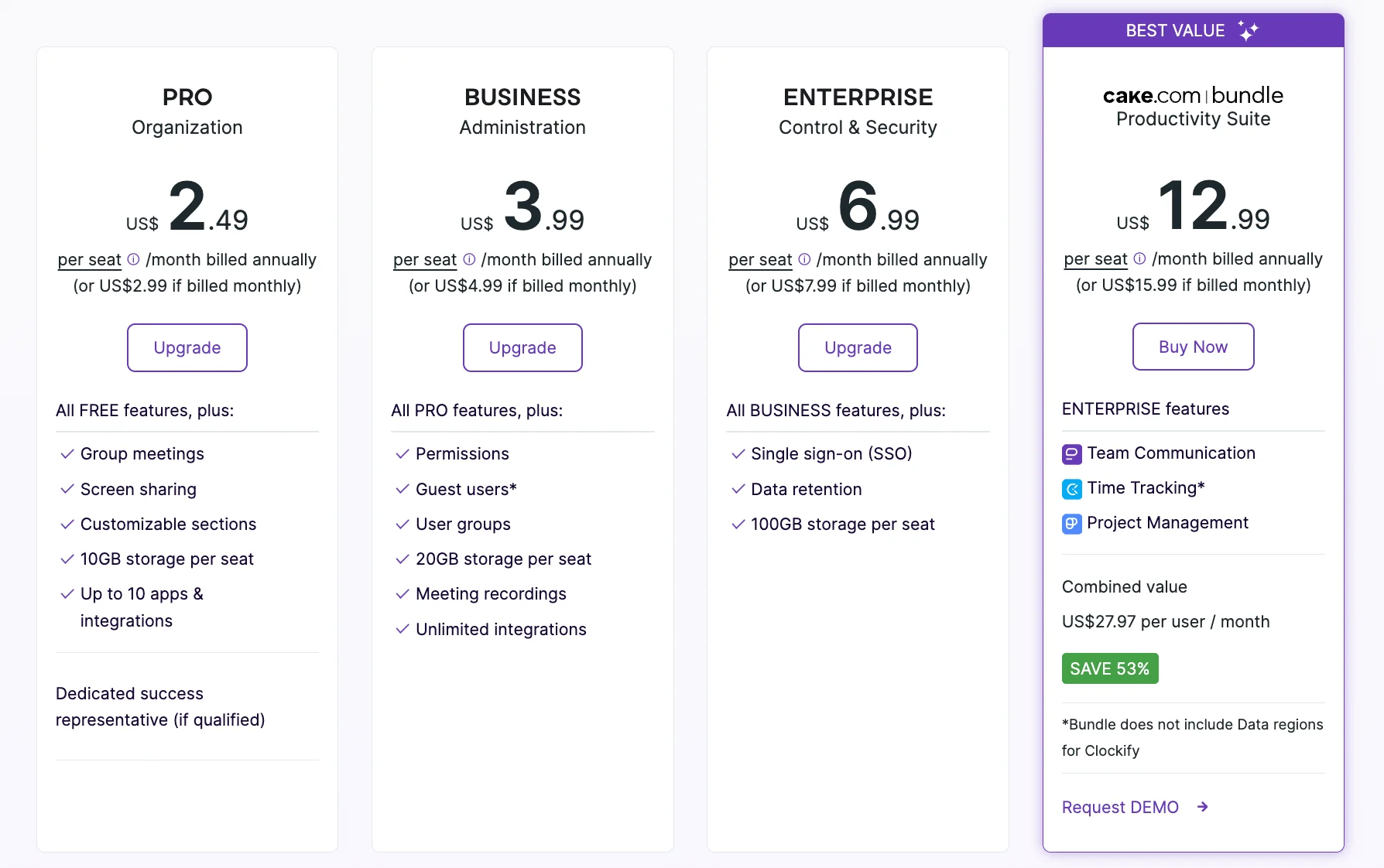
But, since Pumble’s pricing isn’t as steep as the other apps’ we’ve mentioned, switching to a paid plan is a fairly natural and easy transition for its users.
💡 PUMBLE PRO TIP
Looking for more affordable Slack alternatives? Here are our top picks:
5 essential features for tech teams (that shouldn’t cost extra)
At this point, you might have already reached the point of no return with the communication app you’re using.
If you’re wondering which features you should prioritize when looking for a more cost-effective team chat solution, we have a few suggestions for you.
Here are 5 features your tech team will need that shouldn’t add to your bill.
#1 Unlimited searchable history
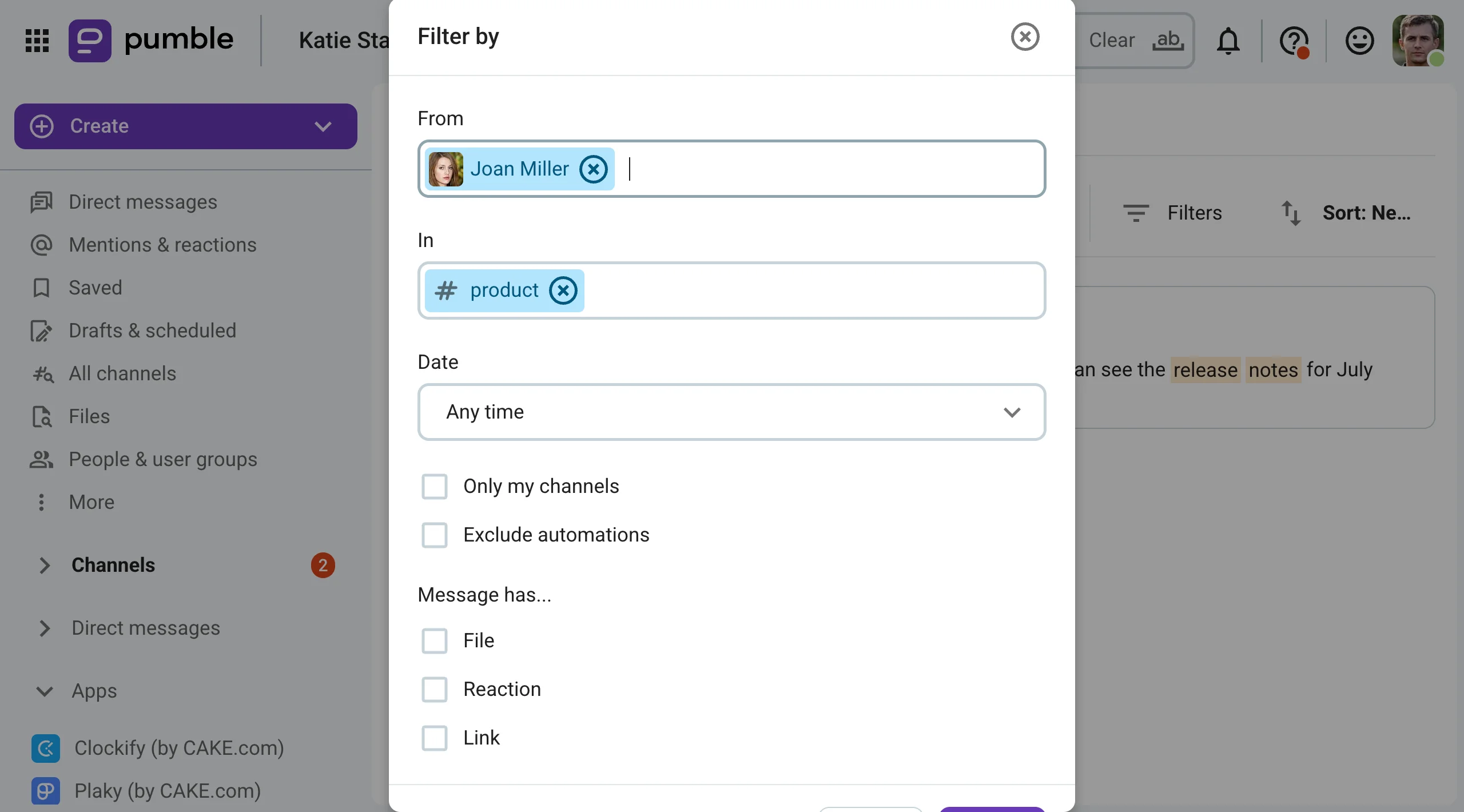
Unlimited history is the one feature you should never compromise on, even if you’re just looking for a temporary free communication solution for your team.
After all, if everything goes according to plan and your business takes off, you won’t be using the free version forever.
When the time to switch to a paid plan comes, you should still be able to search through your message history from the very beginning.
Besides, you shouldn’t be forced to make that transition before you’re ready, just to be able to keep your messages.
That’s exactly why Pumble keeps unlimited history as a free plan feature.
Doing so allows small tech teams to:
- Review old code sent through the platform
- Preserve the reasoning behind past decisions
- Onboard new team members more easily by allowing them to search through old messages in public channels
Having unlimited message history is especially useful for fully remote teams, who can then reliably use Pumble for knowledge sharing, thanks to the app’s intuitive search feature.

💡 PUMBLE PRO TIP
What’s the best way for software teams to utilize communication apps like Pumble? Here’s a guide to get you started:
#2 Tools to organize your conversations
Of course, being able to send an unlimited number of messages can quickly turn your digital headquarters into a chaotic mess.
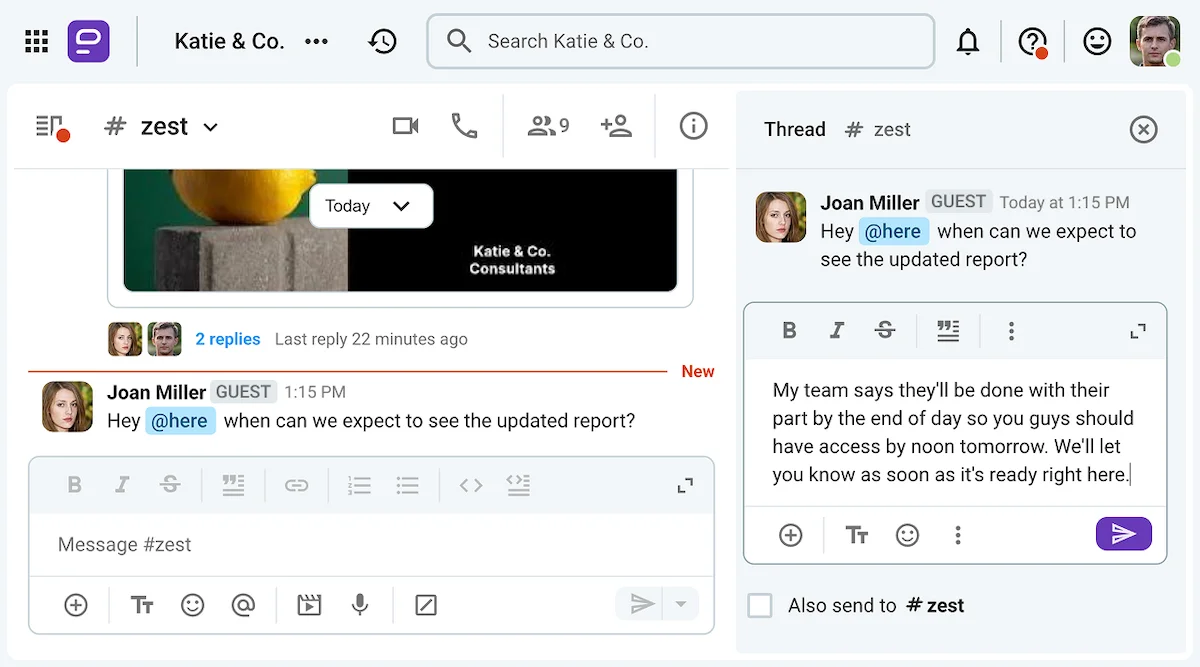
That’s why features like channels and threads can be especially important as your tech team grows, as they allow you to organize and streamline your communication.
When you’re working with a handful of people, overlapping conversations in channels and group chats don’t happen all that often. And, when they do, you can still easily follow the thread of conversation back to the original topic.
However, in big teams, things aren’t as easy to handle. But, when you have a thread feature in your team chat tool, there’s no need to manually track different pieces of the conversation.
As long as your team is willing to follow basic chat etiquette and make the most of your messaging app’s features, you’ll be able to find all parts of the conversation in the threads under the message that prompted the exchange.
As your organization grows to include other departments and not just tech personnel, this level of organization will help everyone collaborate more effectively.
Organize your chat with Pumble
💡 PUMBLE PRO TIP
Want to learn more about remote team collaboration? Here’s some further reading:
#3 Features that prioritize async-first communication
Tech teams are stacked with all kinds of different people. While some of them can thrive in chaotic environments, others require total silence to focus.
That’s why the messaging app you choose should have some built-in features that allow your team to practice async-first communication.
In other words, they should be able to see and answer their messages when it’s convenient to them.
As it happens, Pumble has several of those features baked into the app. When your team isn’t in the mood to hop on a voice or video call, they can:
- Send voice notes or video messages (with screen sharing starting with the Pro payment plan)
- Mute chats or customize their notification schedules
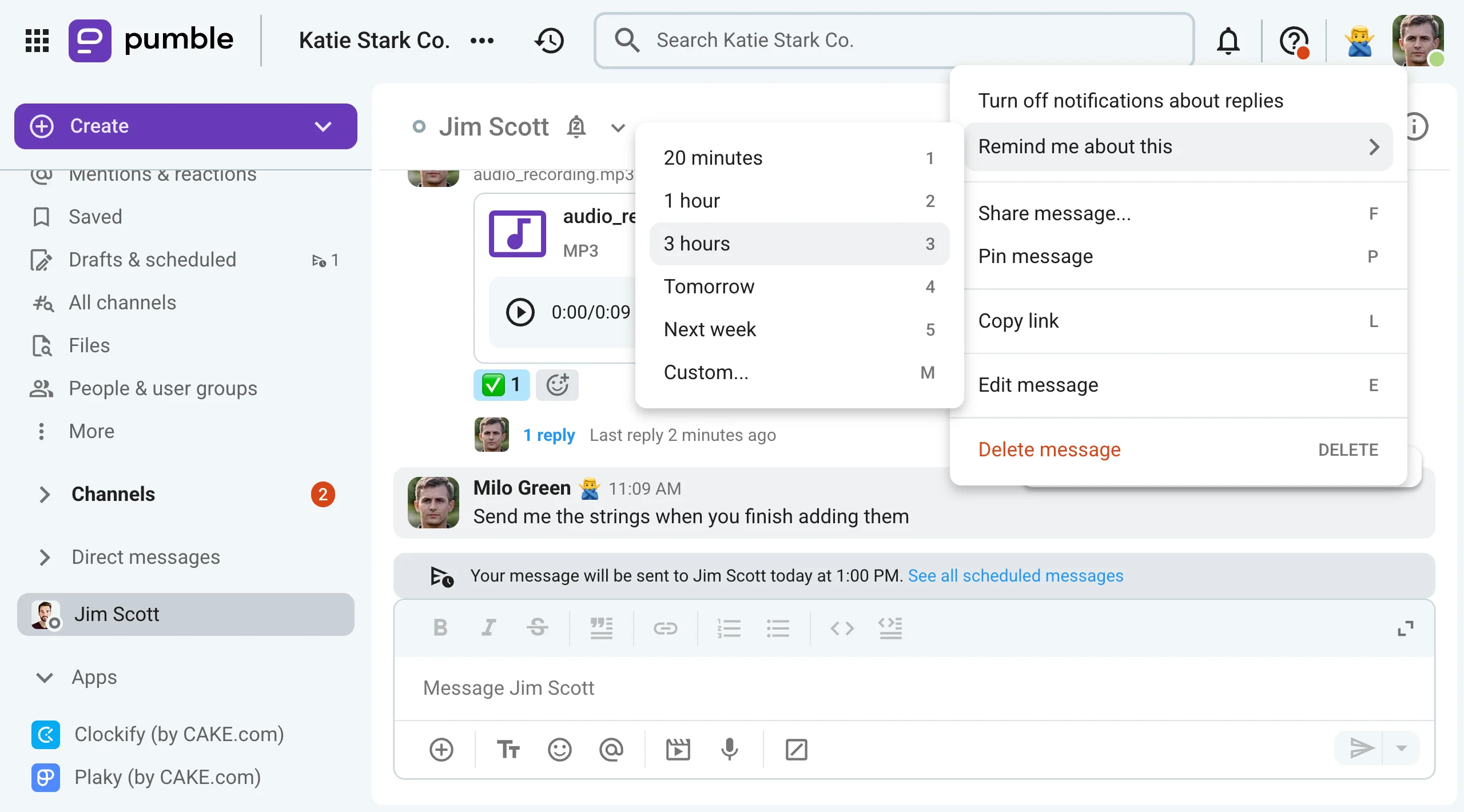
- Set up message reminders to get back to messages at a later time
On top of that, Pumble users can also schedule their messages if they’re not in a hurry to get a response.
These async features can make sure your engineers have the space they need to really focus without distractions.

#4 Seamless guest access
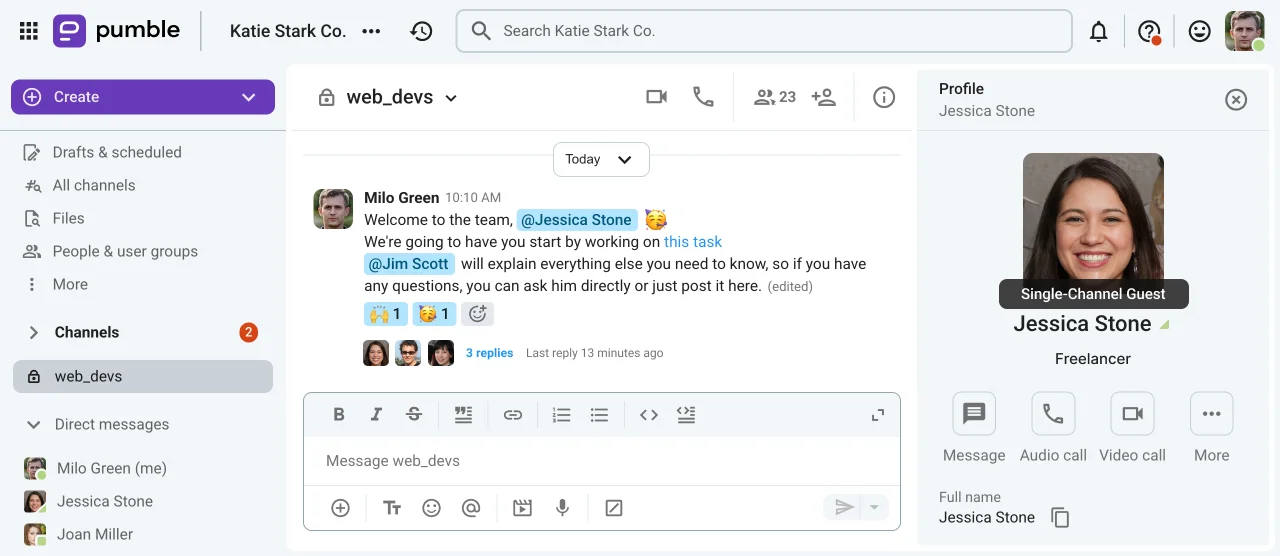
Inviting clients, freelancers, and other third parties onto your messaging app shouldn’t increase the cost of your communication tool, especially if you only want to give them limited access to your workspace.
With Pumble, Business and Enterprise-tier users can invite up to 5 single-channel guests per every paid seat.
So, you can have more external guests in your Pumble workspace than paid users, with complete control over what they see and who they talk to.
Though multi-channel guests are treated as regular user seats in terms of cost, Pumble users can still make the most of their ability to invite single-channel guests without increasing the overall cost of their subscription.
These two types of guest accounts can be easily distinguished in the app through their online indicators, since:
- Single-channel accounts have a triangular status
- Multi-channel guests have square status indicators
- Regular users have circular indicators
#5 Relevant integrations
Last but not least, tech teams can also benefit from having their communication tool serve as their main touchpoint with the rest of their tech stack.
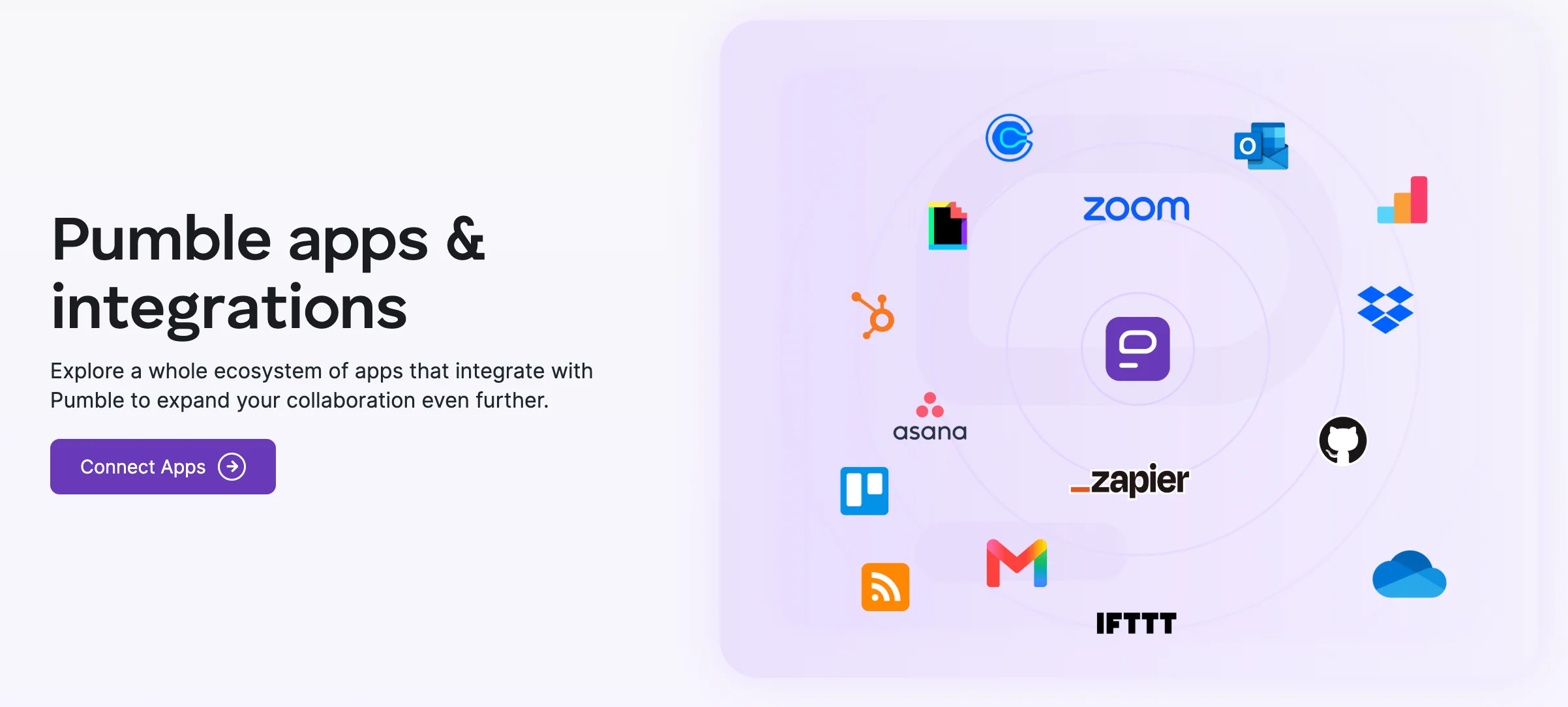
In Pumble, this kind of tech consolidation can be achieved through integrations with various tools, including GitHub and other webhook integrations.
Moreover, your team can also build their own add-ons and even publish them through the CAKE.com Marketplace.
On the Free plan, Pumble users can choose 3 integrations to add to their workspace, in addition to its native integrations with Clockify and Plaky, its sister products also made by CAKE.com.

Pro plan users can add up to 10 integrations, and Business and Enterprise tier users can add as many apps as they need to create a completely custom workflow with Pumble.

How to migrate to a value-first digital HQ with Pumble
Now that you know that cost-effective team chat solutions like Pumble can bring real value to your tech team, you may be faced with a dilemma.
If you’ve been using another messaging app for a while, moving to another platform may not feel like a worthwhile investment.
But, what if we could make the transition easier for you?
If you’re using Slack or another app that lets you export your data into a zip or CSV file, you’ll be able to easily transfer that data to Pumble by following our guide. That includes:
- Public and private channels
- Chat and direct messages
- User accounts
Following that guide should help you hit the ground running on Pumble.
And, if you’re more of a visual learner, we even have a video of the process here.

Reduce chat tax by investing in the right communication tools
If you’ve spent your career communicating over a single legacy app, moving to another solution can be a daunting thought.
However, if you want to reduce chat tax and free up some of your SaaS budget, you have to consider the cost of these communication tools.
It would be one thing if these apps were overpriced for a reason — but they’re not.
Cost-effective team chat solutions like Pumble can be just as effective, without introducing unnecessary bloat into the app.
Pumble can be there for your team through every step of development. You’ll get to enjoy unlimited history right from the start and explore paid features when you’re ready to hop on a paid plan.
So, how much are you spending on your communication app?
And how much would you save with Pumble?
How we reviewed this post: Our writers & editors monitor the posts and update them when new information becomes available, to keep them fresh and relevant.