 Updated: April 24, 2026

For modern teams, communication has evolved beyond simple message exchange and now acts as critical infrastructure that shapes how quickly teams work, collaborate, and make decisions.
When information is scattered across emails, chats, and multiple tools, teams waste time searching for context, duplicating work, and reacting more slowly to change. Constant switching between platforms also leads to lost focus and limited visibility, making it harder to stay aligned.
With an all-in-one team communication app like Pumble by CAKE.com, everything is together in one digital headquarters where conversations, files, and decisions are organized and easy to navigate.
Let’s explore how different teams and industries use Pumble to improve their day-to-day work.
- Pumble by CAKE.com serves as a digital headquarters where all conversations, files, and decisions are organized and easy to find.
- Marketing teams can organize work in dedicated channels, resolve questions quickly in direct messages, and invite clients in their workspace through guest access.
- Product and customer support teams can centralize issues, feedback, and updates in Pumble, collaborate in shared channels, and share video messages for quick explanations.
- HR teams can conduct interviews through video calls and manage workspace access with roles and permissions, while project managers can stay on top of deadlines with reminders.
- Whether they’re in media, consulting, construction, retail, or other industries, teams can use Pumble to stay connected, organized, and aligned on their work.
How different teams use Pumble in daily workflows
In everyday work, different teams and departments rely on Pumble in specific ways to manage communication, collaborate on tasks, and keep work organized across projects and responsibilities.
Marketing and sales
Marketing and sales teams rely on constant communication, fast feedback, and close collaboration — both internally and with external stakeholders.
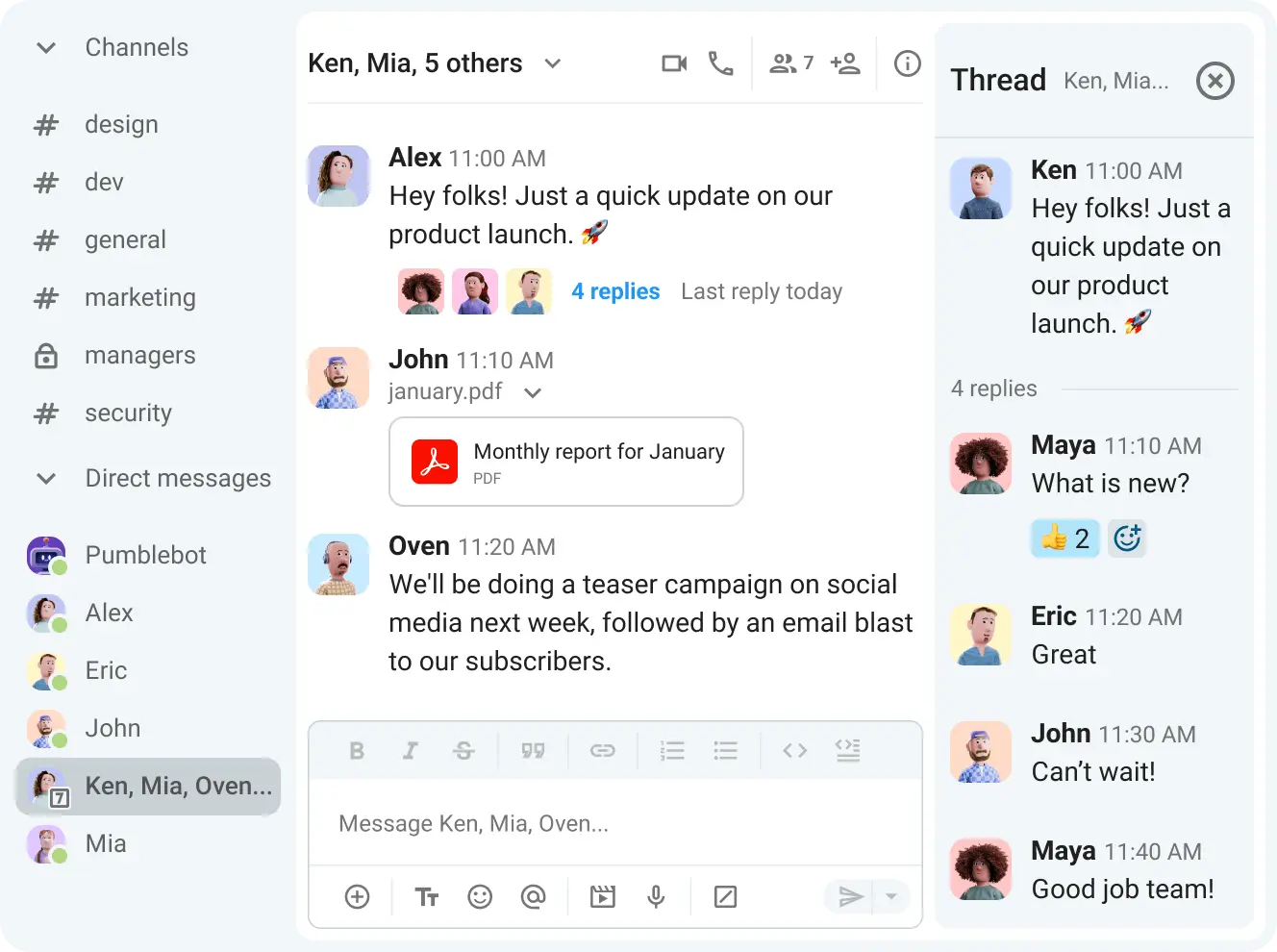
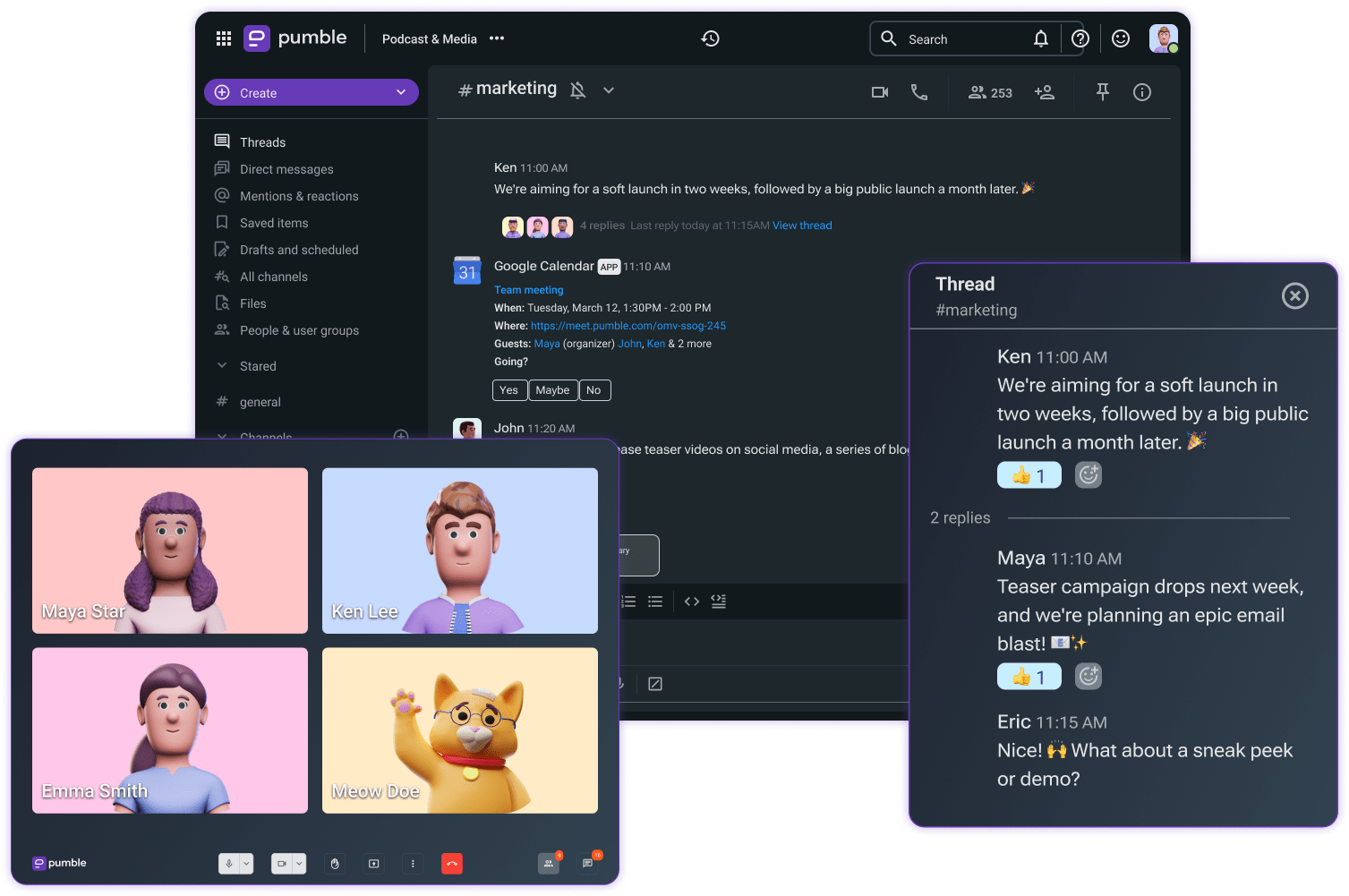
With Pumble, marketing teams can organize their work by creating dedicated channels for each campaign, project, or client. This keeps all messages, files, and updates in one place, helping everyone stay aligned.
Organize conversations in channels
When quick clarification is needed, you can use direct messages to resolve things instantly without disrupting the whole team.
Collaboration with external partners is just as easy. With guest access, you can invite clients or contractors to join specific channels, limiting what they can see and do. Thanks to Pumble’s free unlimited message history, they can review all past updates in the channels where they are invited and share feedback through threaded replies.
Teams can also:
- Share files,
- Jump on voice and video calls,
- Record meetings, and
- Leave voice messages when written feedback isn’t enough.
For sales teams, Pumble drives speed, transparency, and collaboration.
Dedicated channels can be adapted to fit different sales workflows, for example:
- Deal rooms for high-value accounts — helping you keep all updates, files, and decisions related to a specific deal in a single place.
- Win channels — a space where teammates share successes, celebrate results, and boost team morale.
- Cross-functional collaboration — connecting sales and marketing teams to share real-time feedback from prospects and refine messaging.
Field sales reps can use Pumble’s mobile app to:
- Quickly connect with teammates through calls and messages,
- Share documents, and
- Send updates on the go via voice messages.
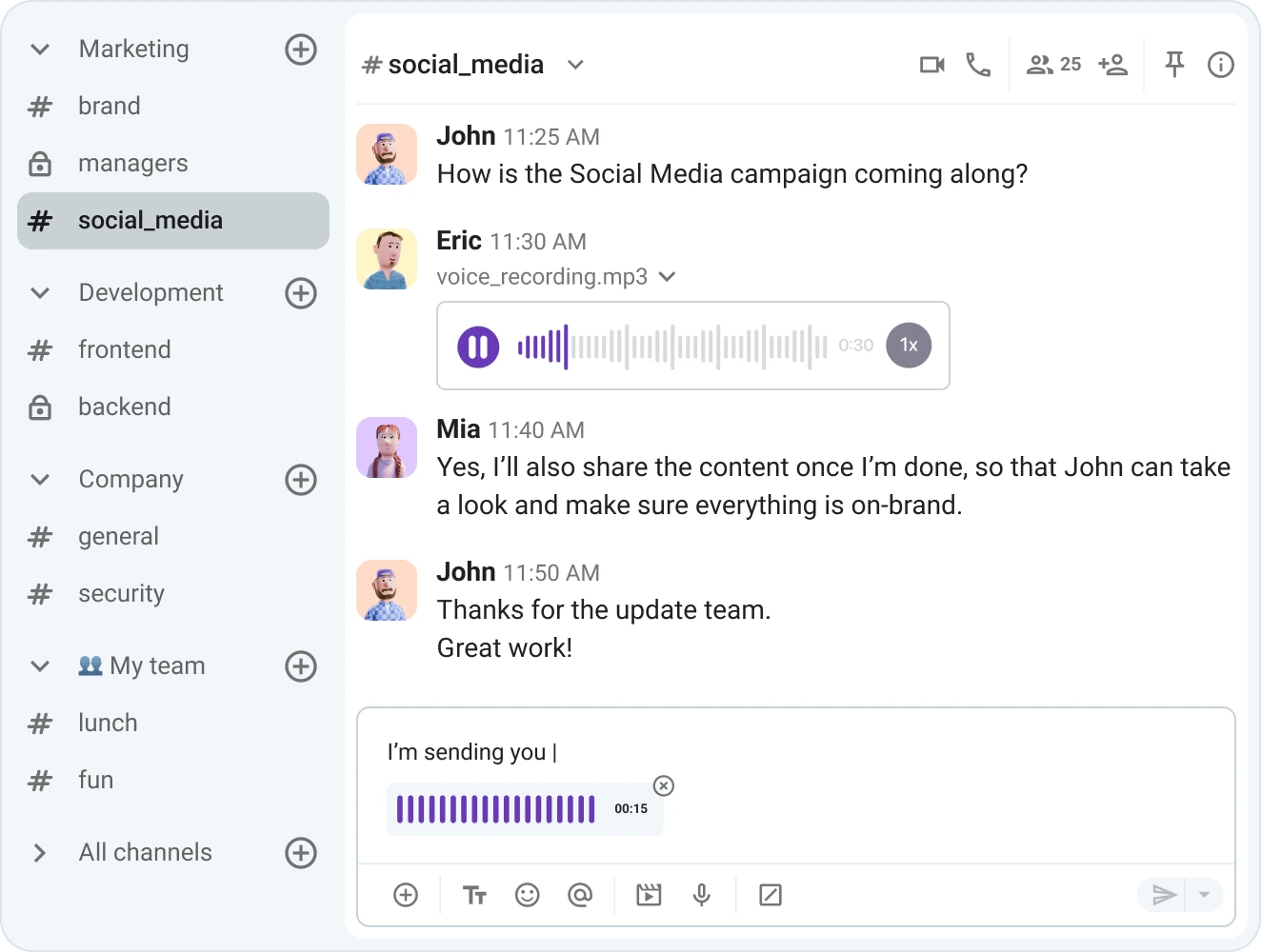
Furthermore, integrations with tools like Google Drive and Salesforce through Zapier allow teams to bring key information, like document changes and new leads, into their workspace so nothing is missed.
🎓 PUMBLE PRO TIP
Want a closer look at how Pumble supports marketing and sales teams? Explore our in-depth guides:

Product and customer support
For product and support teams, effective communication is key to improving products and keeping users satisfied. When issues, feedback, and updates are scattered, it becomes harder to respond quickly and make informed decisions.
Using Pumble for business, both teams can collaborate in shared channels organized by product, planning stages, or customer feedback.
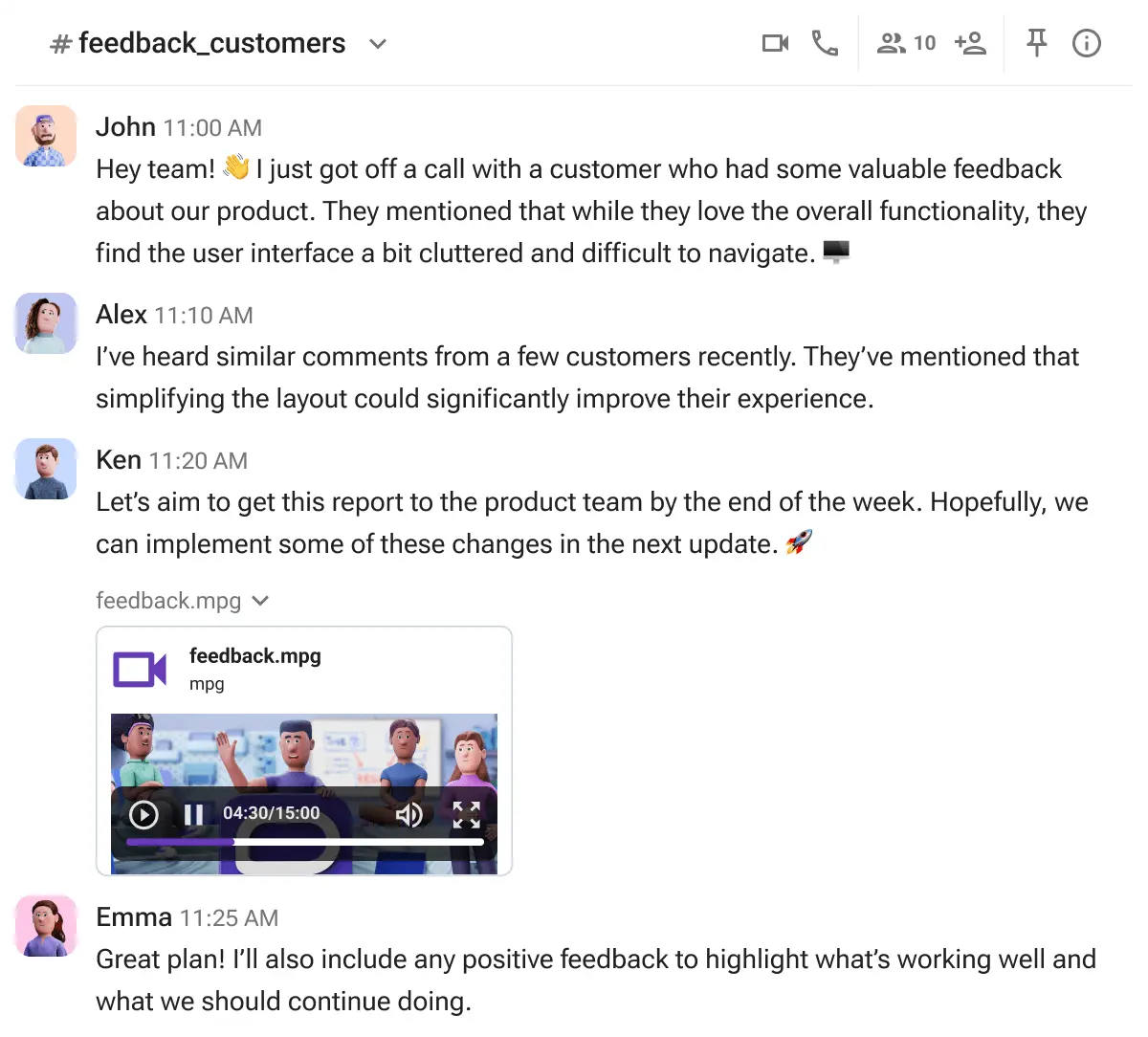
For example, when a support agent encounters a complex ticket, they can instantly share it in a relevant channel — such as #bug_reports or #customer_issues — where product managers, developers, or other team members can jump in with solutions.
Channels also serve as a central space for:
- Brainstorming new features,
- Tracking feedback, and
- Keeping discussions organized.
You can pin important resources, like product specs or QA notes for easy access, while polls can help your teams make group decisions without scheduling meetings.
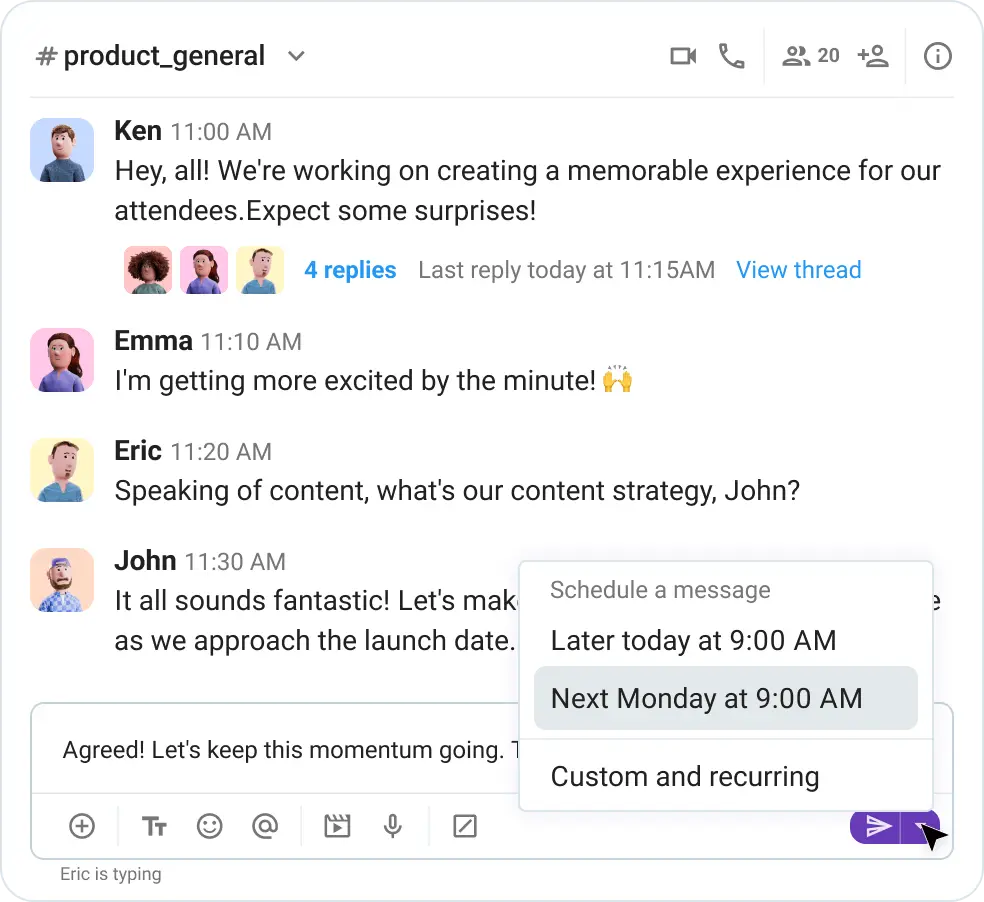
For clearer communication, teams can share video messages to demonstrate bugs or explain updates. Moreover, to keep communication timely across different time zones, you can schedule messages in Pumble so no important updates are ever missed.
🎓 PUMBLE PRO TIP
If you’d like to dive deeper into how product and customer support teams use Pumble to streamline their work, check out our articles:
HR and project management
HR and project management teams need a structured way to coordinate people, processes, and work across different stages.
Starting with recruitment, HR teams can run interviews using Pumble video calls, where candidates join via meeting links, and sessions can be recorded for future reference.
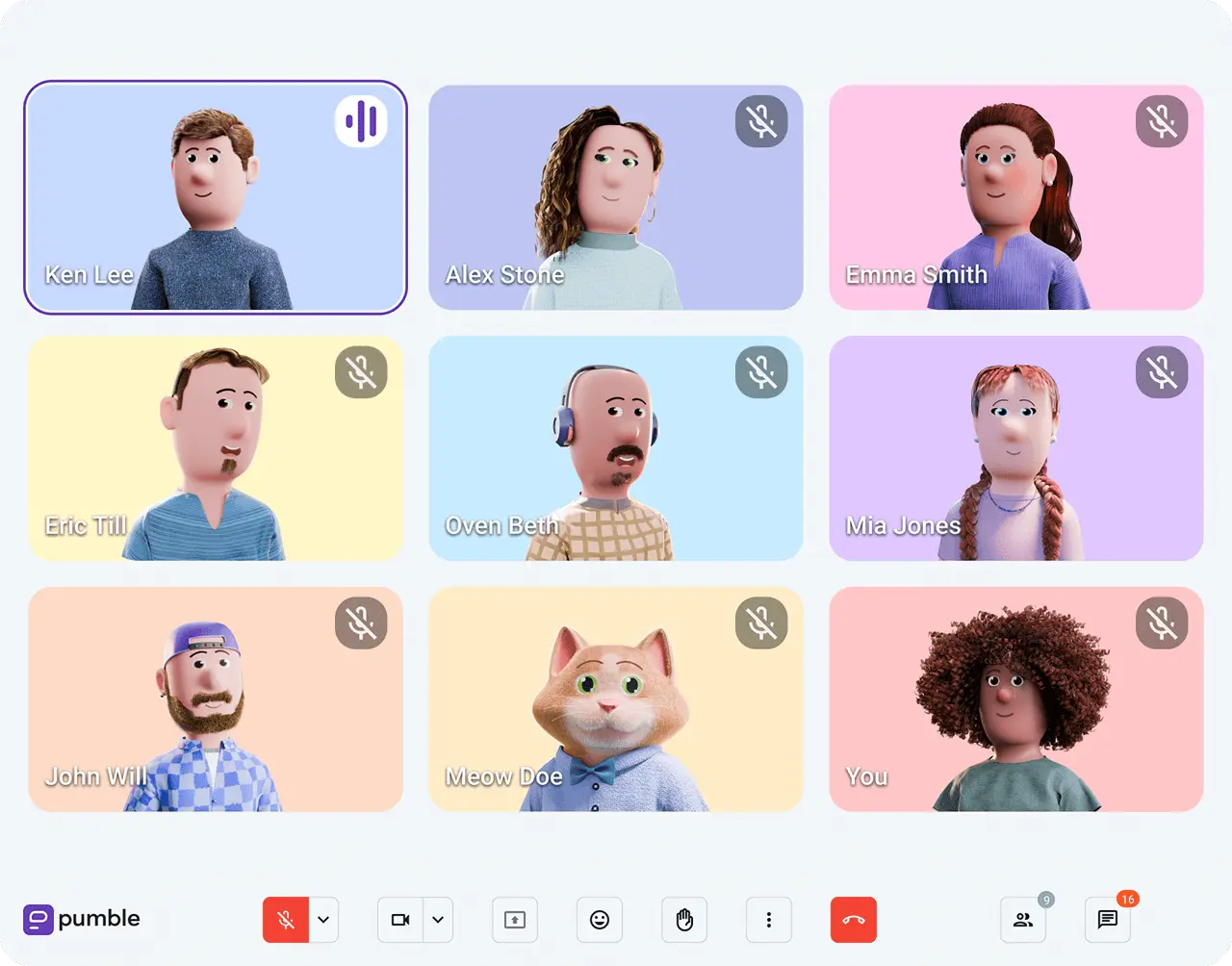
Once a candidate is hired, onboarding continues in dedicated private or public channels where you can securely share training materials, company policies, and key documents with new hires.
You can use roles and permissions to structure access within the Pumble workspace, allowing admins to control who sees what.
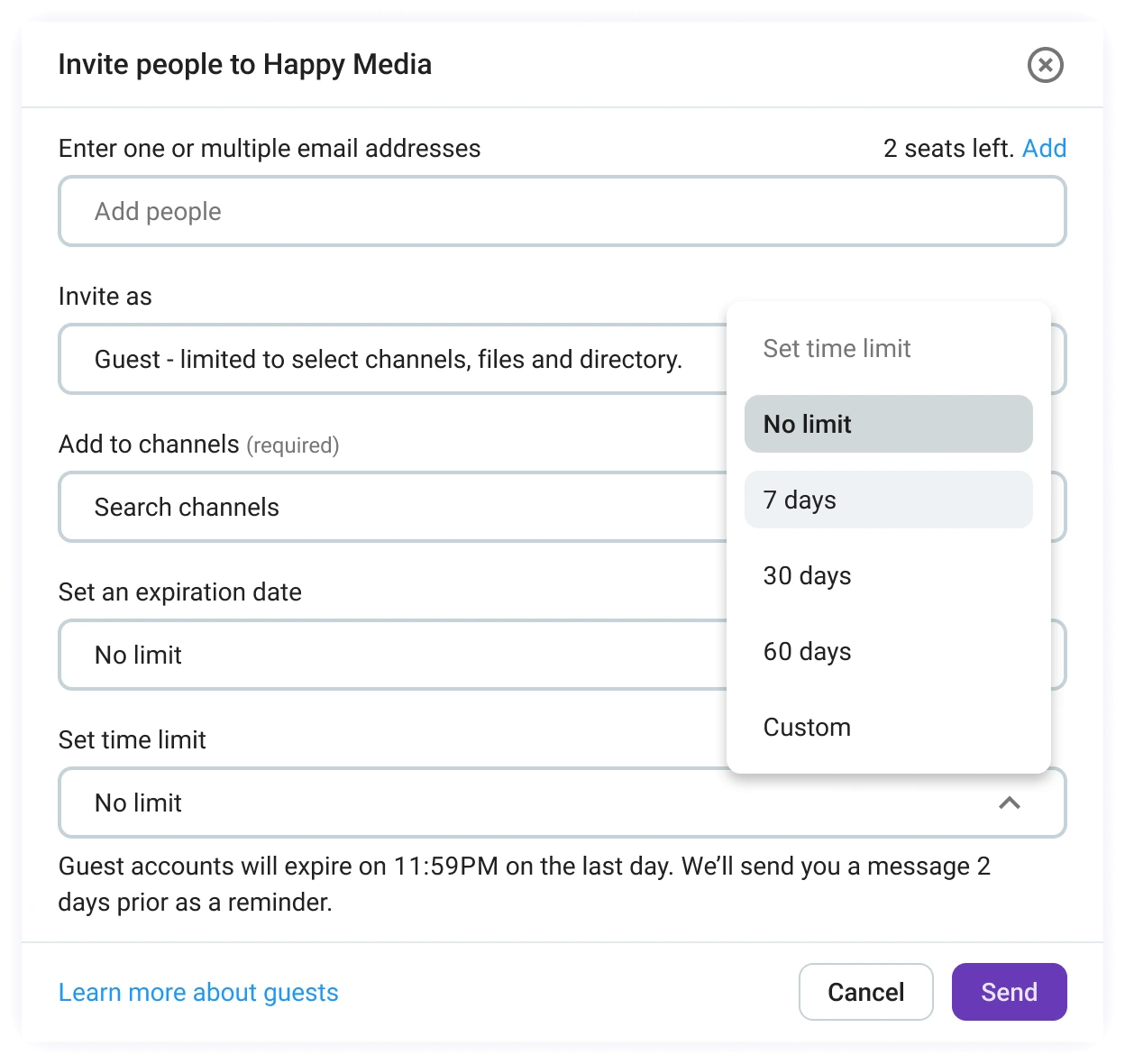
When hiring interns or contractors, you can give single- or multi-channel guest access for a set time. This is also useful when giving clients visibility into project updates and timelines.
New employees can also be automatically added to relevant channels, like #welcome and #announcements, ensuring they have all important information from the start.
For coordination, HR teams can schedule onboarding sessions and project meetings through the Google Calendar integration, while asynchronous communication via voice and video messages can help reduce unnecessary meetings.
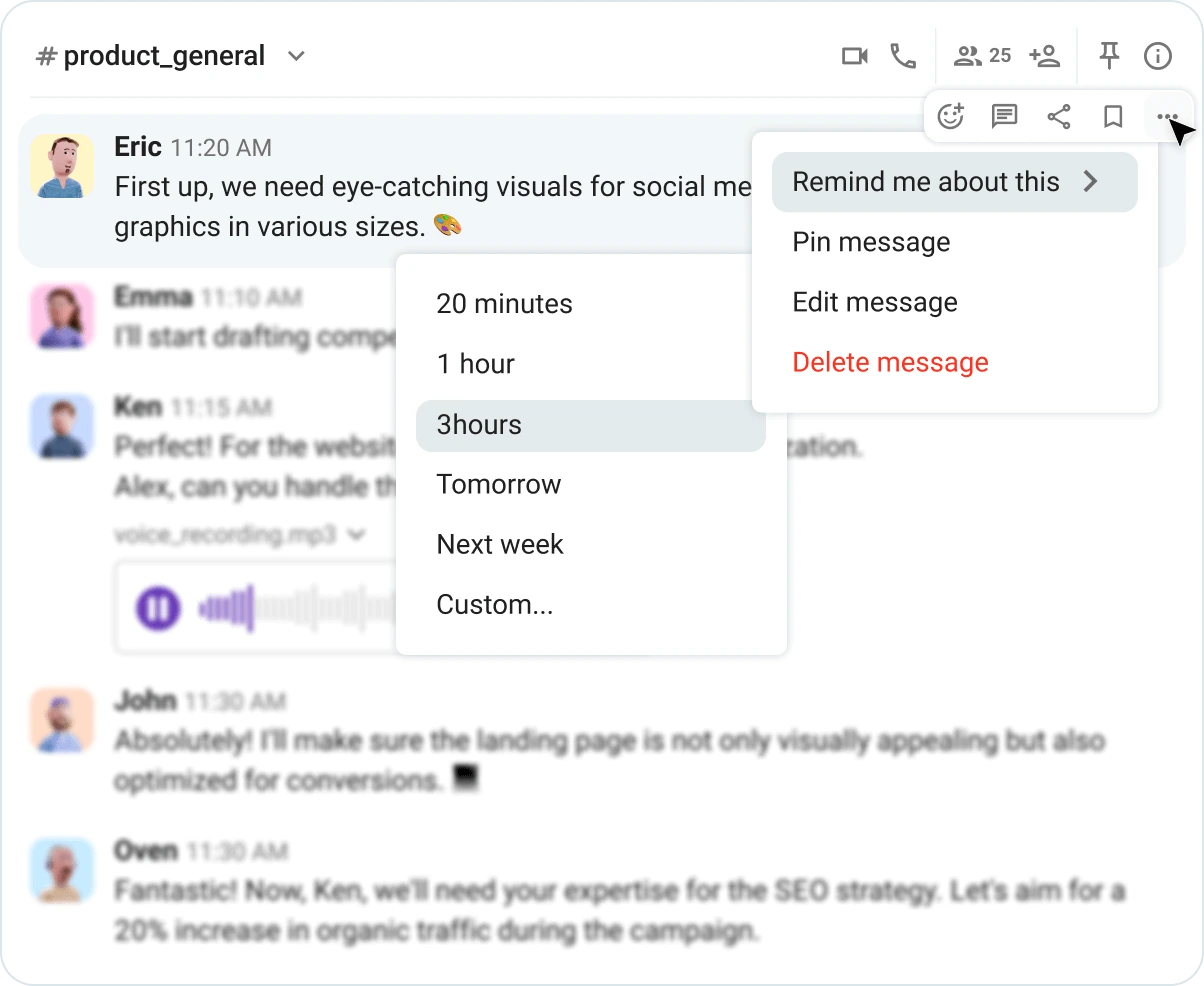
On the project management side, teams can create dedicated channels to centralize communication and keep updates, discussions, and decisions together. If you need extra help managing deadlines and follow-ups, you can set reminders for key messages in Pumble for a time that works best for you.
To get the most out of Pumble for teams, connect it with the tools you already rely on — like the project management app Plaky by CAKE.com. By integrating Plaky, you can receive real-time task updates, status changes, and mentions directly in Pumble, so your team stays informed without switching apps.
🎓 PUMBLE PRO TIP
To see how HR and project management teams improve collaboration and efficiency with Pumble, read our full guides:
How different industries get value from Pumble
Pumble adapts to unique workflows and environments across different industries, helping businesses stay connected whether they operate in offices, on-site locations, or client-facing settings.
In other words, it helps your team communicate efficiently and stay productive, whether you work in:
- Media, art, and entertainment,
- Consulting and management,
- Construction, engineering, and real estate, or
- Retail, commerce, and consumer goods.

Media, art, and entertainment
For creative teams, coordinating multiple projects — like campaigns, shoots, or content production — can be quite the challenge. To avoid spreading everything out between different tools, leading to missed comments and slow approvals, use Pumble as your centralized communication hub.
Start by organizing teams, projects, and campaigns into separate channels, ensuring conversations, updates, and files are never mixed up.
For example, a production team working on a video campaign can share drafts, gather feedback from designers and editors in threaded discussions, and keep all revisions tied to the original file so nothing gets lost.
When collaborating with freelancers or external partners, guest access allows them to join specific channels, leave feedback, and approve materials while keeping the rest of your workspace secure.
If feedback is too complex to type out, voice and video messages and quick calls with screen sharing make it easier to explain ideas and review materials.
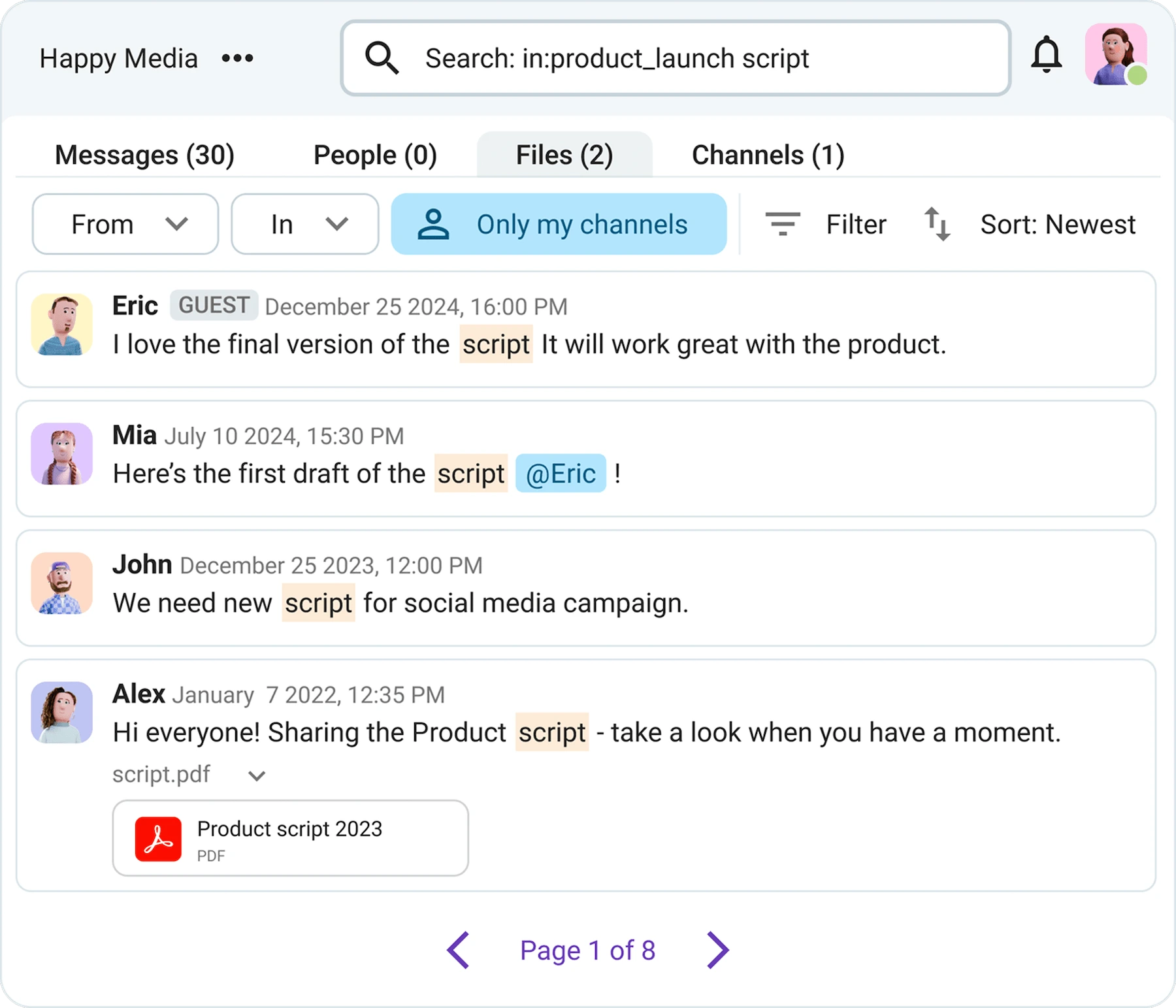
With everything stored together and backed by unlimited message history, teams can always revisit past versions, decisions, and discussions with ease. Use Pumble’s search function and its filters to find what you need in seconds.
Consulting and management
If you’re part of a consulting or management team, juggling multiple accounts can quickly become overwhelming. In an industry like this, transparent communication is key to effective collaboration, and everyone involved needs access to the right information.
This is where Pumble truly shines. Using it as your go-to knowledge base — with past conversations, decisions, and files within one platform — makes communication clearer, both internally and with external stakeholders.
To ensure high satisfaction, you can invite clients into your Pumble workspace and give them limited guest access to specific channels, providing direct visibility without constant email back-and-forth.
Additionally, bring structure into your day-to-day work through organized channels dedicated to different accounts and projects, so your team always knows where to find what they need.
This level of transparency improves internal processes, helping your team work more efficiently and scale your business with greater ease.
Construction, engineering, and real estate
Working in construction, engineering, and real estate often means teammates are in multiple locations, with communication being split between on-site and office staff. This makes it even easier to have gaps in conversations, misunderstandings, and delays that slow down decisions and impact project timelines.
With Pumble, construction teams can stay connected by sharing real-time updates from the field, whether it’s progress reports, unexpected issues, or changes that need immediate attention.
For example, a site manager can quickly share a photo in a dedicated channel and get an instant review and response.
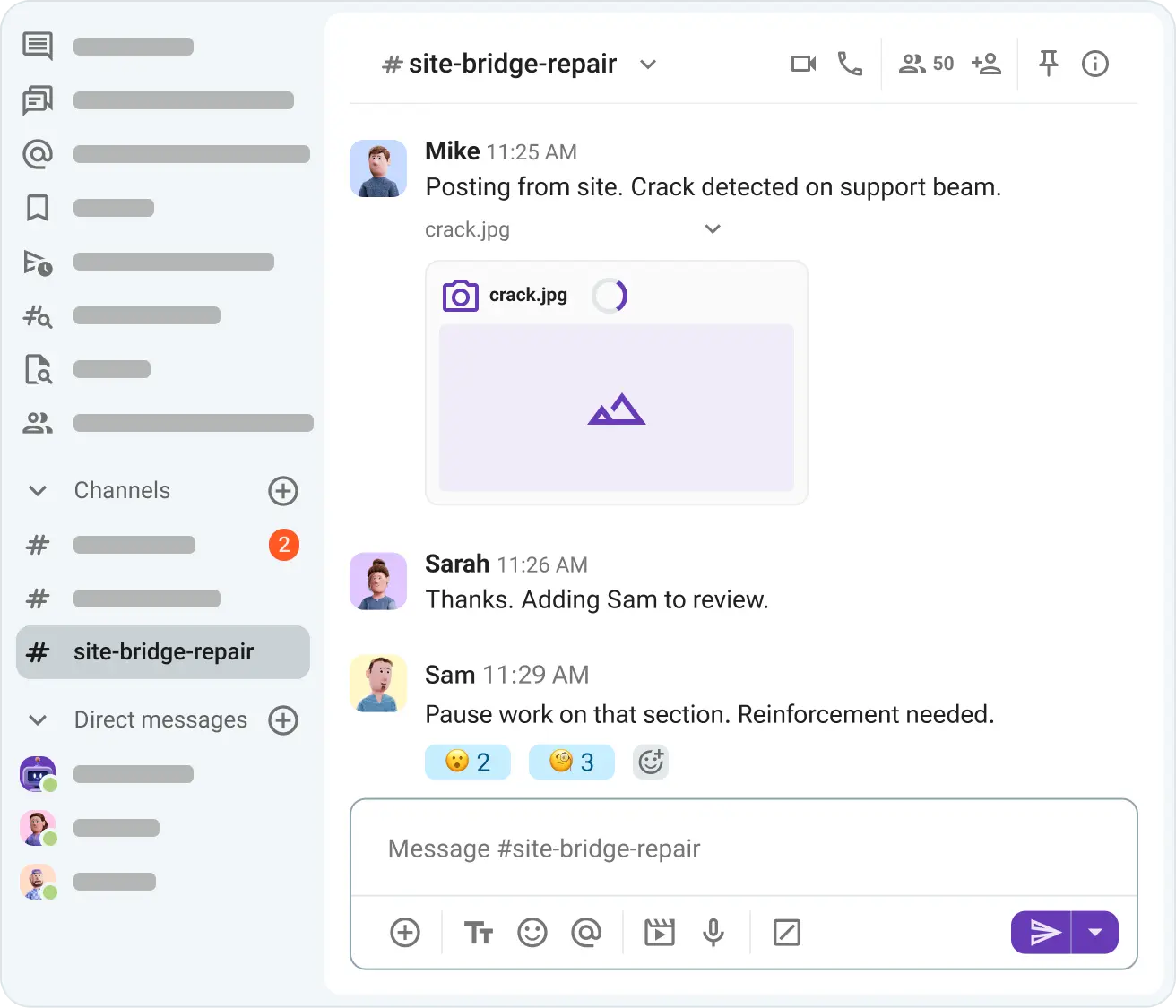
Construction teams can keep all project-related communication, files, and decisions in one organized space, making it easier to track progress, avoid miscommunication, and stay aligned across locations.
Retail, commerce, and consumer goods
Lastly, if you’re in the retail business, Pumble’s features help keep communication clear so everyone — from HQ to store teams — can collaborate more efficiently.
Teams can connect employees across locations and departments in one shared workspace, making it easier to coordinate operations and respond quickly to day-to-day changes.
In Pumble, create dedicated channels to:
- Plan and launch campaigns,
- Get real-time feedback from store managers,
- Report and resolve store issues like POS errors or operational blockers, and
- Share stock changes and shortages.
Furthermore, teams can also use video calls and share their screen to run briefings, training sessions, or updates, so everyone is informed and on the same page.
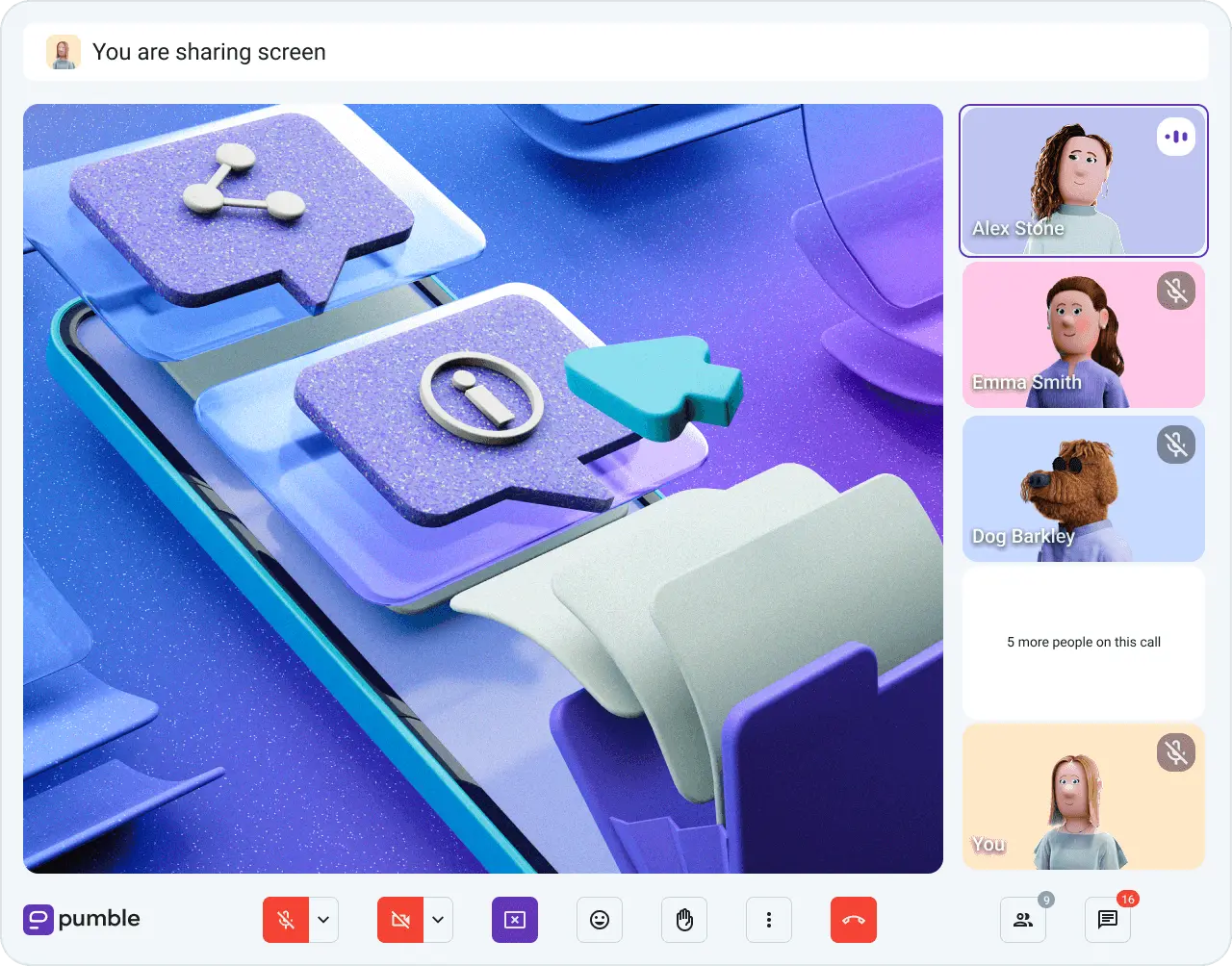
With instant communication through channels and direct messages, teammates can react in real time instead of waiting for emails or calls.
Organize your work with Pumble by CAKE.com
Pumble by CAKE.com is a game changer for team communication, making work easier and more efficient for everyone in your organization. No matter your department or industry, Pumble offers a structured way to keep conversations, files, and decisions organized and easy to access.
Getting started is easy — teams can set up channels based on their structure, invite teammates and external collaborators when needed, and begin centralizing their communication right away.
If you’re switching from other tools, you can easily bring your existing data with you by importing it from a CSV file, allowing you to move workspace content without losing important conversations.
With everything in one place, Pumble helps teams reduce chaos, improve transparency, and build a more efficient way of working.
How we reviewed this post: Our writers & editors monitor the posts and update them when new information becomes available, to keep them fresh and relevant.